
A bell on every team phone, every time Shopify takes an order.
Shopify Admin’s notifications are fine if you’re the only person running the store. The moment you have a team — a fulfillment lead, a CX person, an ad buyer, a merchandiser — you want everyone to hear the same sound at the same moment. Not ten minutes later in a Slack digest. Not in an email. Right now, with a sound that makes the team smile.
PingBell sends a push notification to every team phone (and every team laptop, and the TV on the wall) the moment a Shopify order pays. Every push includes the order’s value, so the alert itself tells the team what happened — not just that something happened.
Who this is for
- Shopify stores with 2 or more people where everyone wants to hear the bell, not just the owner logged into Admin.
- DTC brands running ad campaigns where the ad buyer wants to feel the pulse of conversions in real time.
- Fulfillment teams who want a nudge when an order lands so they can start picking before the ticket hits their queue.
How PingBell solves it
70+ built-in notification sounds. Don’t settle for the iOS ding. Pick a literal bell, a cheer, a cash register, a chime, a gong — whatever fits the moment. Each counter can have its own sound.
Routing per counter. Not everyone gets pinged for everything. Your ad buyer wants every order; your fulfillment lead only wants the new-order ping; your CX team wants its own dedicated counter. PingBell routes each counter to the right subset of your team.
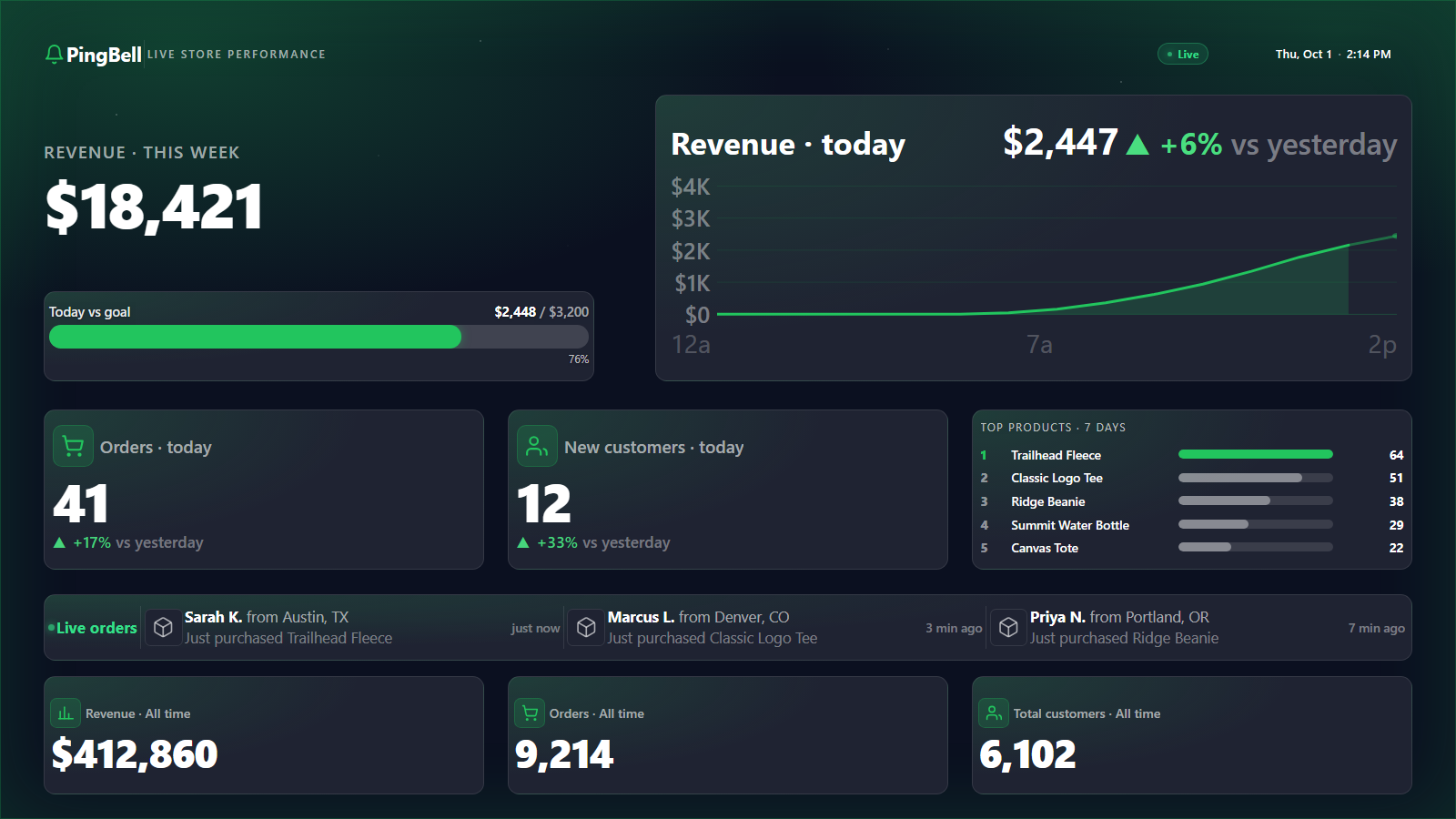
Plus the counter and the graph. Every push notification is one of three actions PingBell takes. The same order also increments a live counter on your office TV and plots a point on a real-time graph. Three broadcasts, one Shopify webhook.
Setup in 5 minutes
- Install the PingBell Shopify app. Find it in the Shopify App Store, authorize read access to orders.
- Create a counter. Connect Shopify as the source and name the counter (“Shopify sales today”).
- Pick a sound. Browse PingBell’s library of 70+ built-in sounds and pick the one you want this counter to ring.
- Write the notification body. Short and clear — the team reads it on a watch or a lock screen.
- Invite the team. On the Team plan, add as many teammates as you like. They install the PingBell iOS/Android app, sign in, and start hearing the bell.
Pricing for this use case
The Plus plan at $50/mo (billed annually; $75 month-to-month) is the natural fit for one operator: watermark-free screens that run on their own, board rotation and priority support. Bringing the whole floor in? Team at $200/mo (billed annually; $300 month-to-month) adds a team of five at a flat price — never per seat. If you just want the bell on your own phone, Core at $20/mo (billed annually; $30 month-to-month) has every notification feature and the full designer.
See the full pricing page for feature comparison.
FAQ
Do I need the Shopify App Store app, or can I use a webhook?
Both work. The Shopify App Store app is easier (one-click install, automatic authentication). If you’d rather use a custom webhook — perhaps you want to pre-process the order payload with a middleware — the webhook endpoint accepts the same payload Shopify would send.
How fast is the notification?
From Shopify firing the webhook to your phone vibrating is typically under 3 seconds. Apple Push Notification Service and Firebase Cloud Messaging handle the last-mile delivery at the same speed as any other push notification on your device.
Can different team members get different notifications?
Yes. Create multiple counters and route each one to a subset of your team (teams are included on Plus and Pro). Different counters, different sounds, different recipients.
Does it work with Shopify POS?
Yes. POS orders fire the same orders/paid webhook as online orders, so they trigger PingBell identically.
Can I mute the notifications during off-hours?
Yes. Per-user quiet hours let each team member set their own DND window. The counter keeps updating; only the push notification is silenced during those hours.
Get started
Install the PingBell Shopify app or start a free 7-day trial. Invite your team. Pick a sound. The next order your store takes will be the last one that comes in quiet.