
The whole building, on one board.
A form a teacher fills in rings the nurse's phone. A maintenance request pings facilities. Announcements reach every hallway TV — from a browser, never from a ladder.
Works with the TVs and streaming sticks already in the building · Google Forms add-on included
What's on the hallway TVs.
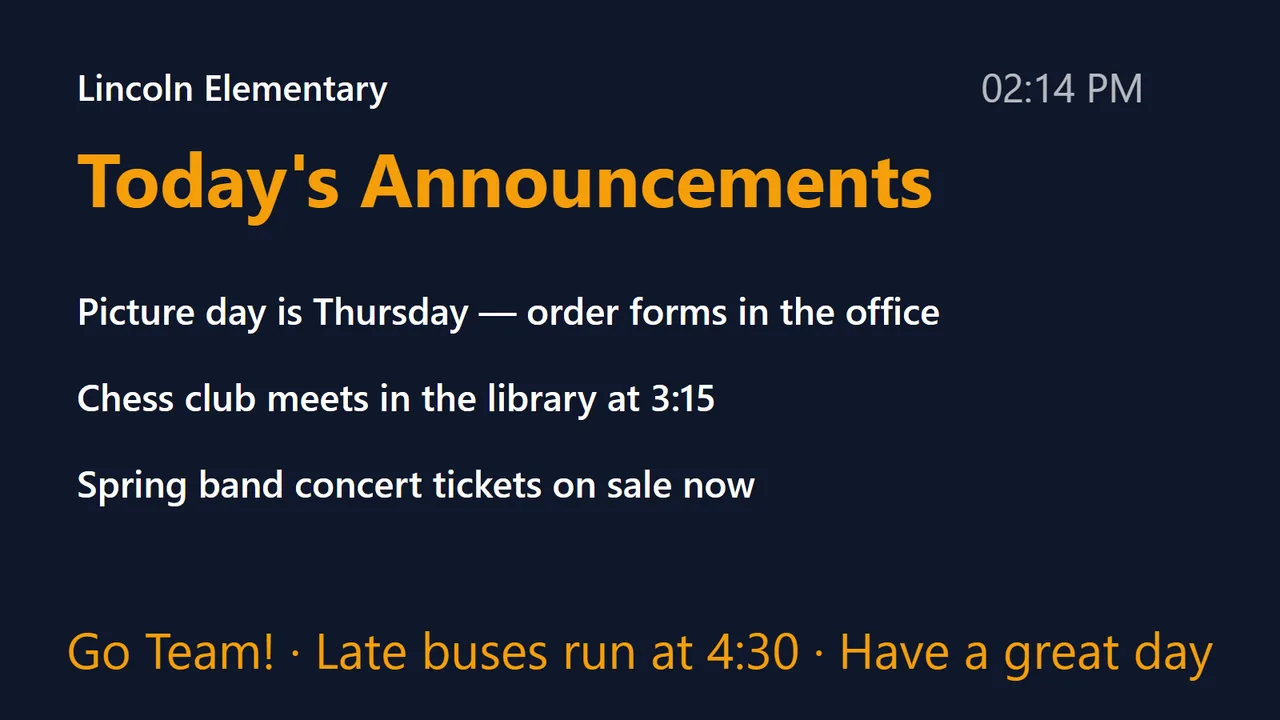
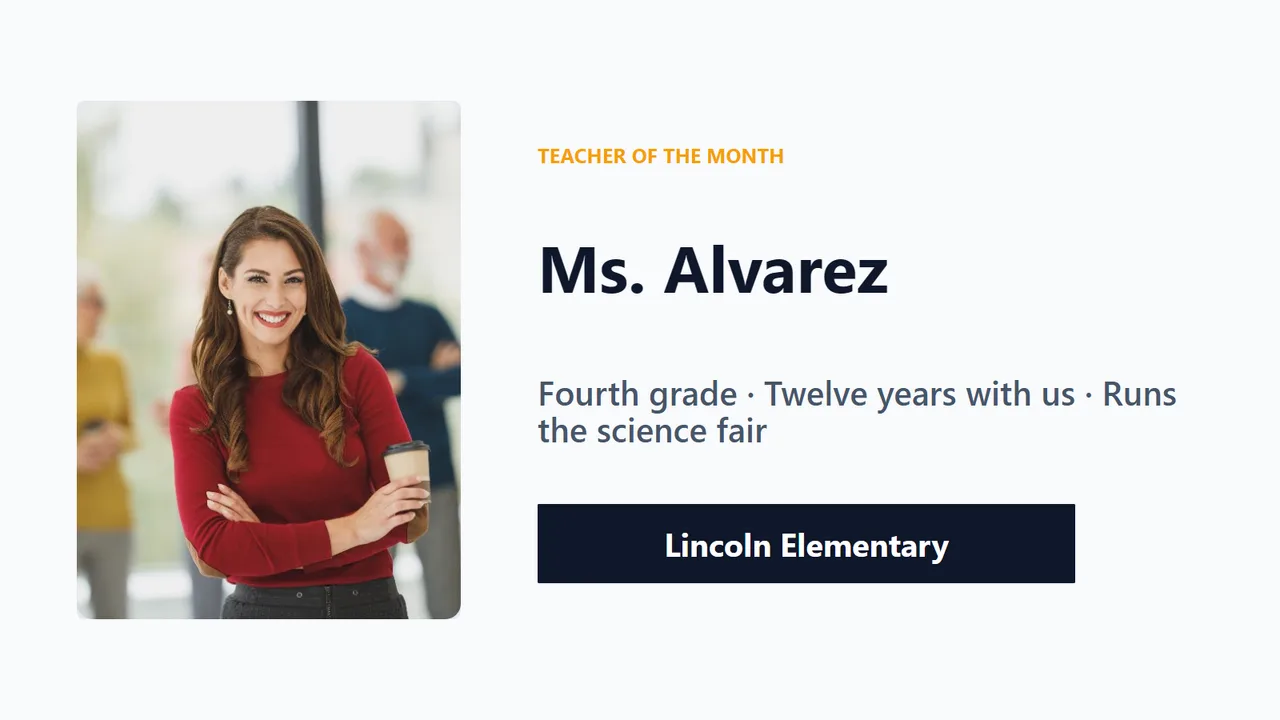
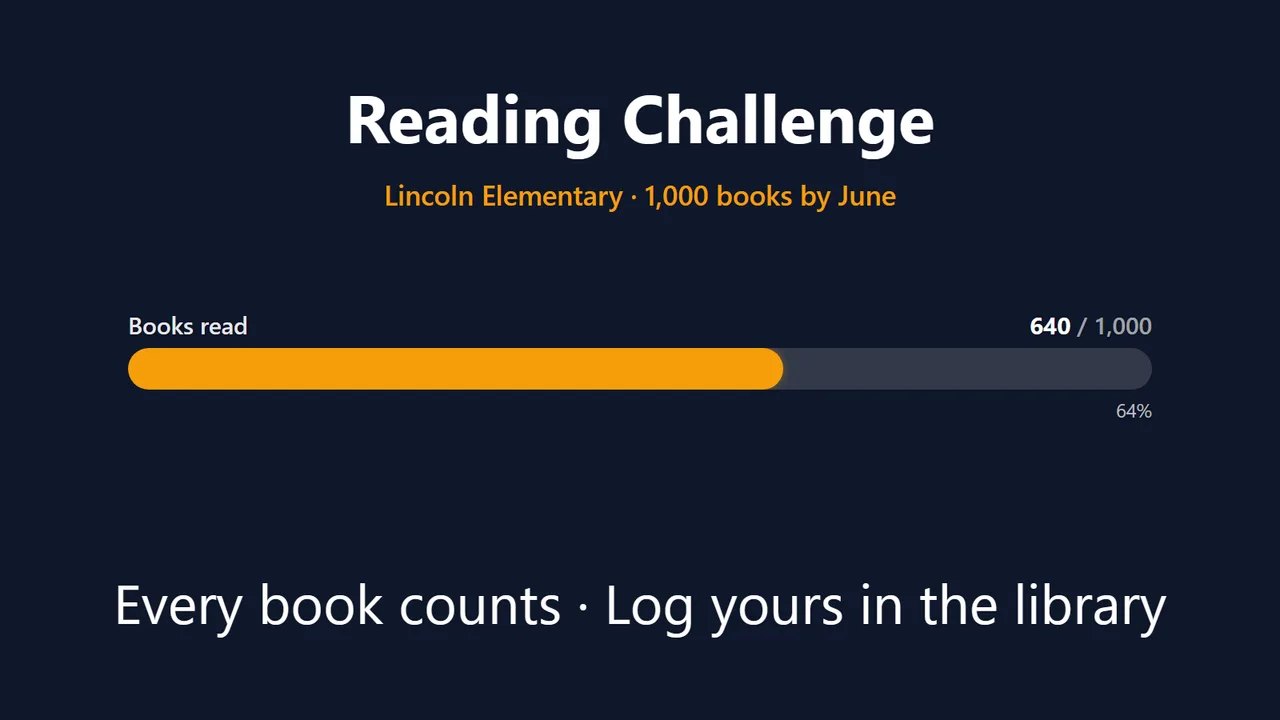
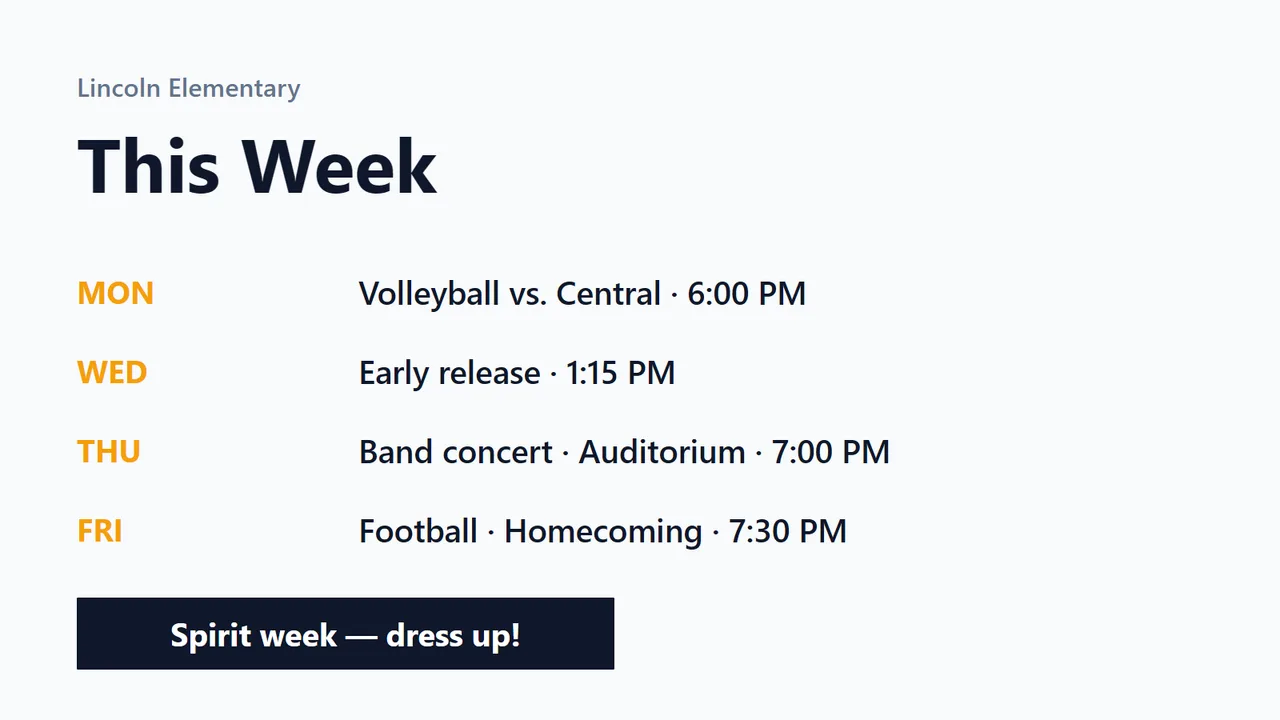
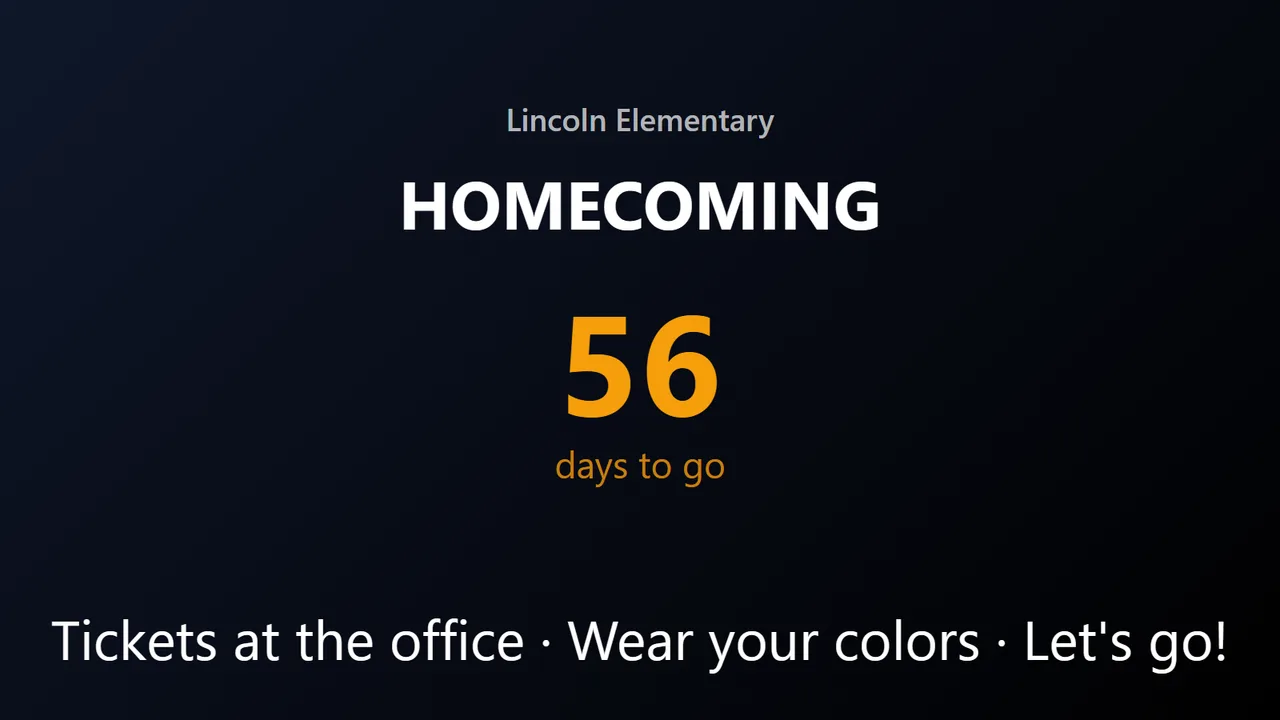
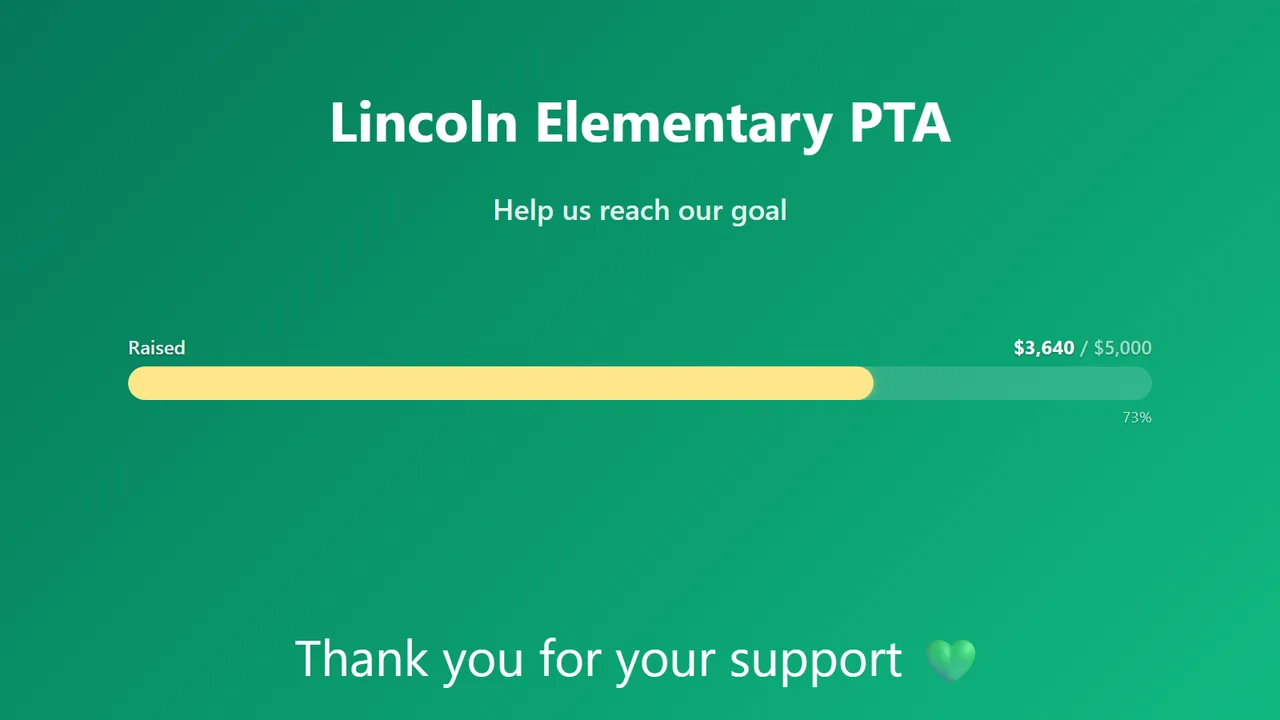
One channel, every hallway: announcements, this week's events, teacher of the month, the reading challenge, game day and the fundraiser — rotating on their own.
What schools put on it.
The busiest school accounts on PingBell do not run signage. They run alerts — and the screens follow.
A teacher fills in a Google Form on their laptop. The nurse's phone rings before the student reaches the door, and the day's count sits on the clinic screen.
A broken projector, a spill in B-hall, a door that will not lock. Facilities gets a ping the moment the request comes in, and the office TV shows the day's count.
The bell schedule, the lunch menu, tonight's game, a welcome for visitors — boards updated from any browser, rotating on a channel, on every hallway TV.
Set up in an afternoon, by the front office.
Start from a form
The Google Forms add-on connects a form in one click. Every submission counts, and rings whoever you choose.
Use the TVs you have
Native apps for Roku, Fire TV, Android TV and Apple TV, or any browser on any screen. No media players, no IT project.
Ring the right phone
The nurse, the custodian, the front office — each source pings the people who need it, with a sound they will recognise.
- Google Forms, Jotform, Typeform and Tally connect directly
- Anything else through Zapier, Make or a plain webhook
- Channels rotate boards per hallway, cafeteria or office
- Change the board from a phone; every screen follows
Straight answers.
How do teachers send an alert?
A Google Form on their laptop or phone, or any bookmarked form. Nothing to install in the classroom.
Do we need new hardware?
No. The streaming sticks and smart TVs already in the building run the PingBell app; anything with a browser works too.
What does it cost?
Free to start, with one board and one screen. Plus is $50 a month per campus workspace, billed annually, and pairs up to 50 screens. Districts with more campuses are a short conversation.
Can we run a fundraiser on it?
Yes — a giving thermometer that fills as pledges come in from a form, on every screen at the same time.
Put the first form on a screen today.
Free to start. The nurse's phone can be ringing before the last bell.