
Turn one item into a room-wide game.
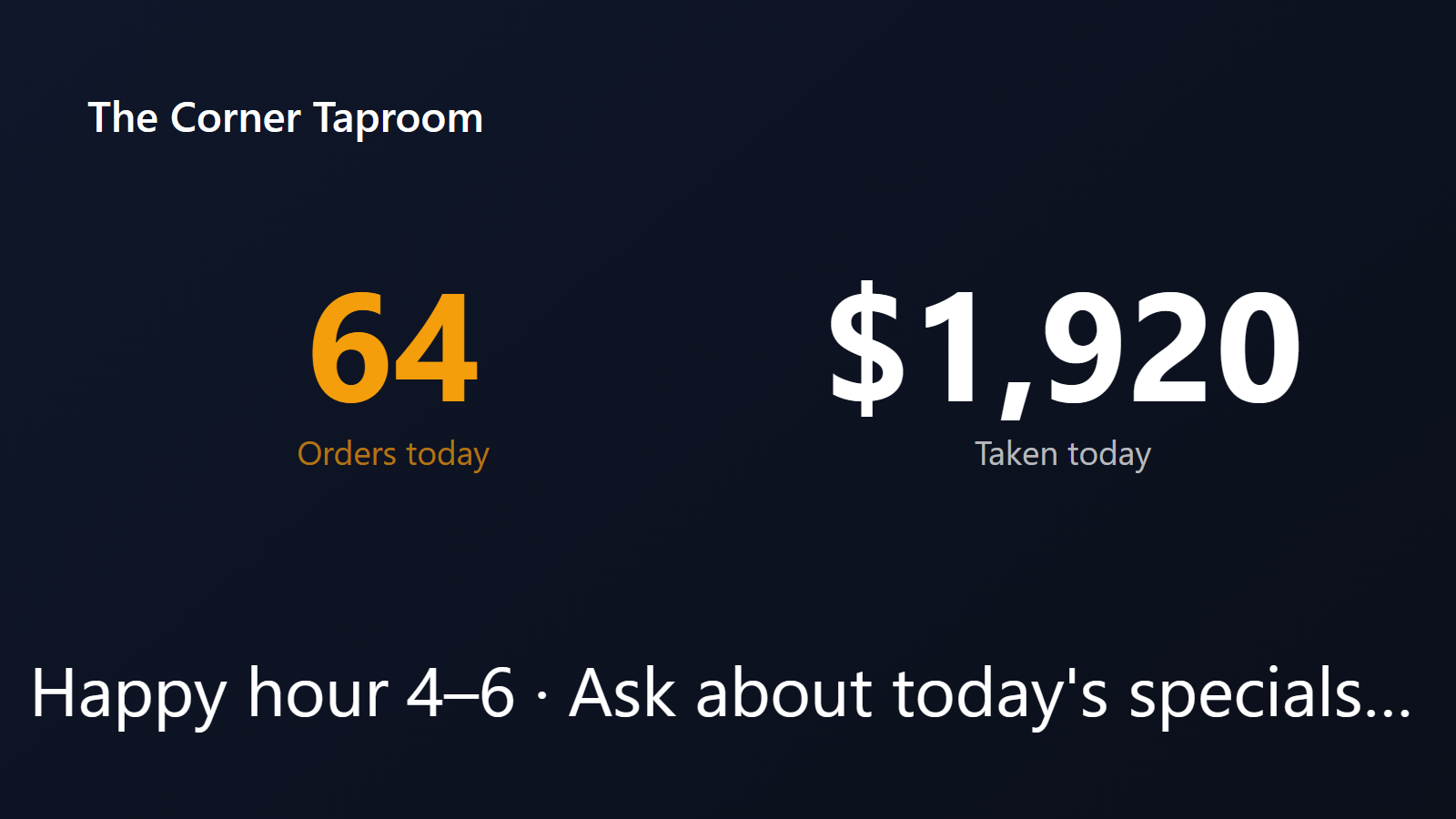
The best bar nights have a story. A featured cocktail, a chef’s special, a seasonal beer — something the room is rallying around. PingBell turns that item into a live, visible game. A TV behind the bar shows a counter that ticks up every time someone orders the item. Every hundred orders, the round is on the house. Every fifty, free fries hit the bar. The room watches the number climb. The energy in the room becomes the marketing.
It’s a small mechanic with outsized effects: average order count up, repeat visits up, staff energy up. And the team running the floor finally has a number to chase together.
Who this is for
- Bars and pubs running a featured cocktail or beer night.
- Restaurants pushing a daily special or menu launch.
- Sports bars building energy around a game-night menu.
- Breweries and tasting rooms highlighting a new release.
- Hotel and resort F&B teams running a featured drink at the pool bar or lobby lounge.
How PingBell solves it
Connect your POS. Square, Toast, Clover, Lightspeed Restaurant, Aloha — every modern POS has either a webhook (Square, Toast) or a Zapier integration that fires on each item sold. PingBell counts the orders for the specific SKU you pick.
Display in the room. Plug a streaming device into a TV behind the bar, in the dining room, or at the host stand. The counter takes over the screen with big, legible typography readable from across the room. Pick a brand-friendly font, color, and background.
Milestone perks. Configure thresholds at every 50, 100, or whatever number you choose. When the counter crosses, PingBell triggers a celebration on the screen and a sound on the bartender’s phone. The bartender announces the perk. The room cheers.
Per-night reset. Counter resets every shift, every Friday, every event night — whatever rhythm fits. Each night gets its own story.
Setup in 5 minutes
- Create a counter. Name it (“Margaritas tonight” or “Featured beer of the week”), pick the milestone thresholds (every 50, 100, etc.), style the display.
- Connect it to a source. Square or Toast webhook firing on the specific SKU. Or use Zapier with your POS’s “New order containing item X” trigger.
- Install the PingBell mobile and TV apps. iOS, Android, Apple TV, Fire TV, Android TV, or Roku.
- Pair the bar TV. Plug a streaming device into the bar TV and open the PingBell TV app — it shows a short pairing code. Enter it on the Screens page at my.pingbell.io (or scan the QR).
- Cast the board. Watch the numbers grow — and watch the room order more.
Pricing for this use case
A single venue running one or two specials at a time fits on the Plus plan at $50/mo (billed annually; $75 month-to-month) (up to 50 paired screens, one rotating channel). Multi-venue operators wanting different content on every screen: Team at $200/mo (billed annually; $300 month-to-month) with unlimited channels and a team of five.
See full pricing.
FAQ
What POS systems are supported?
Square and Toast have direct webhook support — fastest to set up. Clover, Lightspeed, Aloha, TouchBistro, and most others connect via Zapier. If your POS is custom or in-house, POST to PingBell’s webhook from your order-completion event.
Can I count multiple items in the same counter?
Yes. Add multiple SKU filters and they all increment the same counter. Useful for “summer cocktail menu” tracking that includes 4-5 different drinks.
What if my POS doesn’t fire on item-level granularity?
Some older POS systems only fire on order-level events. In that case, you can either upgrade the POS, or use a tablet-based mid-shift logging app (Square Stand or similar) for the featured item only.
Can I show the counter to guests vs. just staff?
Both work. Guest-facing TVs at the bar drive room energy and reorder rates. Staff-facing TVs in the back-of-house drive team motivation. Many places do both.
Can I configure different milestone perks for different thresholds?
Yes. At every 50 orders, fries on the house. At 100, free shots for the bar. At 250, the whole night ends with a round on the house. Customize each threshold’s celebration sound and visual.
What about happy hour vs. regular hours?
Set the counter to reset at the start of happy hour and again at close. Or run two parallel counters — one for happy hour, one for the night.
Get started
Start a free 7-day trial. Connect your POS. Pair the bar TV. Pick a featured item. Watch the room get loud.