
How to Use PingBell Digital Signage with ChatGPT, Claude and Other AI Assistants
Ask your AI assistant to put a countdown, a menu, a price list, a schedule, a notice or a welcome board on any TV or website. It’s free and needs no PingBell account.
Connect PingBell to your AI assistant
ChatGPT
Add PingBell to ChatGPT, then ask for a board. More about PingBell for ChatGPT.
Claude
- In Claude, go to Customize, then Connectors.
- Choose + Add, then Add custom connector.
- Name it PingBell and enter the address below.
- Under Authentication, choose No sign in, then finish with Add.
- In a chat, you can turn it on or off with the + button, under Connectors.
Other AI apps
Any app that supports remote MCP servers can use this address. It needs no sign-in, headers or keys:
https://my.pingbell.io/mcp
Transport: Streamable HTTP. Opening the address in a browser shows an error, which is expected: it only answers AI apps. PingBell isn’t available in Gemini yet.
Put a board on a TV with a pairing code
- Tell your assistant what you want. It makes the board.
- On the TV, open the free PingBell app (Fire TV, Roku, Apple TV, Android TV). On any other screen, open my.pingbell.io/pair in a web browser and leave that page open, full screen. The screen shows a six-character code.
- Read the code to your assistant. Your board appears on the screen.
The screen may also offer a QR code and a place to enter the code at PingBell. Those are for PingBell accounts, so you can skip them. A code lasts 10 minutes, then the screen shows a new one: read the one it shows now.
Ask for a change at any time and the screen updates by itself.
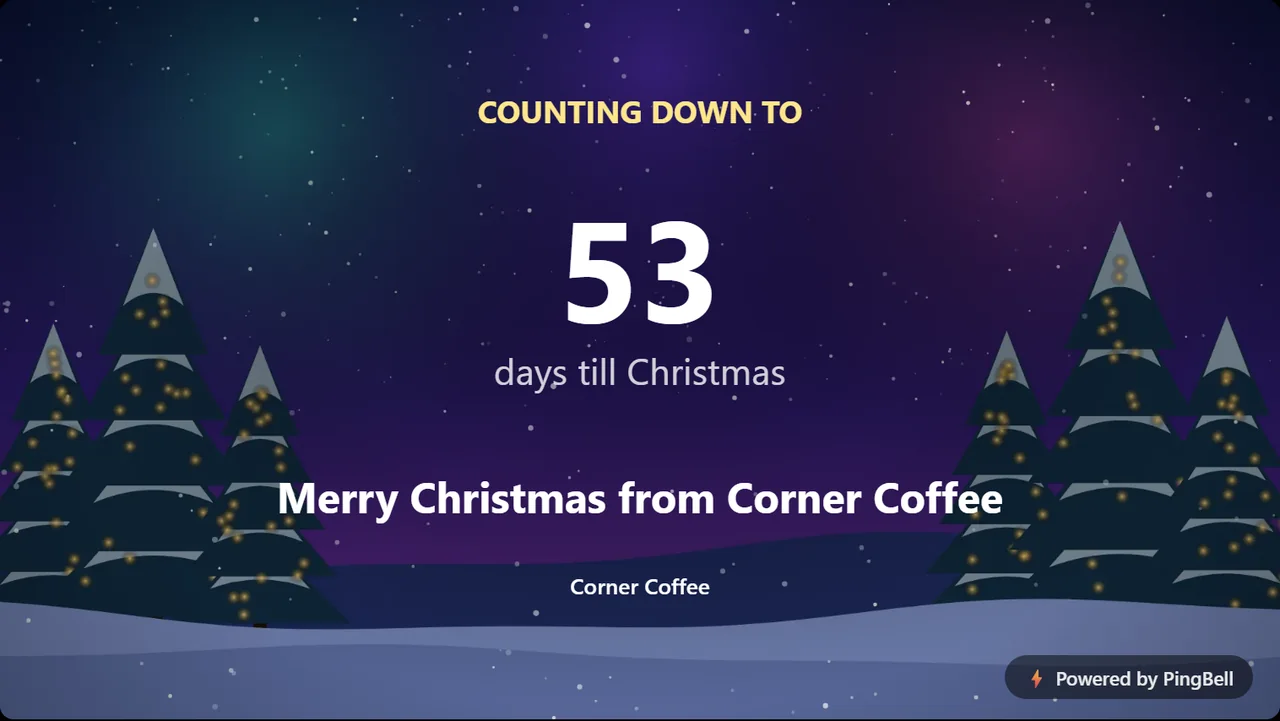
Examples of free boards
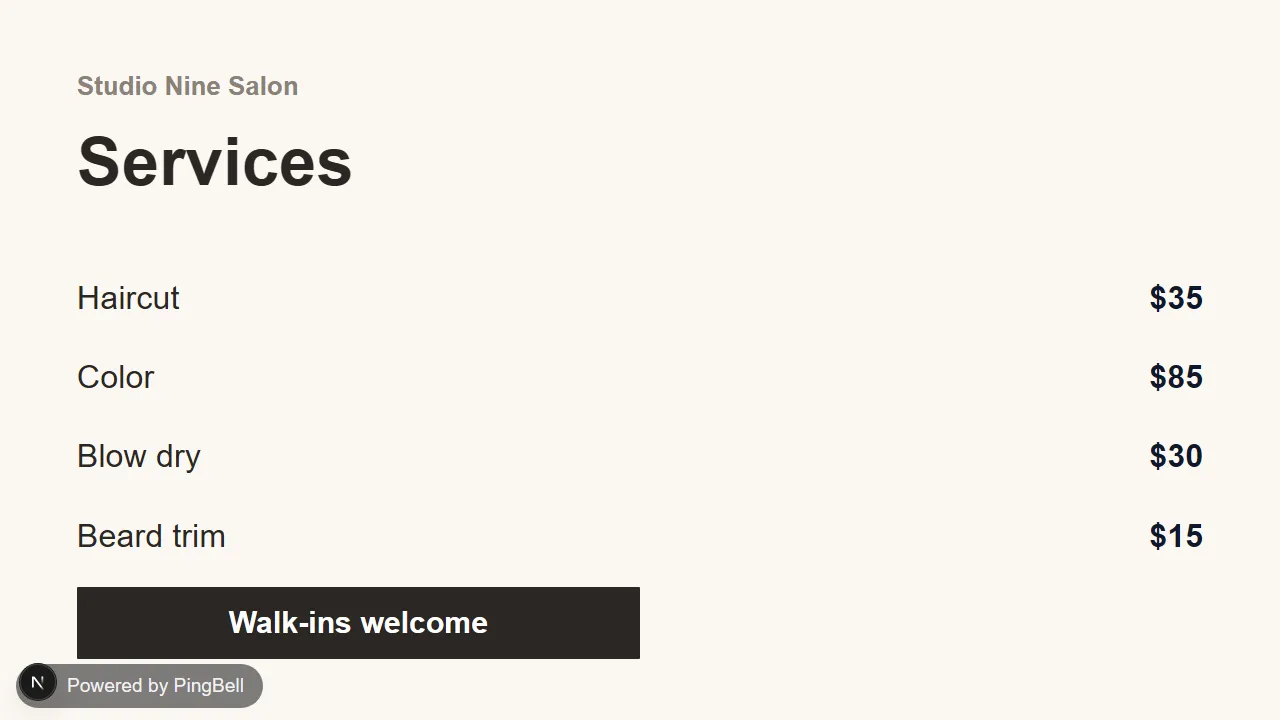
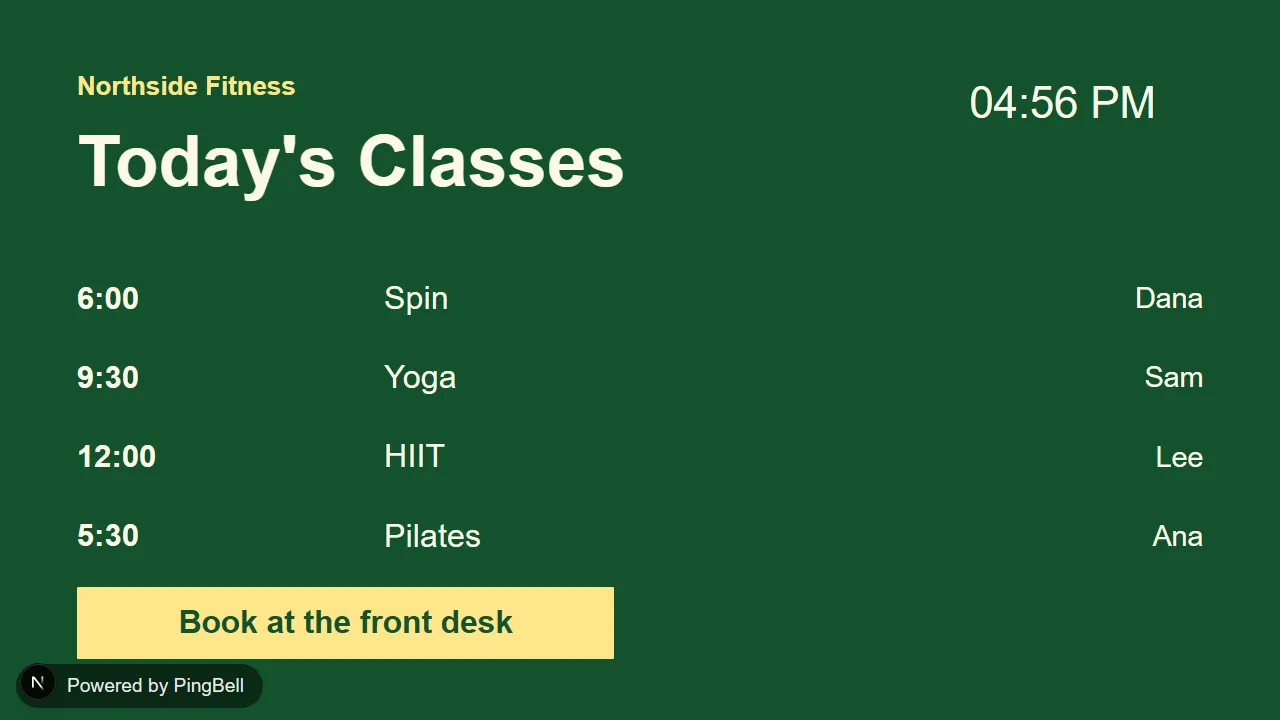
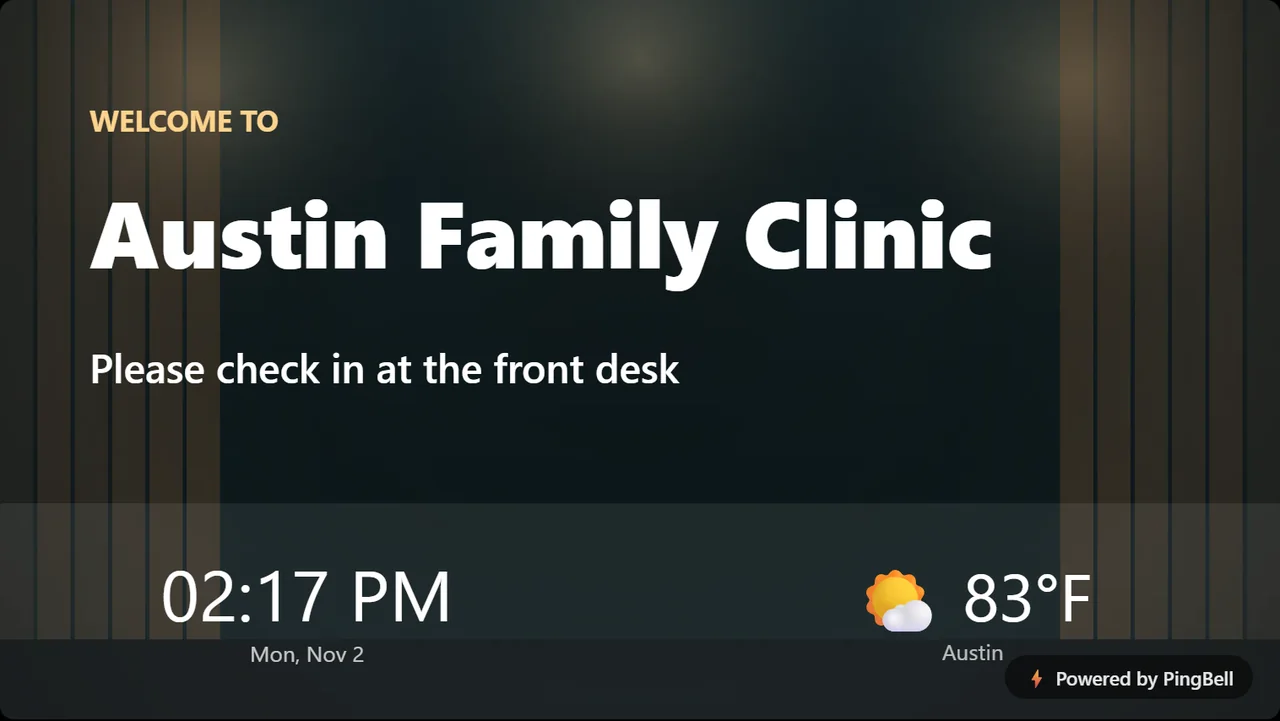
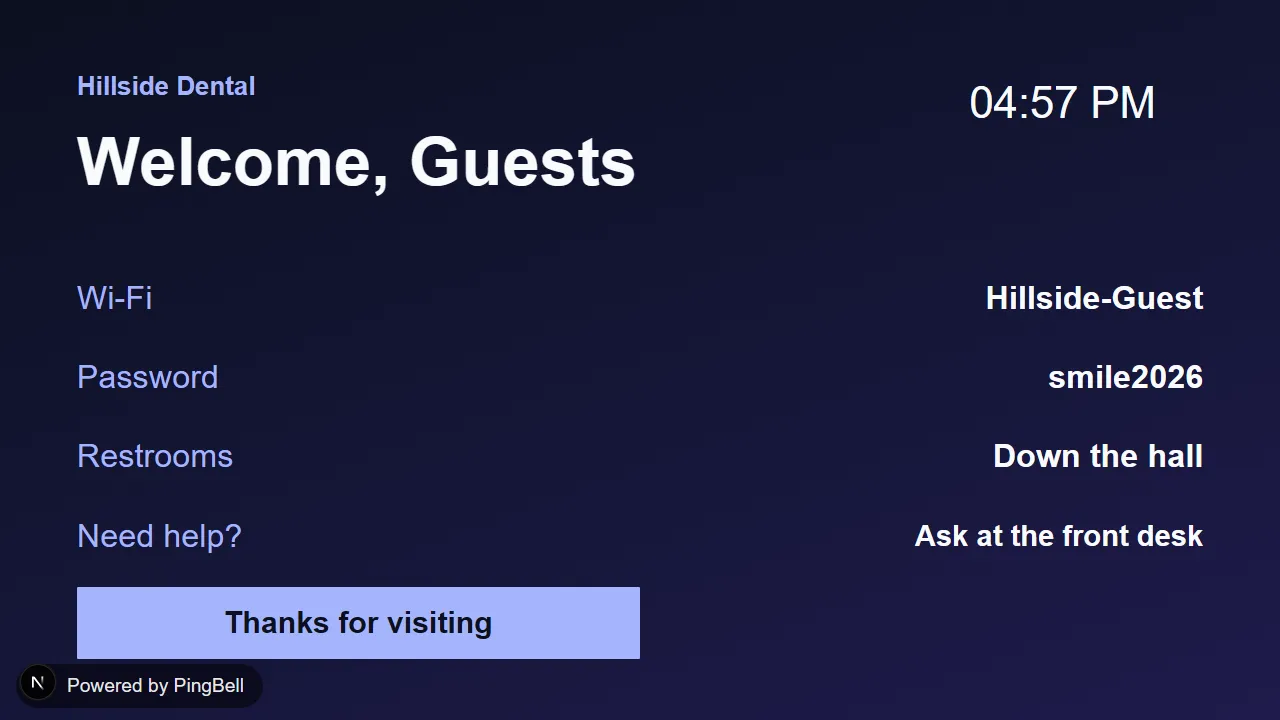
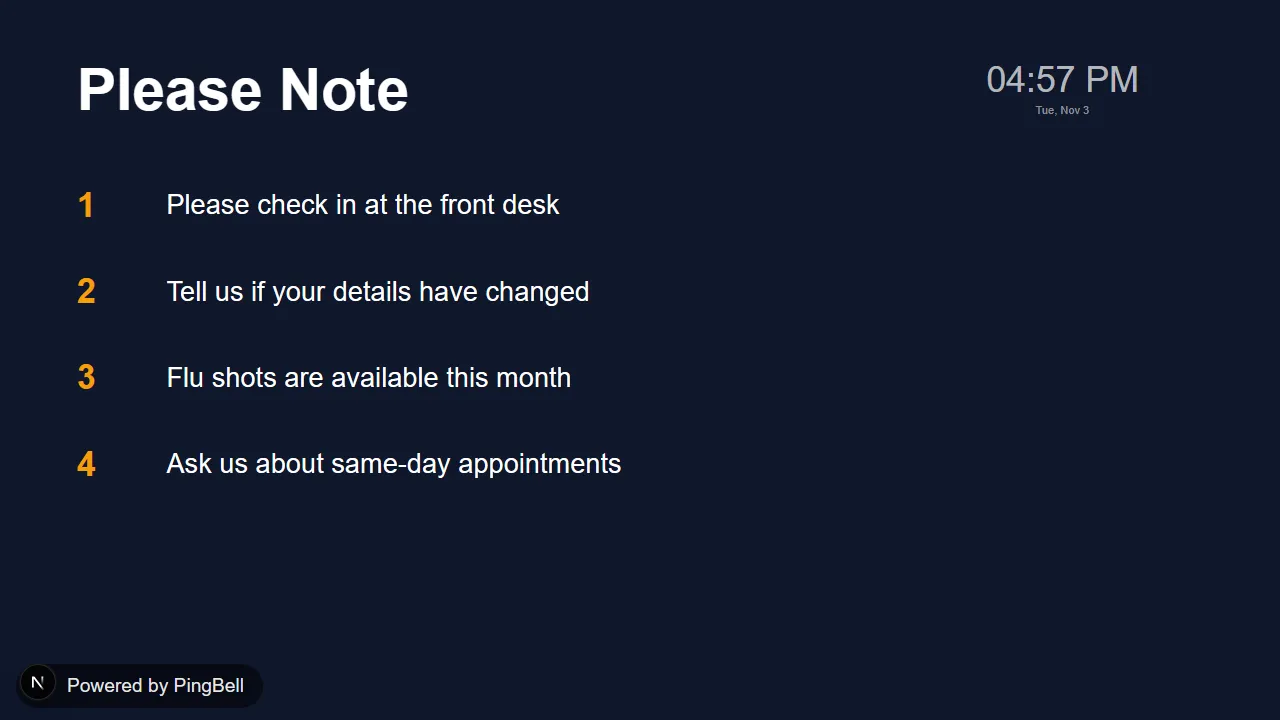
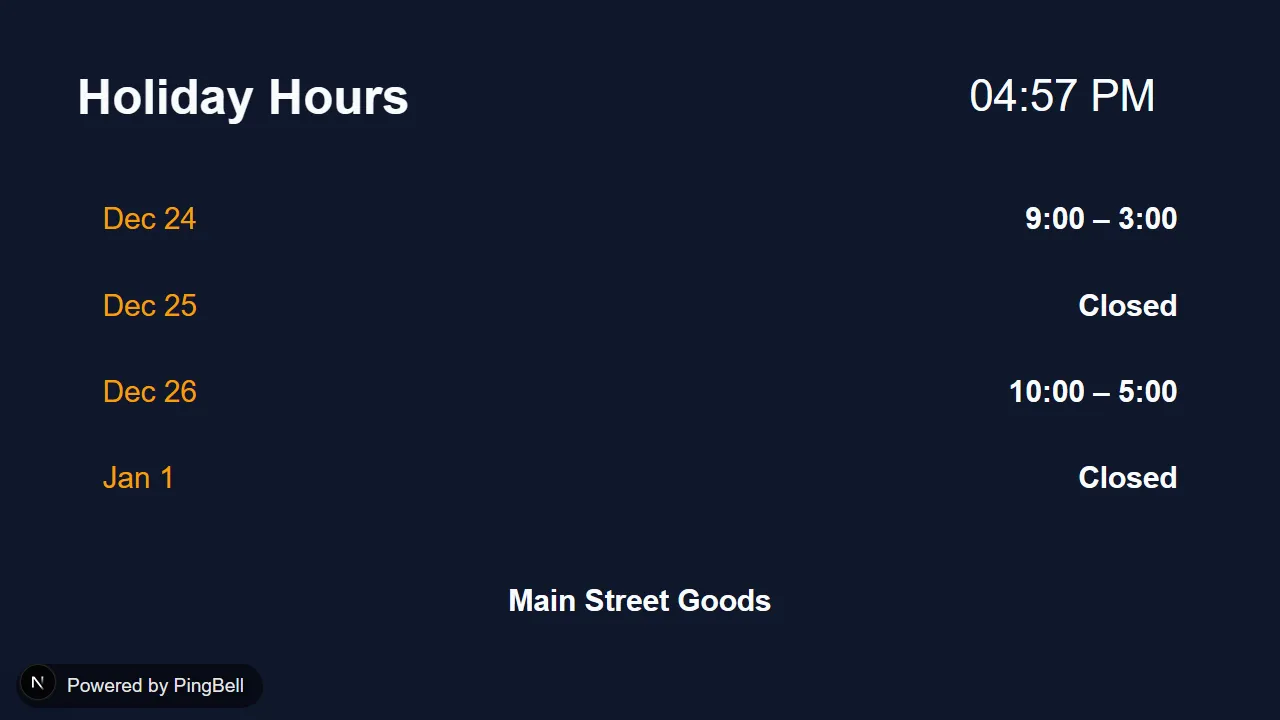
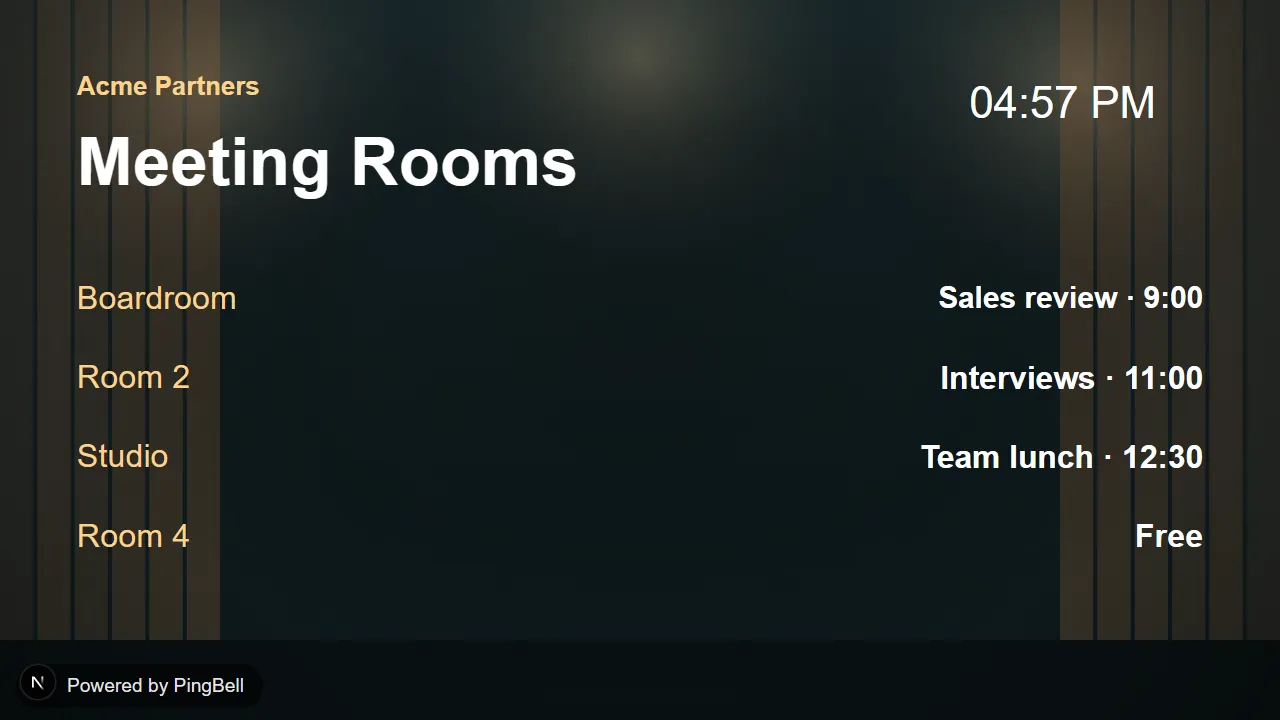
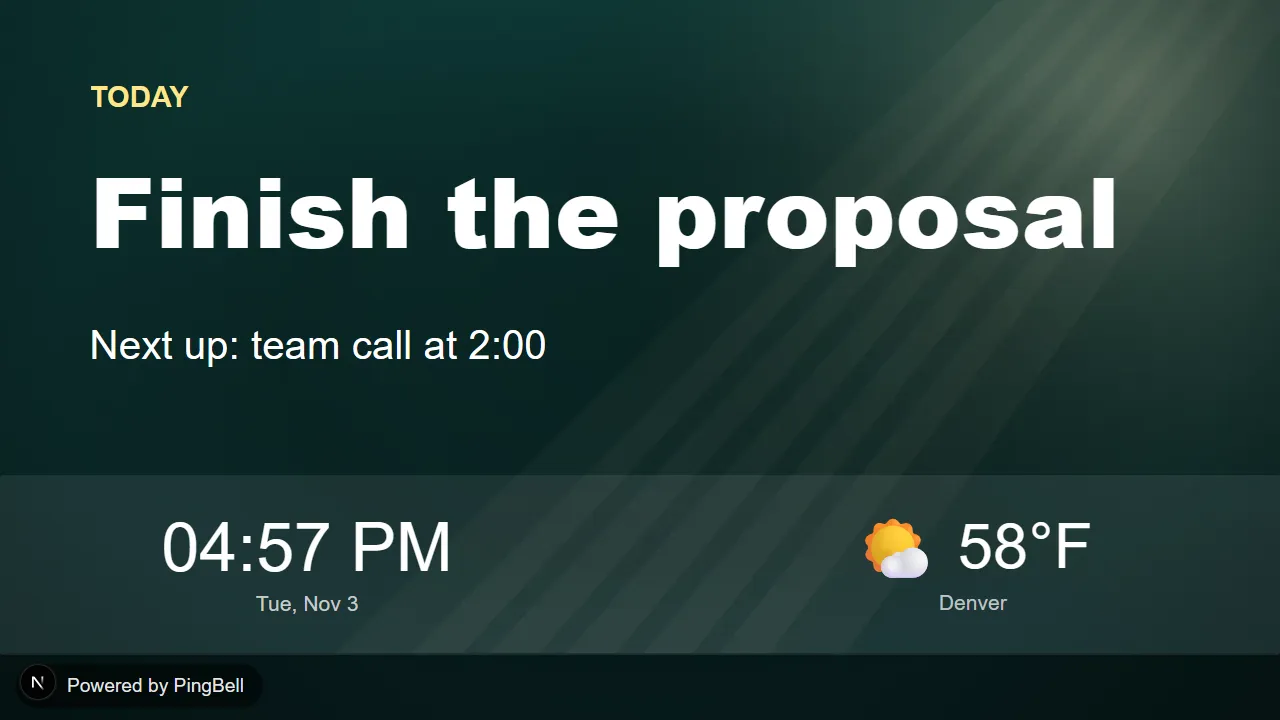
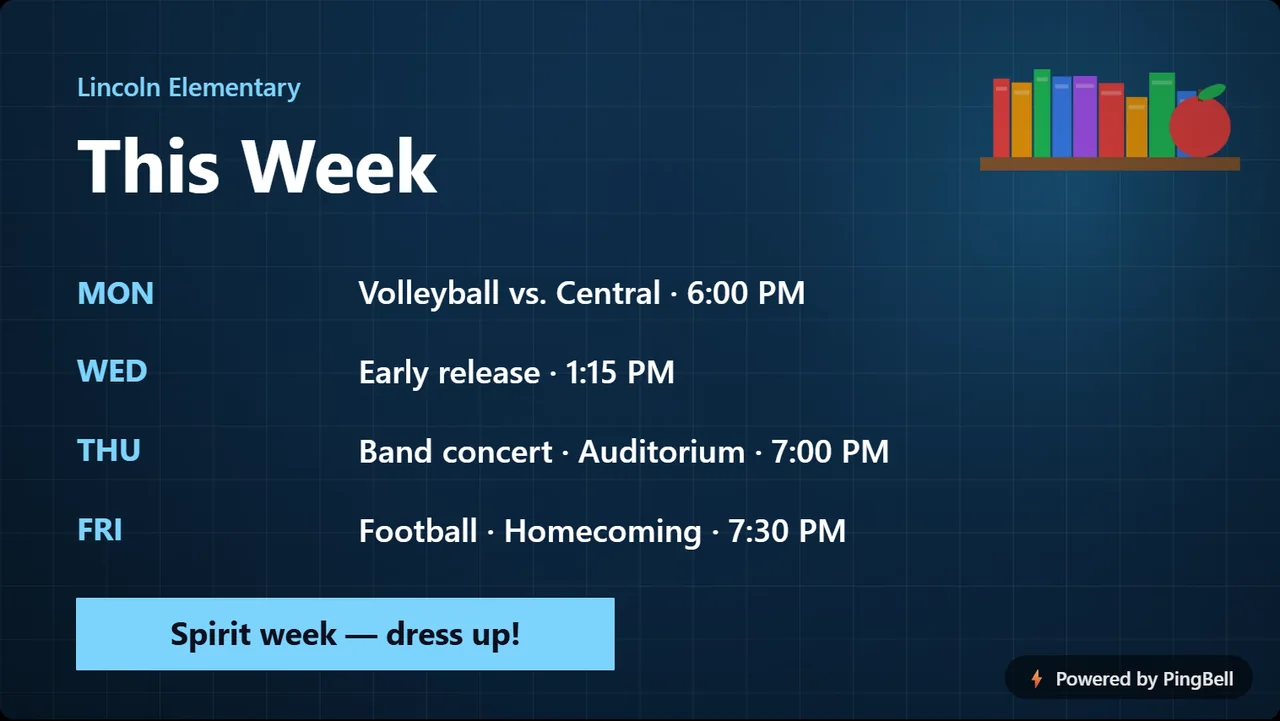
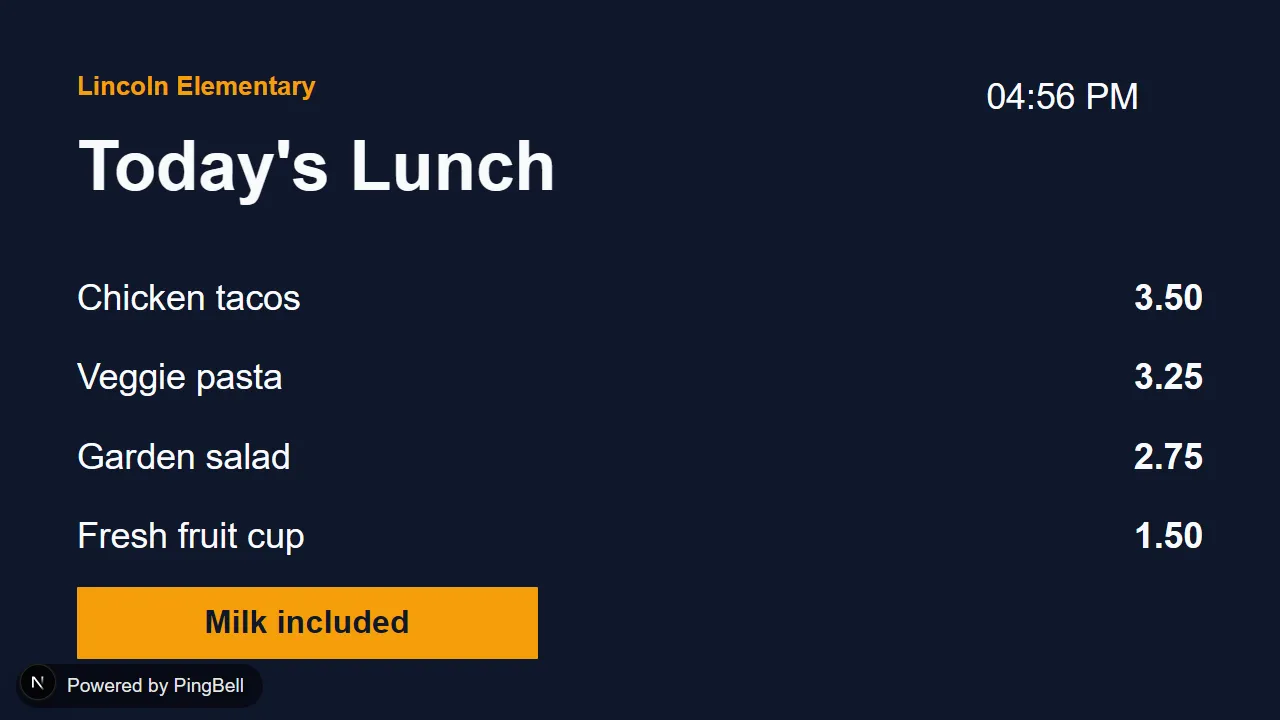
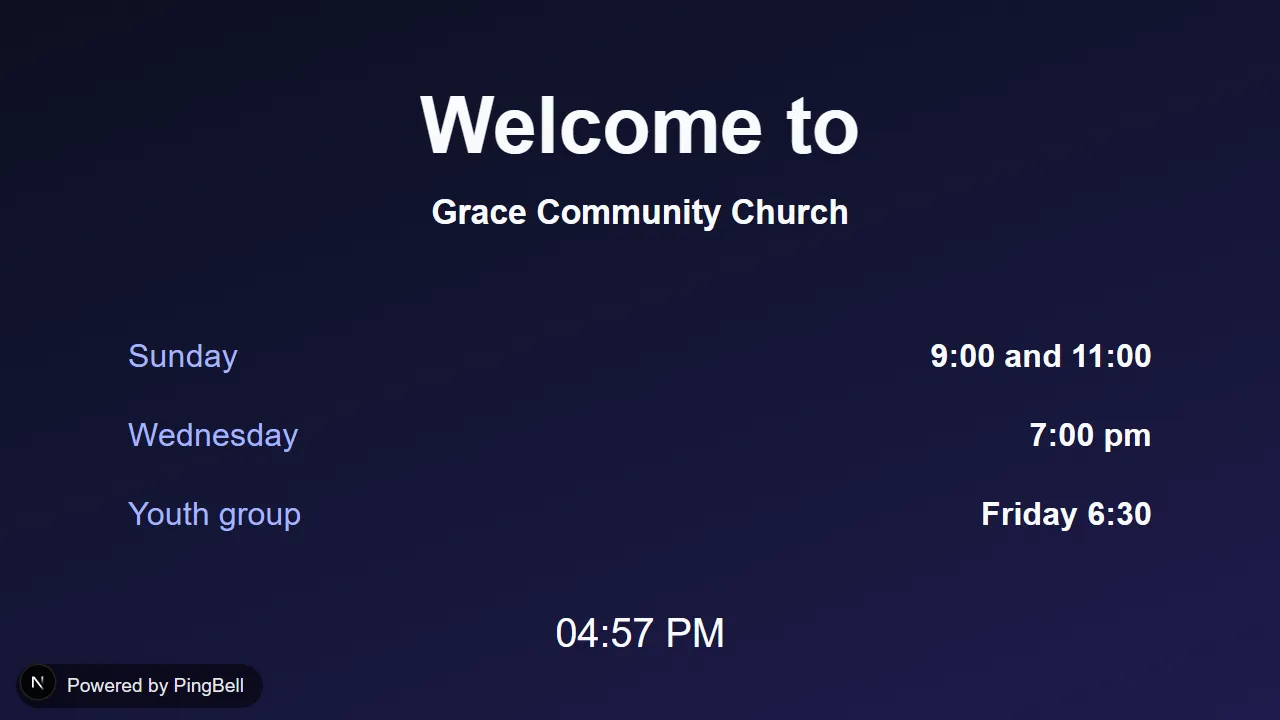
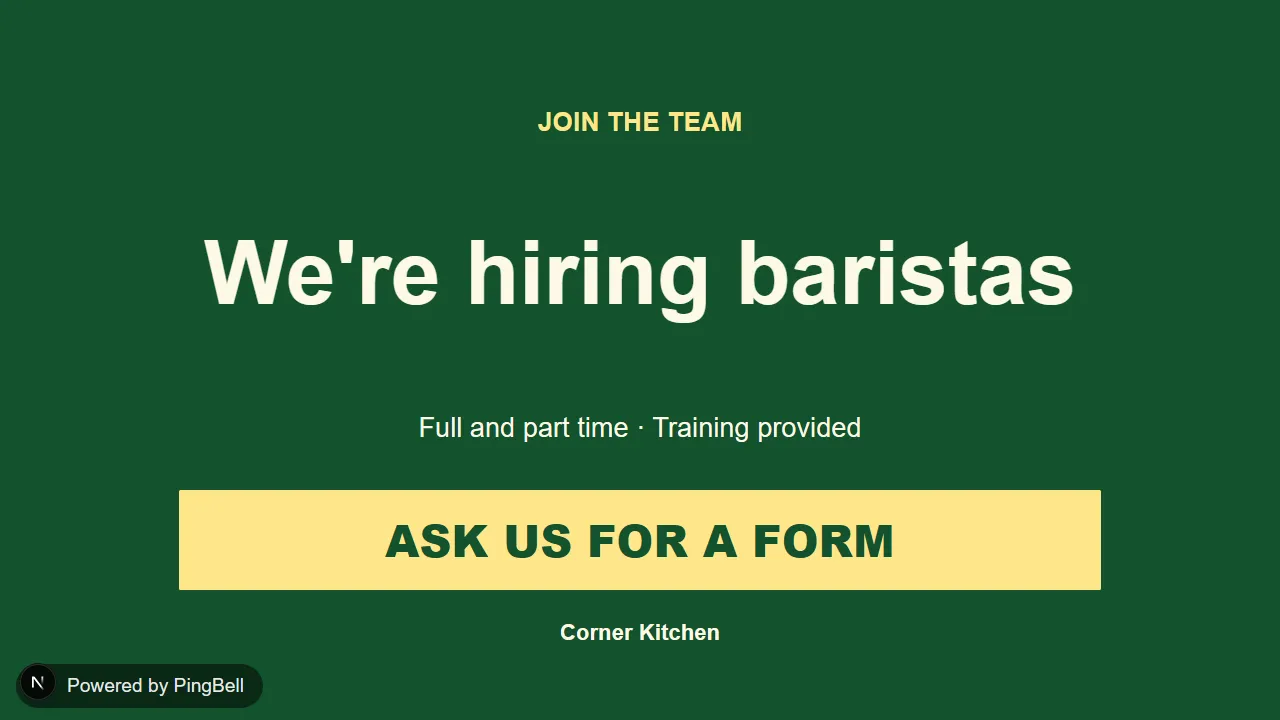
Your assistant picks from ready-made boards and styles and adds your words. It doesn’t generate images. Each one comes in several styles, and these are some of them.
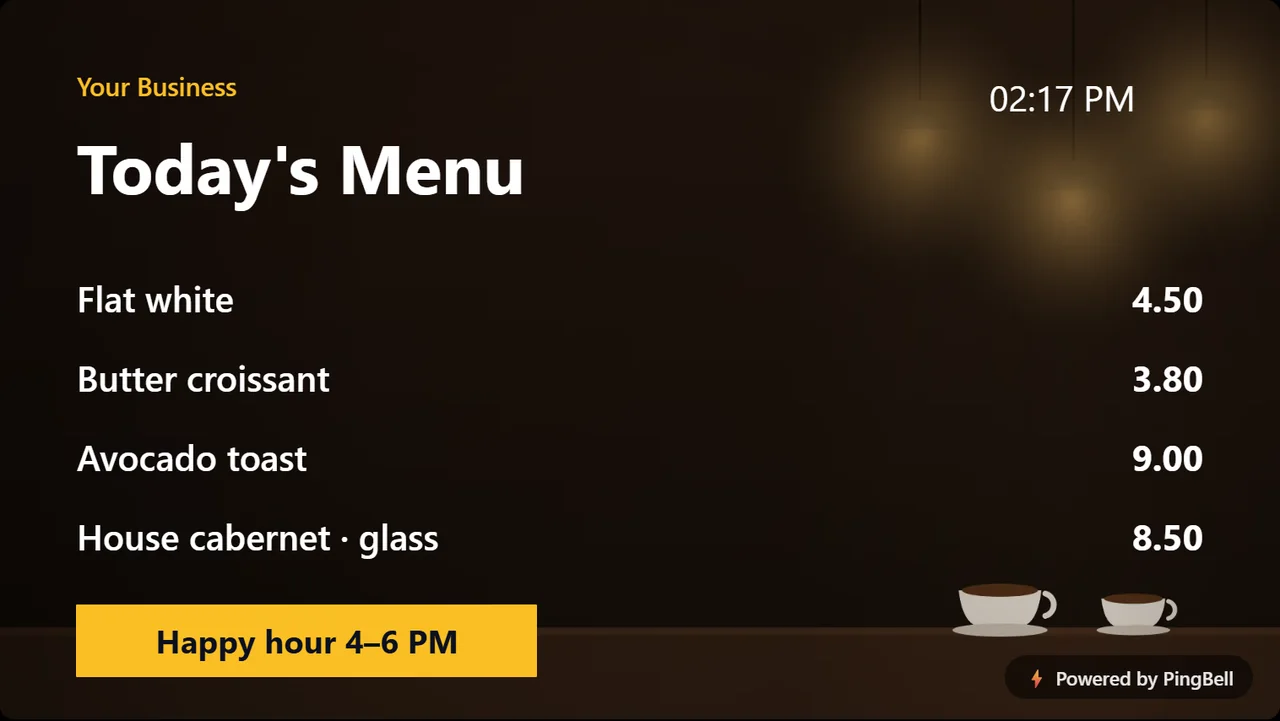
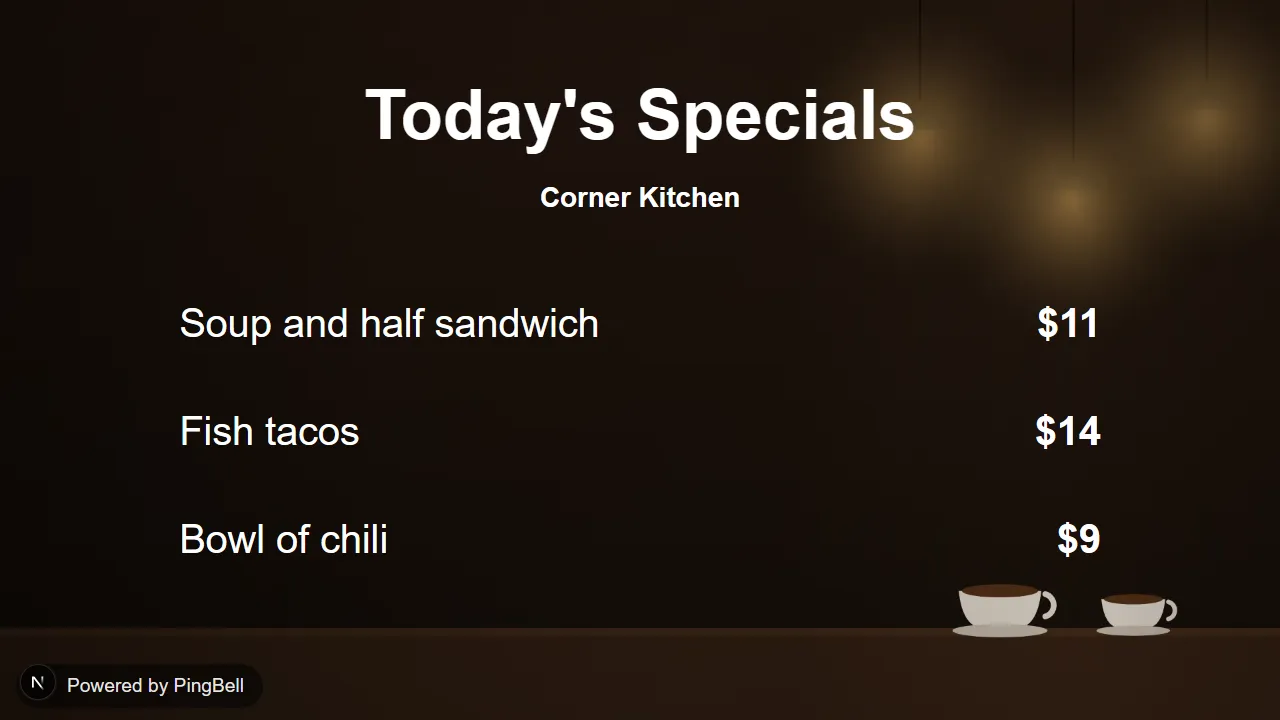
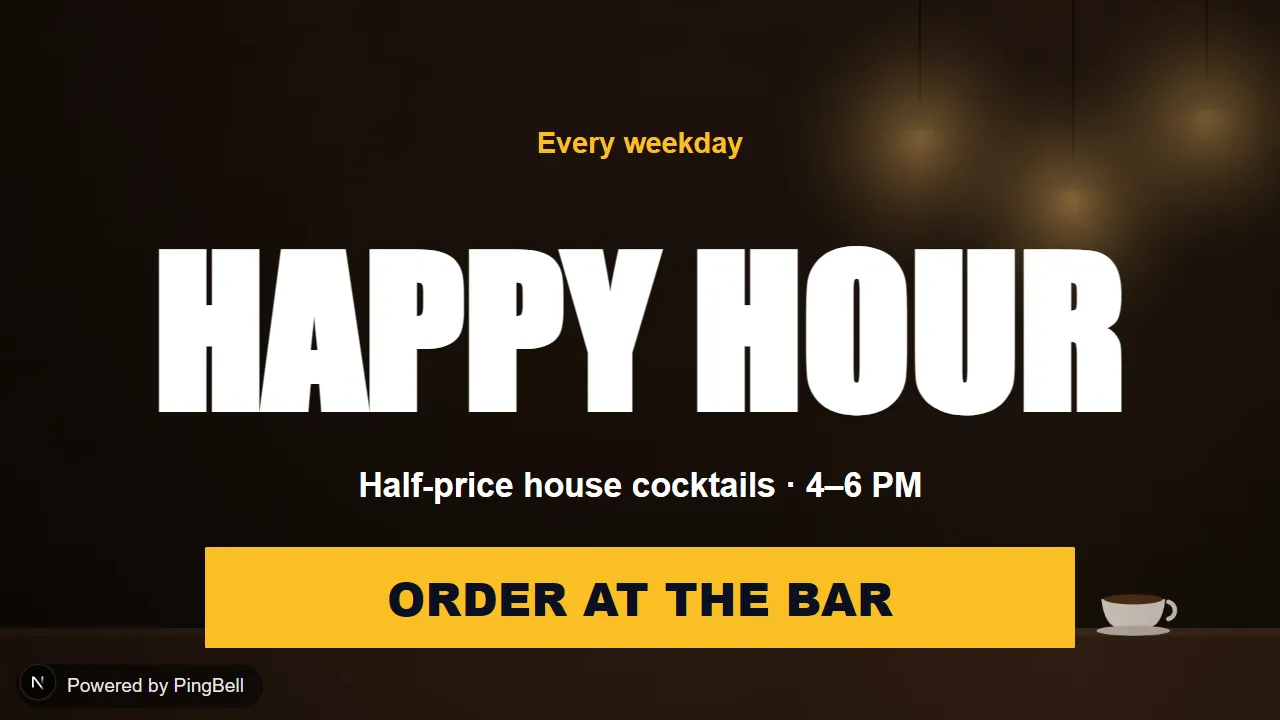
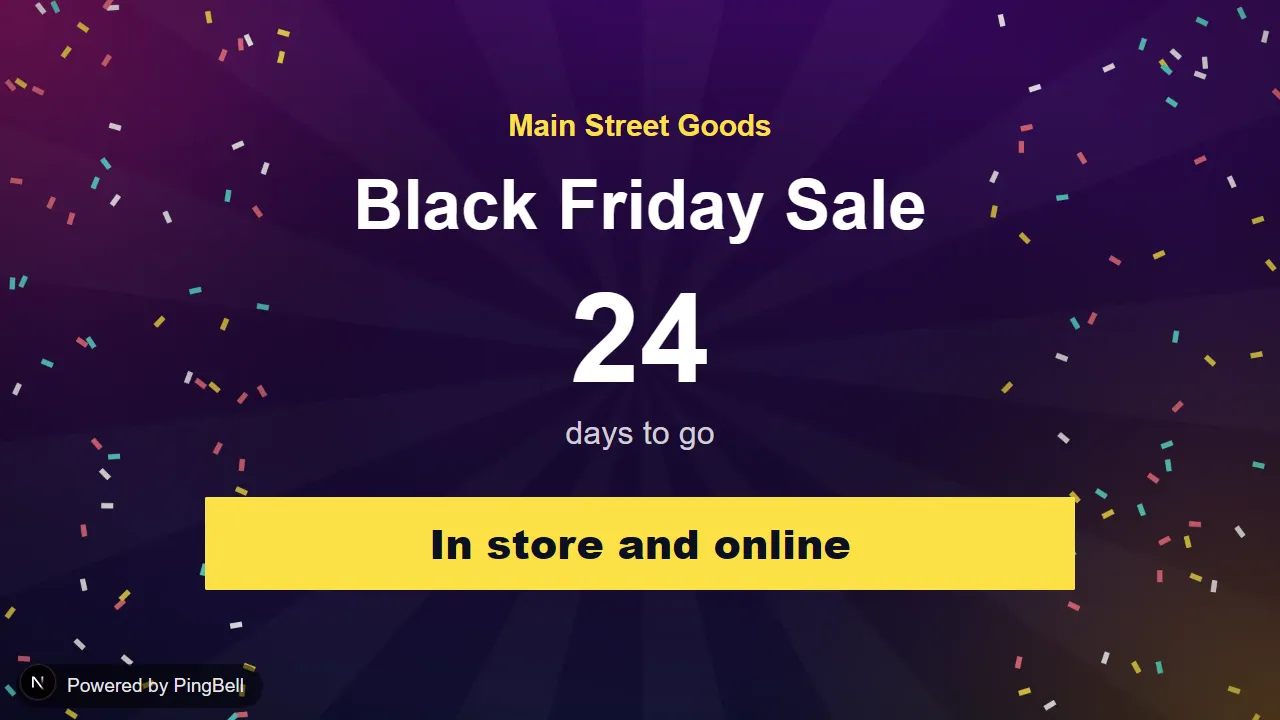


Example prompts for your AI assistant
Menus and signs for cafes, bars and shops
- Make a menu for my cafe: latte $5, cappuccino $5, drip coffee $3, croissant $4
- Show today’s specials: soup and half sandwich $11, fish tacos $14, chili $9
- Put a happy hour sign on the TV behind the bar, 4 to 6 every weekday
- Make a Black Friday sale sign that counts down the days left
- Put a buy one, get one half price sign on the TV by the register
- Tell customers we’re hiring, and to ask at the counter
Price lists and schedules for salons, gyms and studios
- Show my salon’s prices: haircut $35, color $85, blow dry $30, beard trim $15
- Show today’s classes: 6:00 spin with Dana, 9:30 yoga with Sam, noon HIIT with Lee, 5:30 pilates with Ana
- Make a refer a friend board: give $20, get $20
Notices and welcome screens for offices, clinics and lobbies
- Make a welcome board for my clinic with the weather in Austin
- Put our guest Wi-Fi name and password on the lobby TV
- Put four notices on the waiting room TV, starting with “Please check in at the front desk”
- Post our holiday hours: Dec 24 9 to 3, Dec 25 closed, Dec 26 10 to 5, Jan 1 closed
- Show who has which meeting room today
- Announce the all-hands meeting on Friday at 10 on the office TV
- Put the time, the weather in Denver and today’s focus on the screen by my desk
Hallway screens for schools and churches
- Show this week’s school events on the hallway TV
- Post today’s school lunch: chicken tacos, veggie pasta, salad and a fruit cup
- Make a student of the month board for Jordan Lee, fifth grade
- Make a teacher of the month board for Ms. Rivera
- Show our church service times in the foyer: Sunday 9 and 11, Wednesday 7
Holiday and event countdowns
- Put a Christmas countdown on my TV
- Count down to New Year’s Day
- Count down to our grand opening on March 1
Change or remove a board you made
- Change the message to “Closed Monday”
- Show it in a different style
- My TV shows the code 7KM4PX
- Put it on a second TV too
- Take it off the TV in the lobby
- Give me the code to put it on my website
- Delete my board
PingBell MCP tools
| Tool | What it does | Type |
|---|---|---|
| list_free_boards | Lists the free boards, the words each one lets you set, and its styles. | Reads |
| make_free_board | Makes a board with your words. Nothing appears on a TV yet. | Writes |
| change_free_board | Changes the words, style or date, or swaps the template. Every TV and website showing it updates by itself. | Writes |
| put_board_on_tv | Pairs the screen showing a short code, so it shows this board right away. | Writes |
| get_free_board | Says what a board shows now and which TVs show it. | Reads |
| remove_board_from_tv | Takes the board off one TV, which goes back to showing a code. | Writes |
| delete_free_board | Permanently deletes the board and everything stored with it. | Writes |
Free board limits
- Each board can be on up to three TVs.
- Free templates and styles only, with your own short text. There is no uploading a logo, a photo or your own art.
- Lines are short, and longer words are cut to fit. A menu, price list or schedule has room for three or four rows.
- A line you don’t set keeps its sample words, so give your assistant all of them.
- Every free board carries a small “Powered by PingBell” mark.
- A TV is only paired with a code you read from its screen. Your assistant cannot pair a screen on its own.
Your data, and how to delete your board
We receive what your assistant sends when it uses a tool: your choice of board, the words for it, the code from your screen and, if you ask for the weather, a city. We don’t receive the rest of your conversation, and we don’t ask for your name, email or location.
We store the board you chose, your words, and which screens show it. We also count each use of a tool: which one, which board, whether it worked and how long it took. That count never includes your words, your code or your key, and it stays after a board is deleted. Anything you put on a board is shown publicly on those screens and websites, so please leave out personal or sensitive information.
To delete it, ask your assistant to delete your board. It’s permanent and immediate: your screens go back to a pairing code, and the board, your words and the screen records are deleted. A website embedding the board stops showing it within a minute. To take the board off one TV only, ask your assistant to remove it from that TV.
We also delete a free board after 30 days with no changes, no screen showing it online and no website showing it.
The full details are in our privacy policy.
Get help with PingBell in your AI assistant
Your assistant keeps a key to your board in the chat where it made it, so go back to that chat to change the board. A new chat may not have the key.
Email [email protected] for anything else. If the key is lost, tell us what the board says and we can delete it for you.