
We’ve opened up something we wanted to give away for a long time: free holiday countdowns for any TV, with no account and no app store hunt. Pick a holiday, add your message, and the countdown is on your screen in under a minute.
There are ten countdowns to start, one for every big date on the American calendar, plus one for any date you choose. Each comes with a choice of backgrounds and counts down by itself every day. When the holiday passes, it starts counting to next year’s.
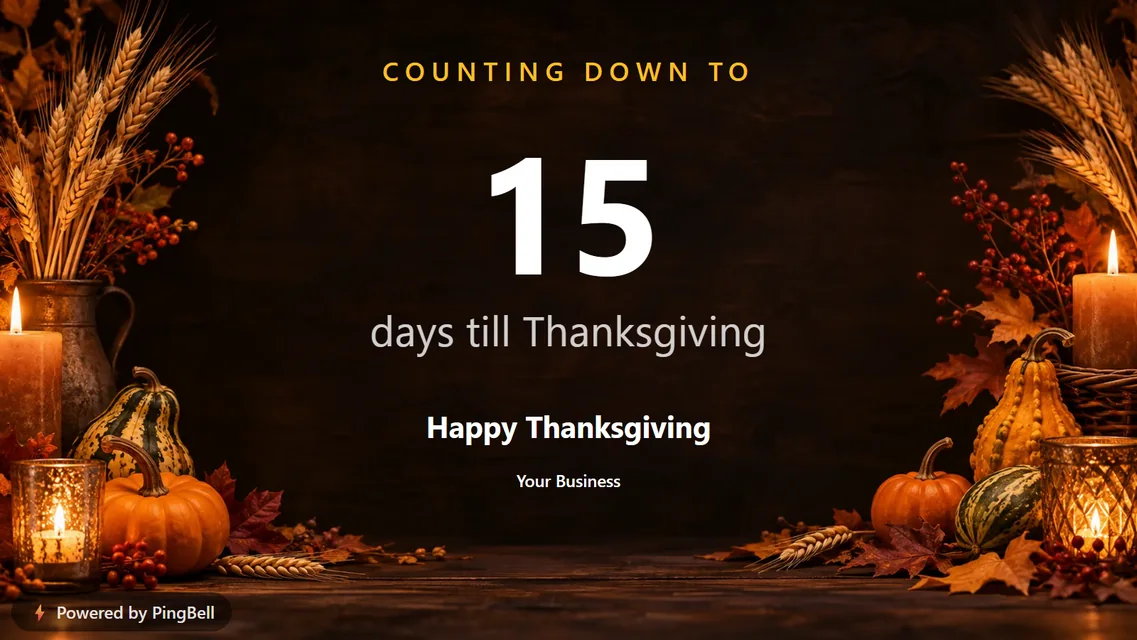
Every holiday countdown you can put on a TV
| Countdown | Backgrounds to choose from | Good for |
|---|---|---|
| Days till Christmas | Aurora pines, Fireside, Santa’s moon, Snowy village, Ornaments | Stores, cafés, offices, classrooms |
| Days till Thanksgiving | Harvest table, Autumn woods, Farmhouse porch | Restaurants, grocers, schools |
| Days till New Year | City fireworks, Champagne and gold, Midnight sparkle | Bars, venues, gyms (resolution season) |
| Days till Valentine’s Day | Roses, Candlelight, Heart lights | Florists, restaurants, gift shops |
| Days till Easter | Spring meadow, Blossom branches, Easter basket | Churches, bakeries, kids’ spaces |
| Days till Mother’s Day | Peonies, Garden evening, Tea and flowers | Florists, salons, spas, brunch spots |
| Days till Father’s Day | Lake at dusk, Workshop, Campfire | Barbershops, hardware and sporting goods |
| Days till the 4th of July | Fireworks over water, Flag and lights, Small-town night | Any American storefront, BBQ joints |
| Days till Halloween | Pumpkin path, Haunted house, Candle and cobweb | Costume shops, candy stores, schools |
| Countdown to a date | Starry night, City lights, Gold confetti, with your own title | Launches, sales, events, grand openings |
The full list of Christmas designs is in The 10 Best Christmas Countdowns for Your TV.

What you can change without an account
Every countdown has a few short lines that are yours to write:
- Your message, like “Happy Thanksgiving” or “Be our Valentine”
- Your business or name
- A scrolling message along the bottom: holiday hours, a special, a thank-you. You can switch it off.
Then choose a look. Each holiday has a Thematic design with three backgrounds to pick from (Christmas has five), plus simple styles that work for any brand: Clean, Flip (split-flap digits), Midnight, Navy & amber and Forest & cream.
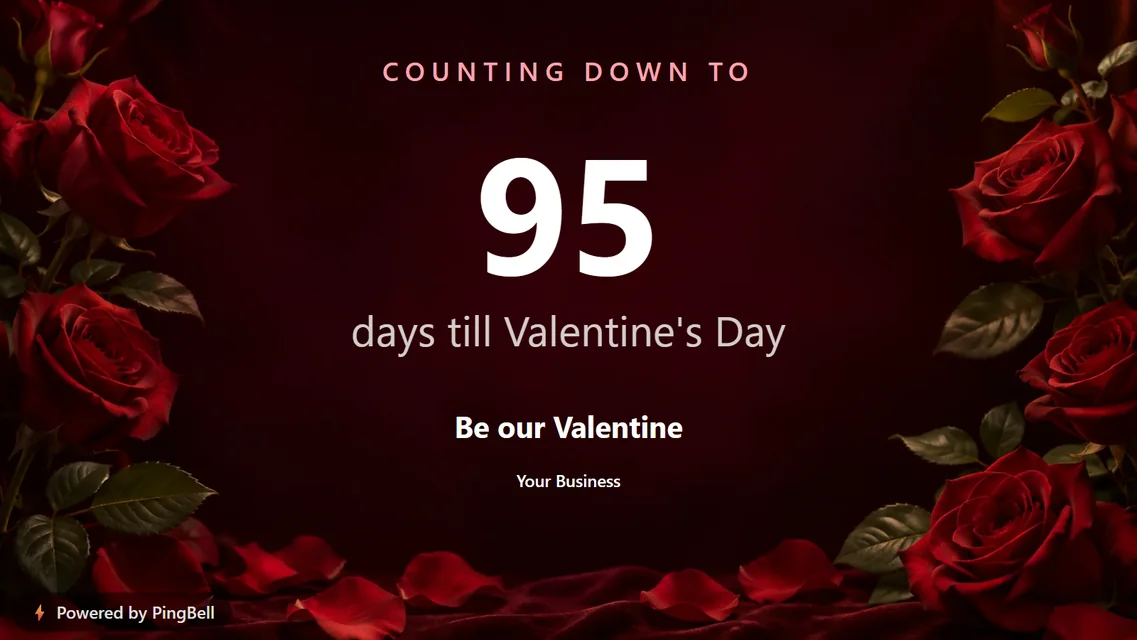
Put a holiday countdown on any TV, three ways
- The PingBell TV app. Free on Roku, Apple TV, Fire TV and Android TV. Open it and the TV shows a short code.
- Any browser. On a smart TV, a monitor or a computer, go to my.pingbell.io/pair. Same short code.
- The Chrome extension, for a screen driven by a laptop or a Chromebox.
Type the code into the builder and the countdown appears. Without an account, you can pair up to three TVs.
You can also copy an embed code and put the same countdown on your website: a launch page, a holiday sale banner, a school homepage. It’s one line of HTML and updates itself.
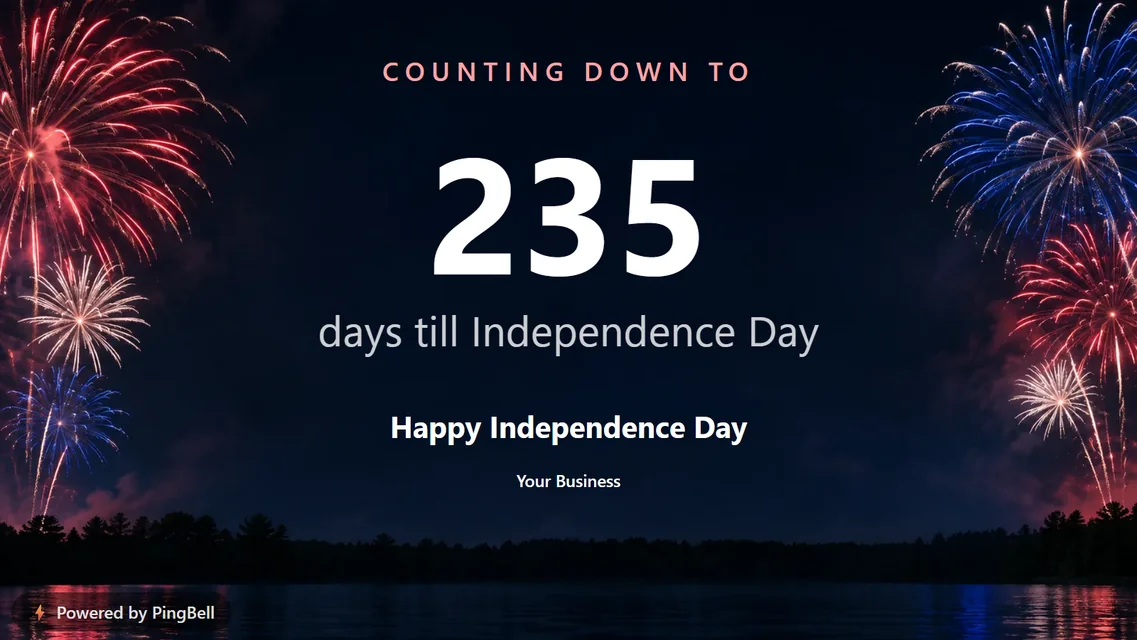
A countdown to any date
“Countdown to a date” is the one most businesses end up using all year. Give it a title, pick a day up to a year ahead, and it counts down to:
- a grand opening or a new location
- the last day to order for holiday delivery
- a sale, a product launch or a ticketed event
- a team goal deadline, or the end of the quarter
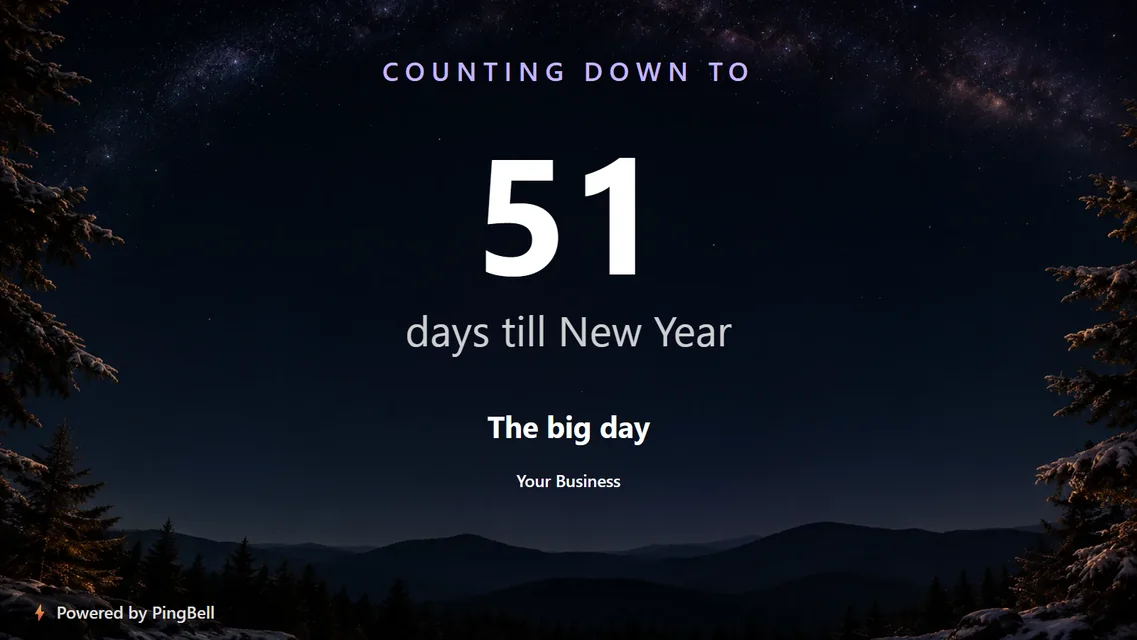
What a free account adds
The holiday countdowns are free with no strings attached. If you want more, a free account unlocks:
- Hours, minutes and seconds, not just days, for the final stretch
- Effects on any countdown: falling snow, confetti, fireworks, hearts, petals and more. See them all
- The Luxe style, black and gold with a serif typeface
- One fully custom board, with your logo, colors and pictures, built from scratch or brought in from Canva
- Live data: sales, sign-ups and donations from Shopify, Stripe, Square, Google Sheets and more, counting up on the same screen
Paid plans remove the “Powered by PingBell” mark and add unlimited custom boards, channels that rotate several boards on one screen, and video.
Frequently asked questions
Do I need to download anything?
Only if you want the TV app. On any screen with a web browser, my.pingbell.io/pair is enough.
What happens after the holiday?
The countdown rolls over and starts counting to the same holiday next year. You can switch the TV to another countdown at any time from the builder.
Can I use a holiday countdown on my website?
Yes. Click Get my embed code under the builder and paste the snippet into your page. It works in WordPress, Shopify, Squarespace, Wix and any site that accepts HTML.
Is there a catch?
Boards made without an account show a small “Powered by PingBell” mark in the corner, and that’s all. No card, no trial clock.