A Christmas countdown on the TV is one of the easiest ways to make a shop, café, office or classroom feel festive. Customers notice it, kids check it every morning, and it does a little selling for you (“Gift cards at the counter”) without anyone having to say a word.
Below are the ten best Christmas countdown designs we make, every one of them free. Each takes under a minute to put on a screen with the free board builder on pingbell.io. You don’t need an account, and it works on any TV.
How we picked these Christmas countdowns
A good Christmas countdown on a TV has to do three things a phone app doesn’t:
- Read from across the room. The number of days is the hero, big enough to see from the door.
- Count by itself. It ticks over at midnight, and after Christmas it rolls over to next year without anyone touching it.
- Carry your message. Your business name, a greeting, and a scrolling line for holiday hours or gift cards.
All ten designs below do all three.
1. Aurora pines: the classic snowy night
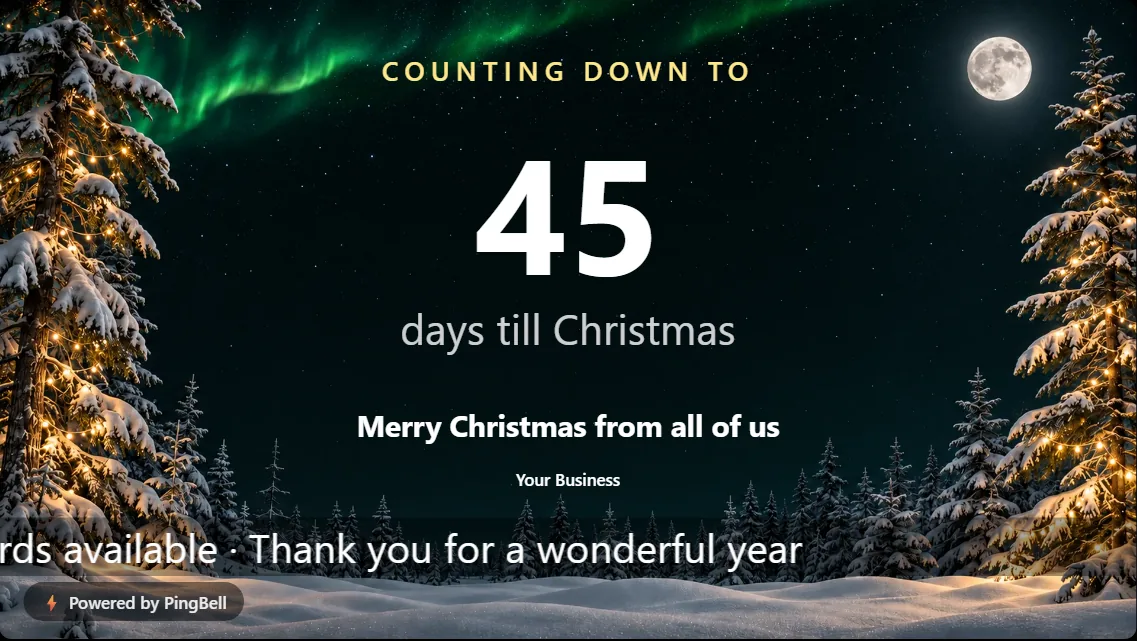
Snow-covered pines, a full moon and green northern lights over the sky. Aurora pines is the default Christmas countdown, and the one people most often leave up all season. The big number sits in the clear sky between the trees, so it reads well from far away.
Best for: stores, lobbies and offices that want a calm, wintry look.
2. Fireside: warm and cozy
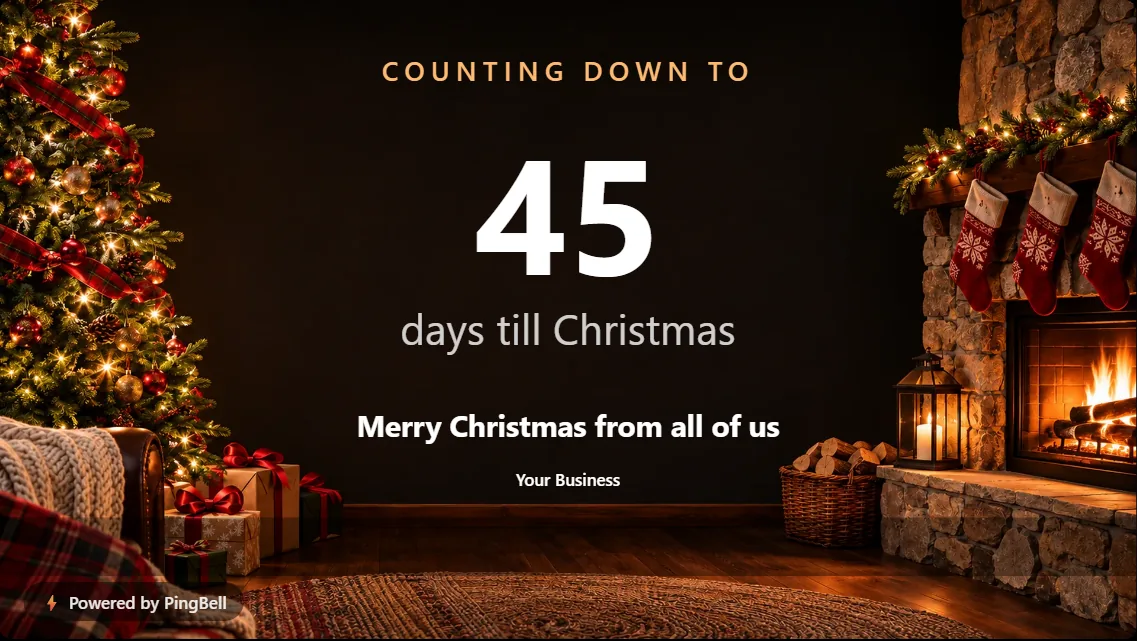
A crackling fireplace, stockings and a tree full of lights. Fireside is the warmest of the five Christmas backgrounds, and it suits places where people sit down and stay a while.
Best for: cafés, restaurants, bakeries, salons and waiting rooms.
3. Santa’s moon: for the kids
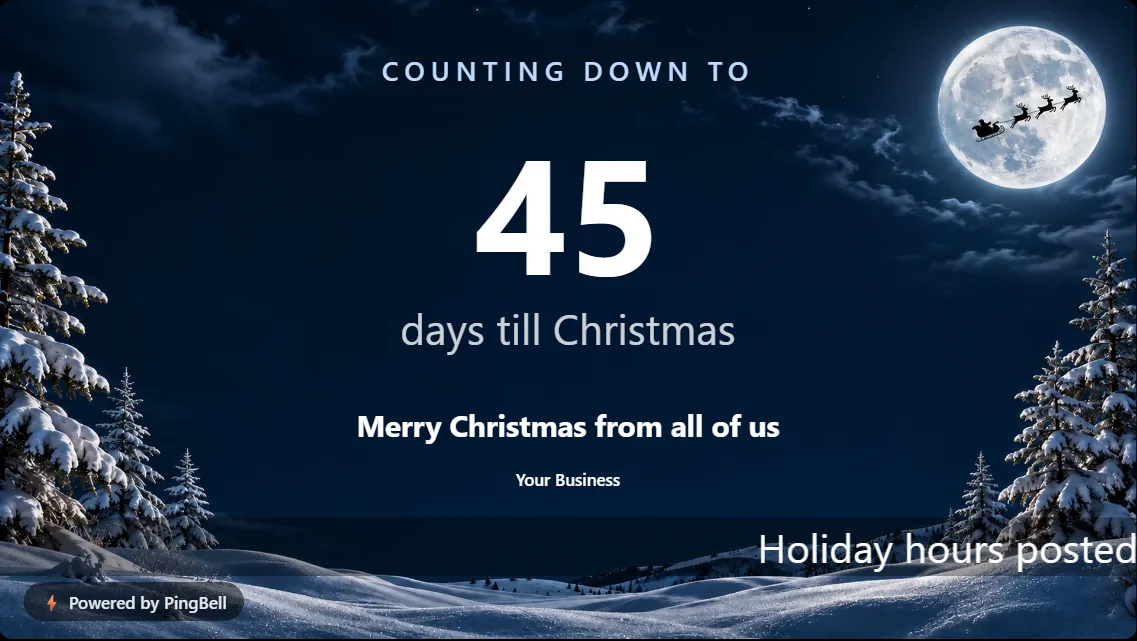
Santa’s sleigh flying across a huge full moon, with falling snow. This is the one children point at.
Best for: classrooms, school hallways, pediatric and dental waiting rooms, toy stores.
4. Snowy village: small-town Christmas
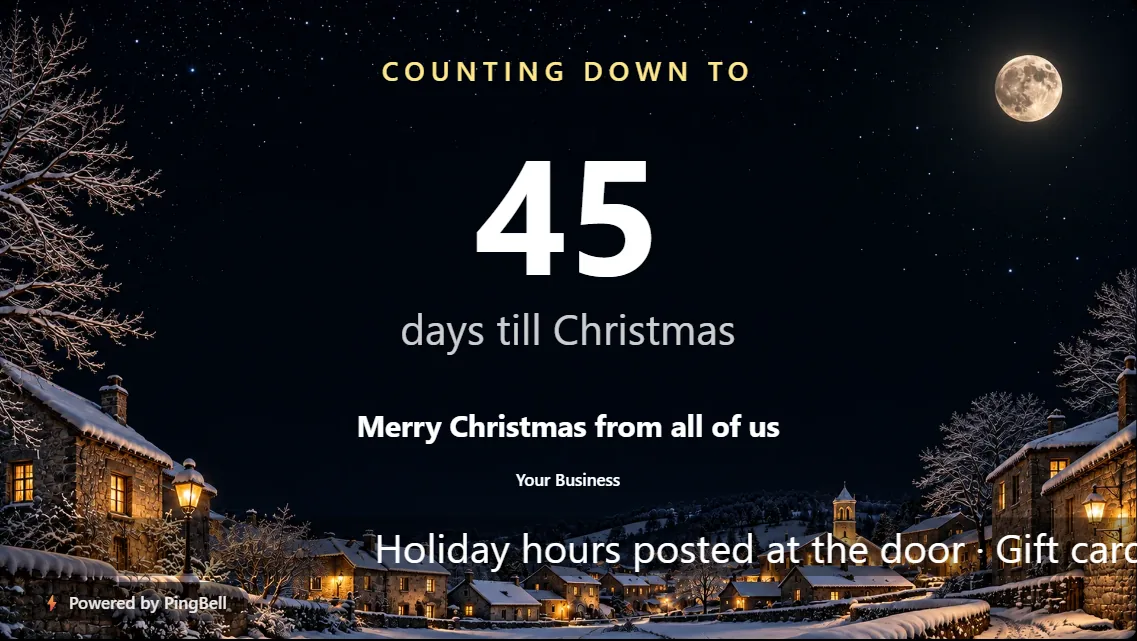
A quiet village at night, with warm lit windows and fresh snow on the roofs. It feels local, which makes it a natural fit for Main Street businesses.
Best for: boutiques, florists, hardware stores and community centers.
5. Ornaments: bold and festive
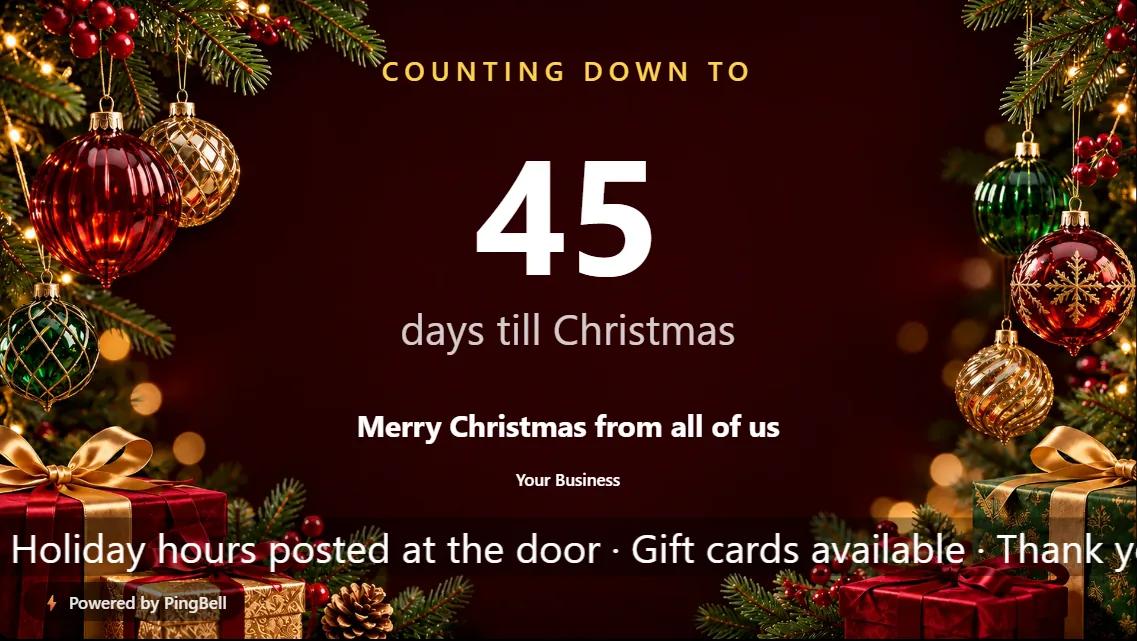
Red and gold ornaments framing a deep red background. It is the loudest design on this list, and it is easy to see through a shop window from the sidewalk.
Best for: storefront windows, retail floors and holiday sales.
6. Flip clock: retro split-flap digits
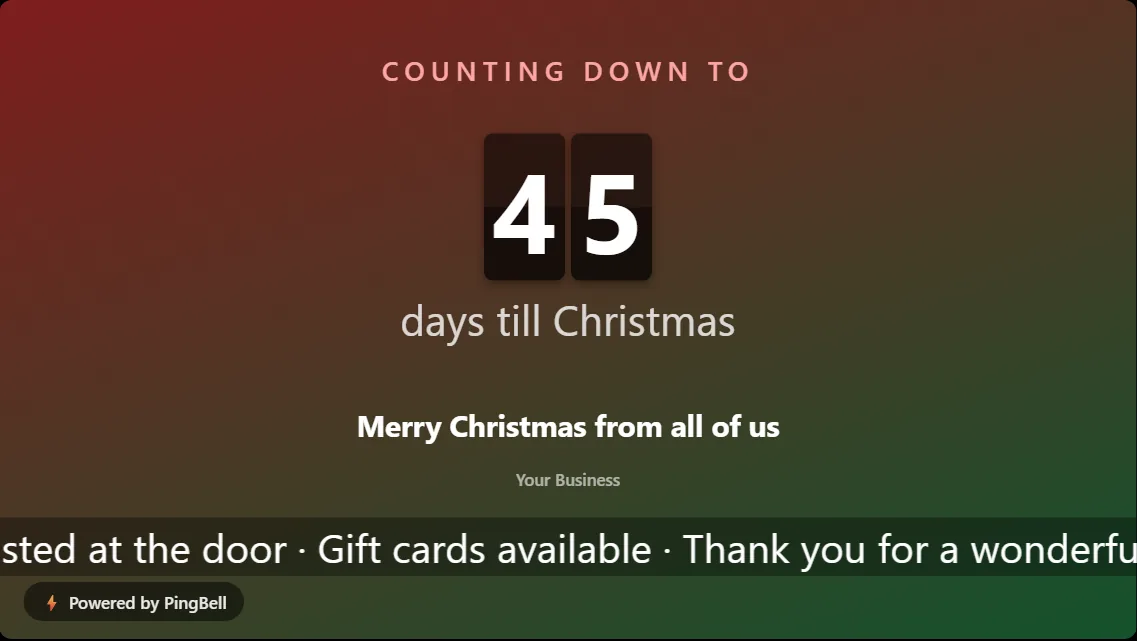
The Flip style turns the day count into split-flap digits, like an old airport departures board. It pairs well with a red and green gradient.
Best for: bars, barbershops and offices with a retro look.
7. Midnight: clean and modern
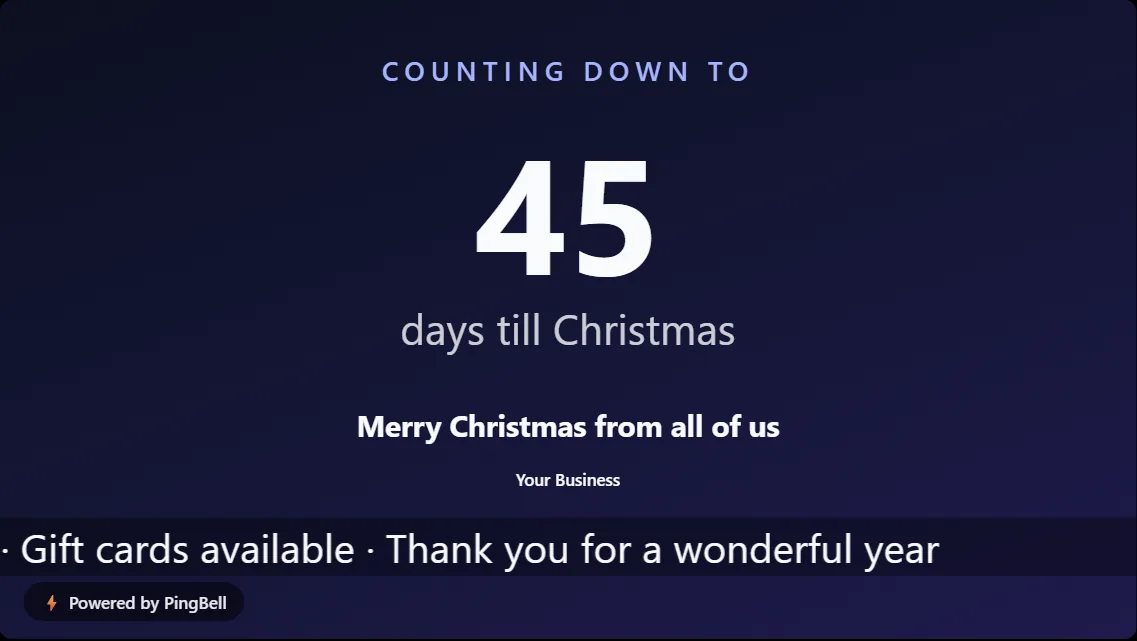
A deep navy-to-indigo gradient with no pictures at all. Midnight keeps the countdown elegant and lets your message carry the season.
Best for: professional offices, clinics, banks and gyms.
8. Forest & cream: traditional green
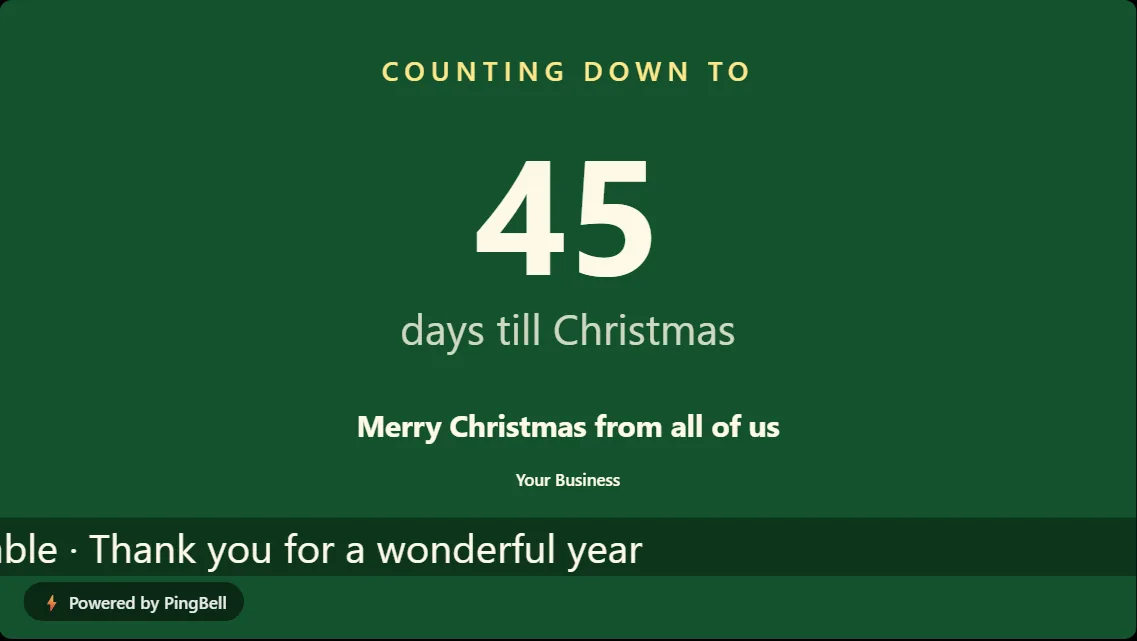
Forest green with cream lettering and a gold accent. It looks like a holiday card, and it sits nicely next to wreaths and garlands.
Best for: restaurants, hotels and churches.
9. Clean: red to green, nothing else
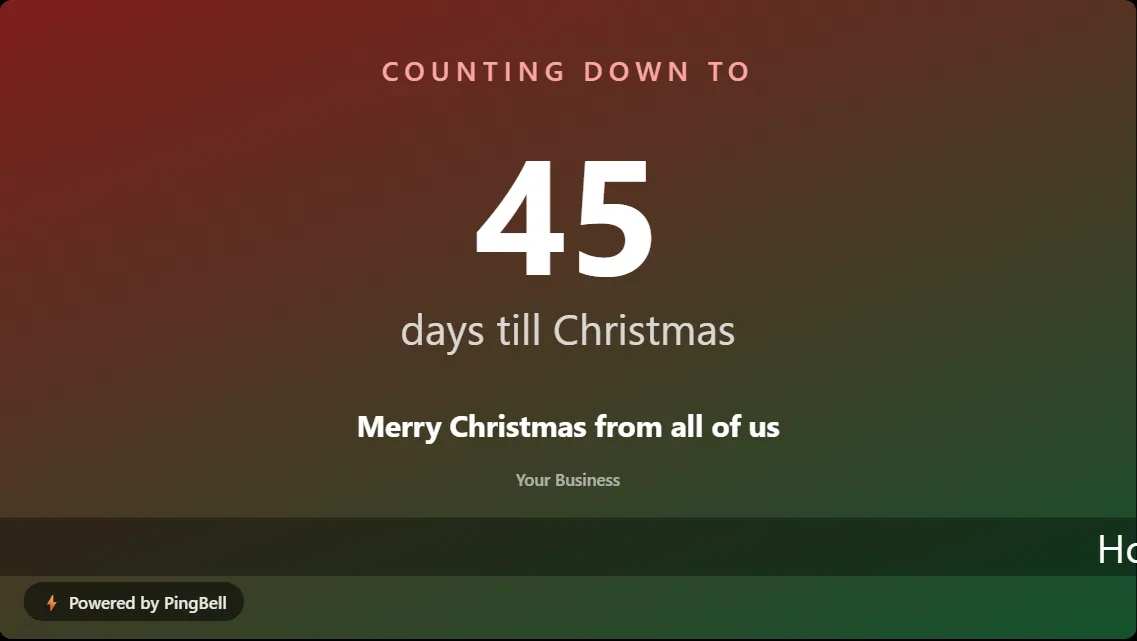
A simple red-to-green gradient and big white type. If your TV sits next to a lot of other decorations, Clean holds its own without competing.
Best for: busy walls, small screens and monitors at a checkout counter.
10. Countdown to your own date: Christmas party, last shipping day, holiday sale
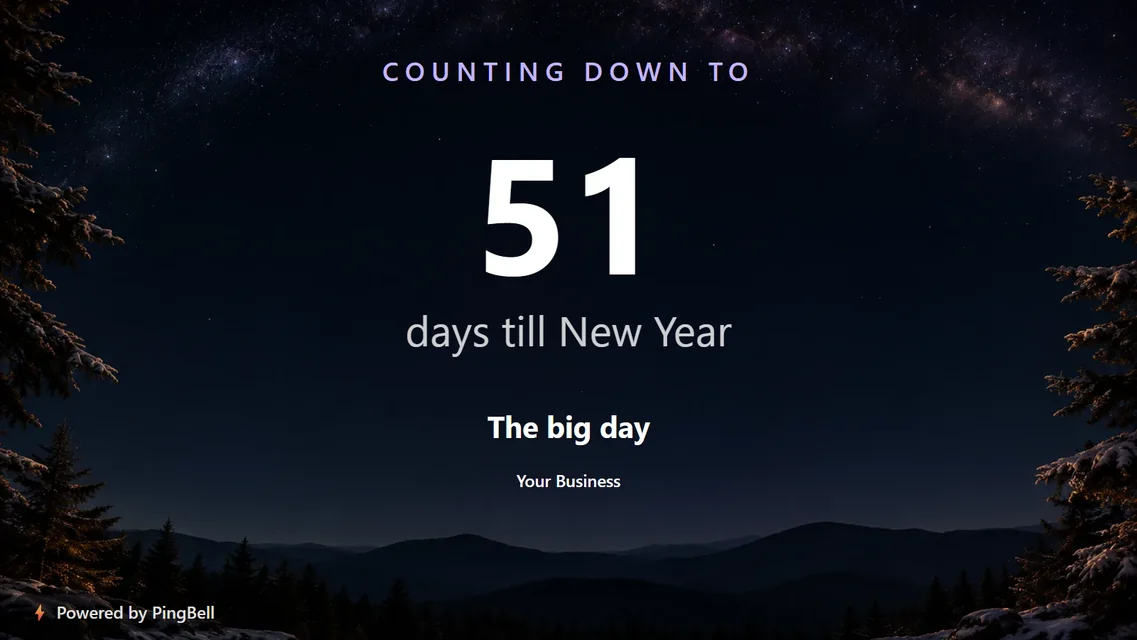
Not every December countdown is to the 25th. “Countdown to a date” counts to any day up to a year out, with your own title: the office Christmas party, the last day to order for Christmas delivery, or the start of your holiday sale.
Best for: online stores, offices and event venues.
Make any of them move: snow, sparkles or firelight
With a free PingBell account you can add an effect on top of any of these designs: falling snow, gentle sparkles, or flickering firelight in front of the fireplace. You can preview every effect in the builder before you sign up. Here’s how effects work.
How to put a Christmas countdown on your TV
- Open the free board builder and pick Days till → Days till Christmas.
- Type your message (“Merry Christmas from all of us”) and your business name. Add a scrolling line if you like: holiday hours, gift cards, a thank-you.
- Choose a background and a style.
- Click Put it on my TV. Open the free PingBell app on your TV (Roku, Apple TV, Fire TV and Android TV), the Chrome extension, or my.pingbell.io/pair in any browser. The screen shows a short code; type it in and your countdown appears.
You can pair up to three TVs without an account, and copy an embed code to put the same countdown on your website. The countdown updates itself every day until Christmas, then starts counting to next year.
Frequently asked questions
Is the Christmas countdown really free?
Yes. Every design on this list is free, with no sign-up and no card. Boards made without an account carry a small “Powered by PingBell” mark in the corner. Paid plans remove it.
Can the countdown show hours, minutes and seconds?
Without an account it counts days, which is what reads best from across a room. With a free account you can switch it to hours, minutes and seconds for the final stretch.
Will it work on my TV?
If your TV runs Roku, Apple TV, Fire TV, Android TV or Google TV, install the free PingBell app. On any other smart TV, monitor or computer, open my.pingbell.io/pair in the browser. Nothing else is needed.
Can I put my logo on it?
A free account gets one fully custom board: your logo, your colors, your own pictures. Paid plans give you as many custom boards as you like, without the PingBell mark.