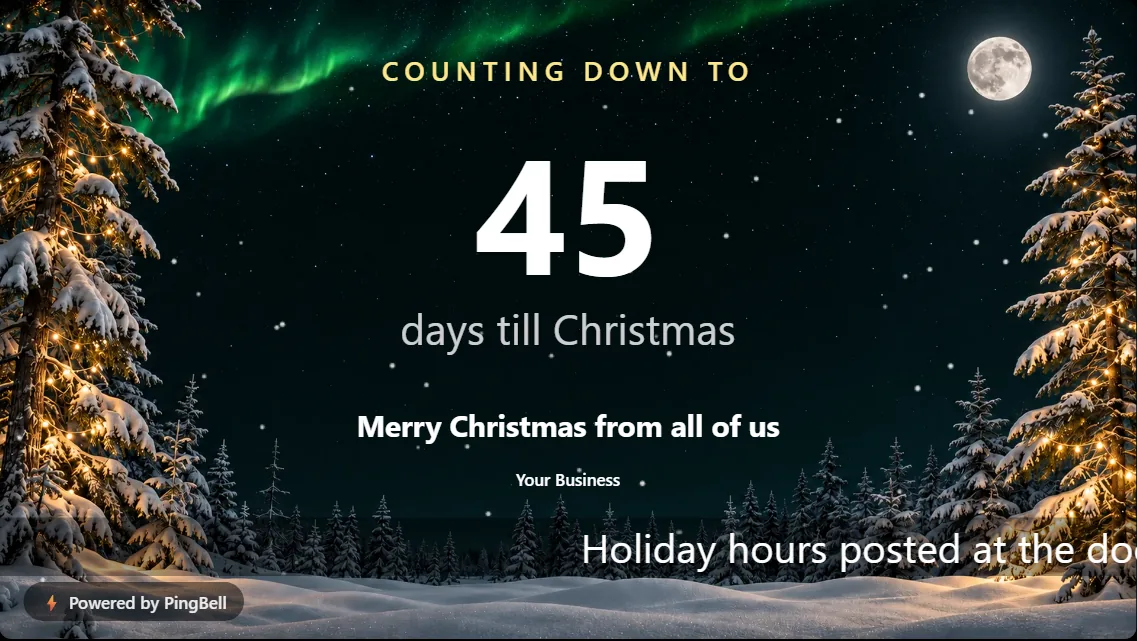
A still screen fades into the wall. A screen with snow drifting across it gets a second look. That’s the whole idea behind effects, new on PingBell: a layer of gentle animation you can switch on over any board, whatever its design.
Pick a Christmas countdown and add snow. Put confetti over a sale. Let firelight flicker in front of the fireplace. The board underneath stays exactly as you made it, and the effect plays on top.
The ten effects
| Effect | What it looks like | Made for |
|---|---|---|
| Snow | Soft flakes drifting down | Christmas, winter, ski season |
| Firelight | A warm flicker of embers | The Fireside Christmas design, cozy cafés |
| Sparkles | Twinkling points of light | New Year, celebrations, announcements |
| Confetti | Colorful confetti falling | Sales, offers, grand openings, milestones |
| Fireworks | Bursts across the sky | New Year’s Eve, the 4th of July |
| Falling leaves | Autumn leaves blowing past | Thanksgiving, fall menus |
| Hearts | Hearts floating up | Valentine’s Day, weddings, thank-yous |
| Petals | Petals drifting on the breeze | Easter, Mother’s Day, spring |
| Bats | Bats fluttering by | Halloween |
| Glow | Slow, floating motes of light | Menus, welcome screens, lobbies |

Effects work on any look, not just one
Earlier, animation came with a single “Animated” look: if you wanted snow, you had to take the design that came with it. Effects now sit on top of any look, so you can keep the style that fits your brand and still have it move:
- Snow over the Midnight gradient for a clean, modern winter screen
- Sparkles over Navy & amber for a New Year’s Eve party
- Confetti over your Offer of the week
- Hearts over a Clean Valentine’s countdown
Each board offers the effects that suit it. A Christmas countdown offers snow, sparkles and firelight, and a sale offers confetti. White effects are left off light backgrounds, where you wouldn’t see them.

Built to look calm on a TV all day
An effect on a TV runs for hours, sometimes weeks. We tuned every one for that:
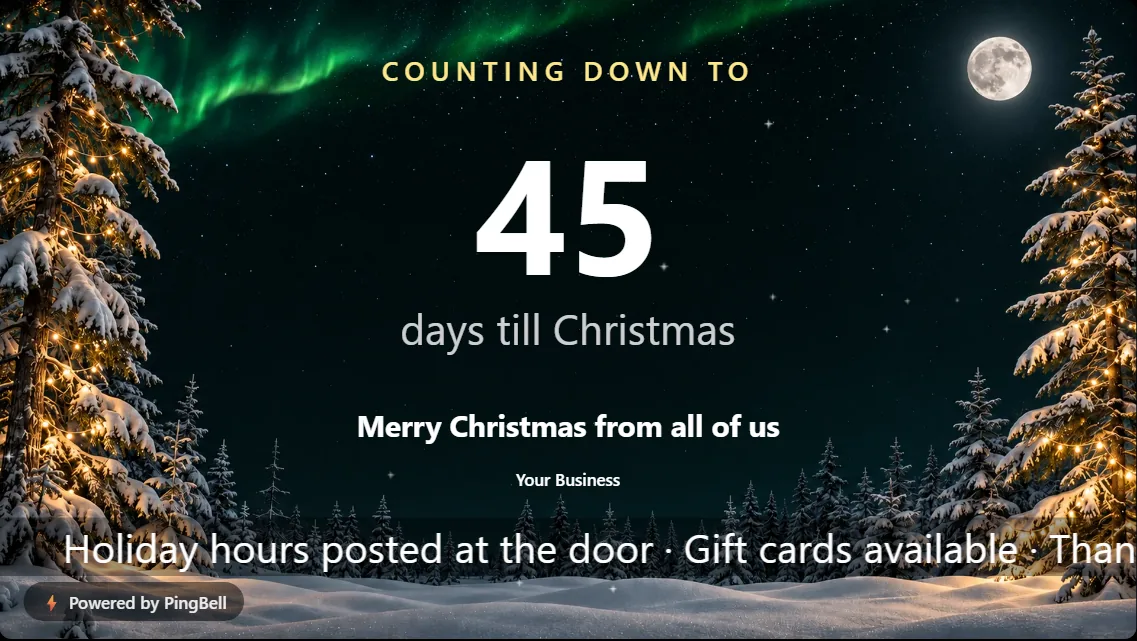
- Slow and sparse. Nothing flashes or strobes, and the motion stays at the edge of your attention.
- Behind your words. The effect never covers the countdown number, the prices or the message.
How to add an effect to your board
- Open the free board builder and make a board: a holiday countdown, a menu, a welcome screen or a call to action.
- Under Add an effect, pick one. The preview plays it right away; you can try every effect without an account.
- To keep the effect on your TV, sign up for a free account (no card) and pair your screen.
Frequently asked questions
Do effects cost anything?
They come with a free PingBell account. Anyone can preview them in the builder without signing up.
Which TVs show effects?
Any screen paired with PingBell: the TV apps for Roku, Apple TV, Fire TV and Android TV, the Chrome extension, or any browser at my.pingbell.io/pair. Keep the TV app updated to get every effect.
Can I turn an effect off for part of the day?
Switch it off in the builder at any time, and every paired screen follows.