
Most small businesses already own a TV that could be selling for them. It hangs behind the counter or in the waiting room, playing the news on mute or showing a “no signal” box. Digital signage sounds like an enterprise project, but on a single TV it’s just a well-designed board with the right words on it.
Here are 18 ideas that work, organized by the kind of business. Every example below is a real board you can put on your own TV for free with the PingBell board builder. No account, no design software, and it works on any TV.
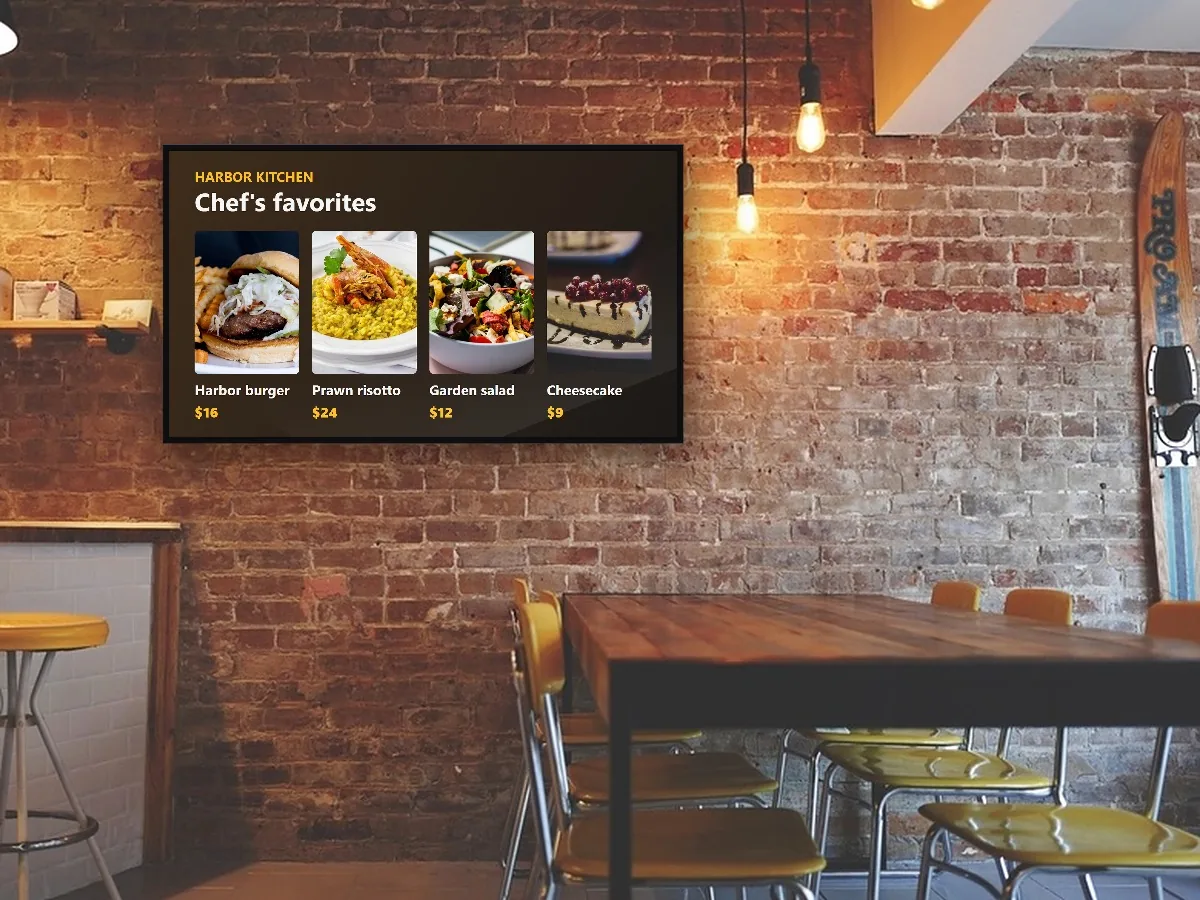
Digital signage ideas for cafés, restaurants and bars
1. A digital menu board
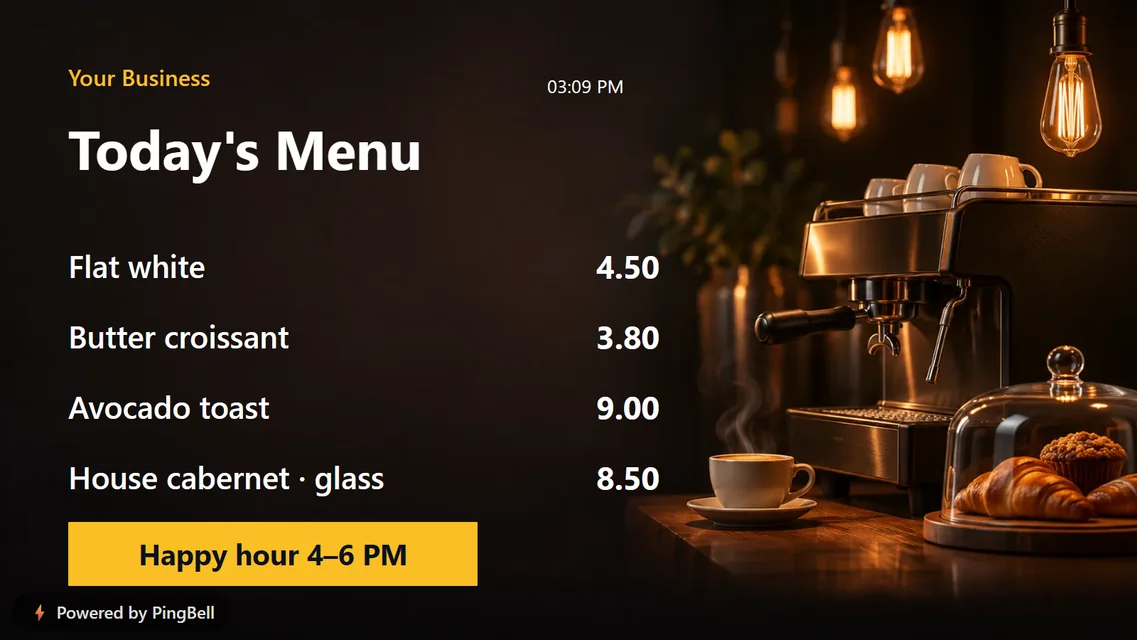
The most useful board in food service. A digital menu shows your items and prices in type big enough to read from the line, and you can change a price in seconds, without reprinting anything. Add a banner at the bottom for your happy hour or a combo deal.
2. Today’s specials
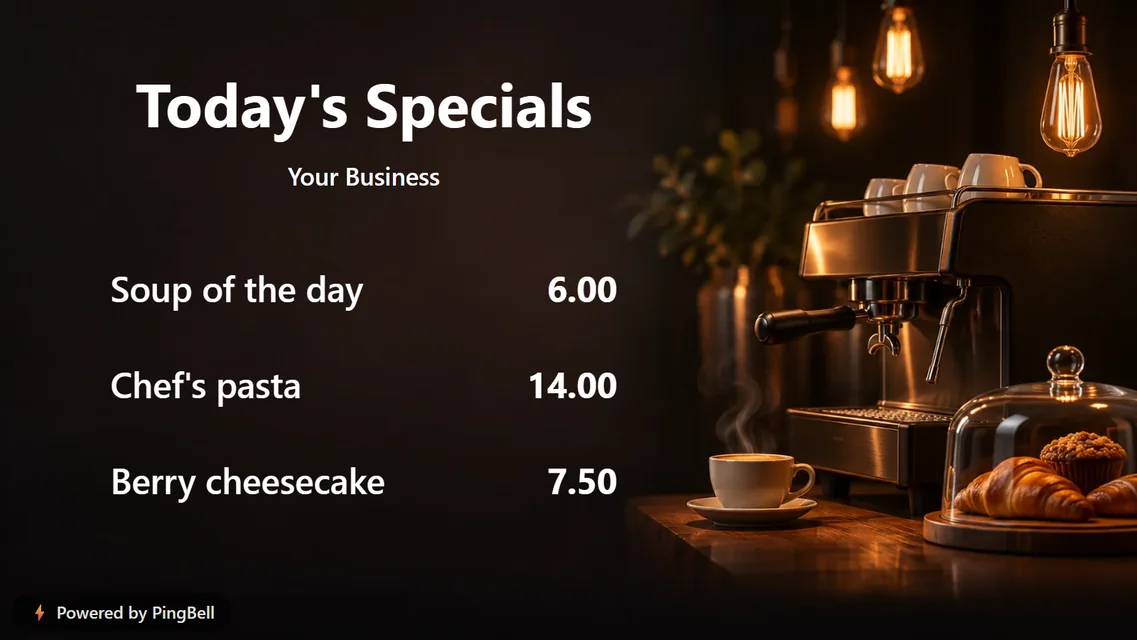
Keep the full menu on paper and put only what changes daily on the TV: soup of the day, the chef’s pasta, today’s dessert. A short list sells better than a long one.
3. A happy hour sign
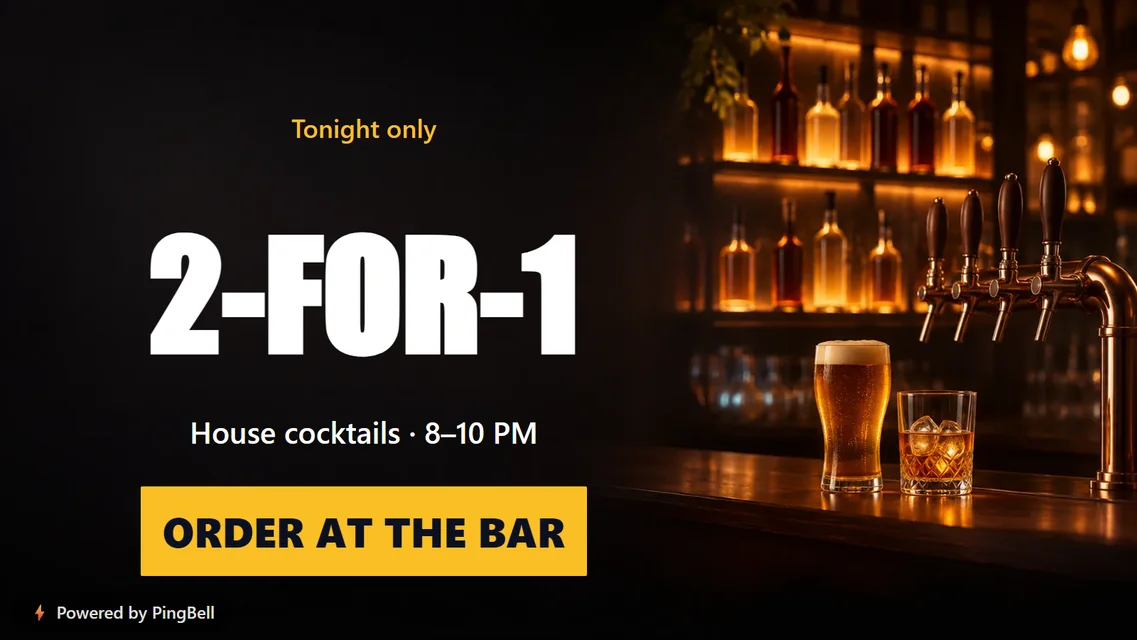
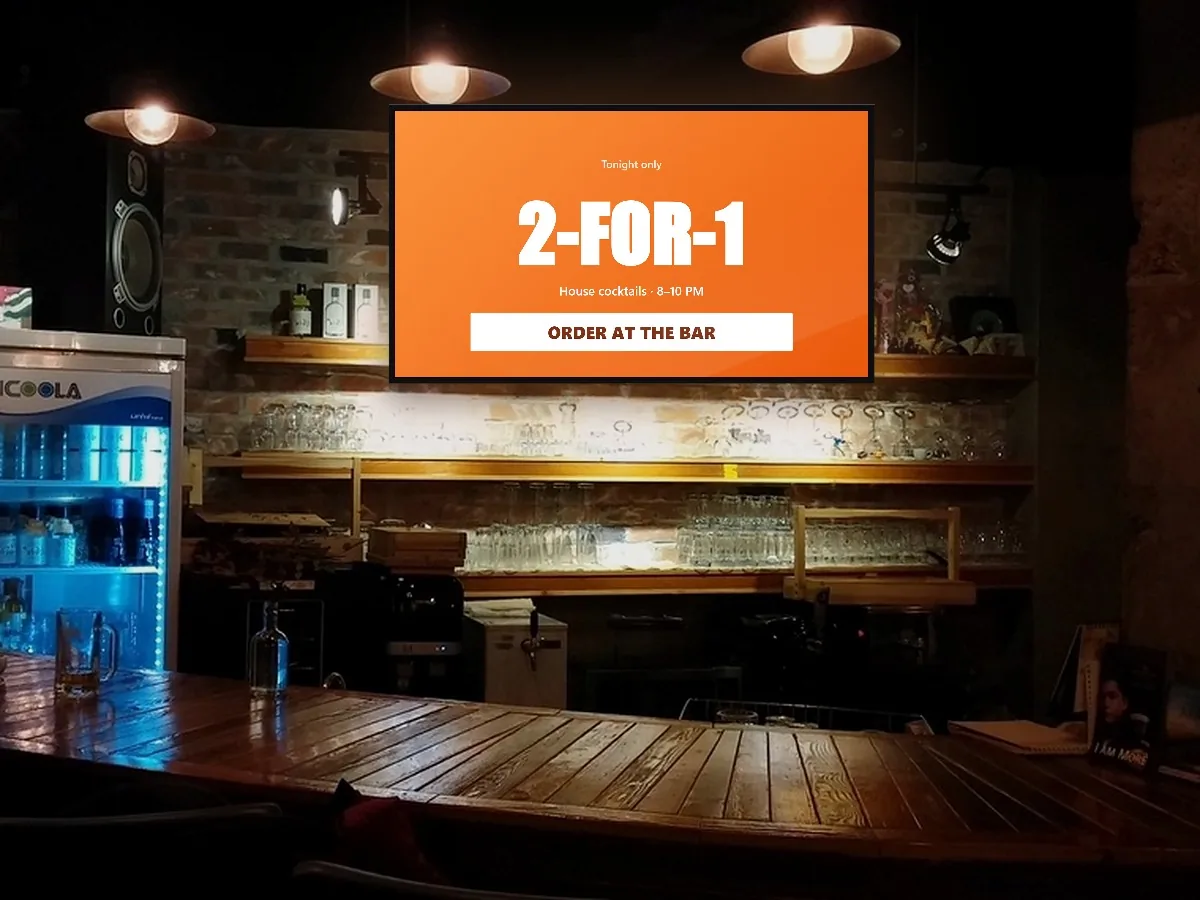
One offer, huge type, one call to action: “2-FOR-1. House cocktails 8–10 PM. Order at the bar.” Put it where people wait for a drink.
Digital signage ideas for retail stores
4. Offer of the week
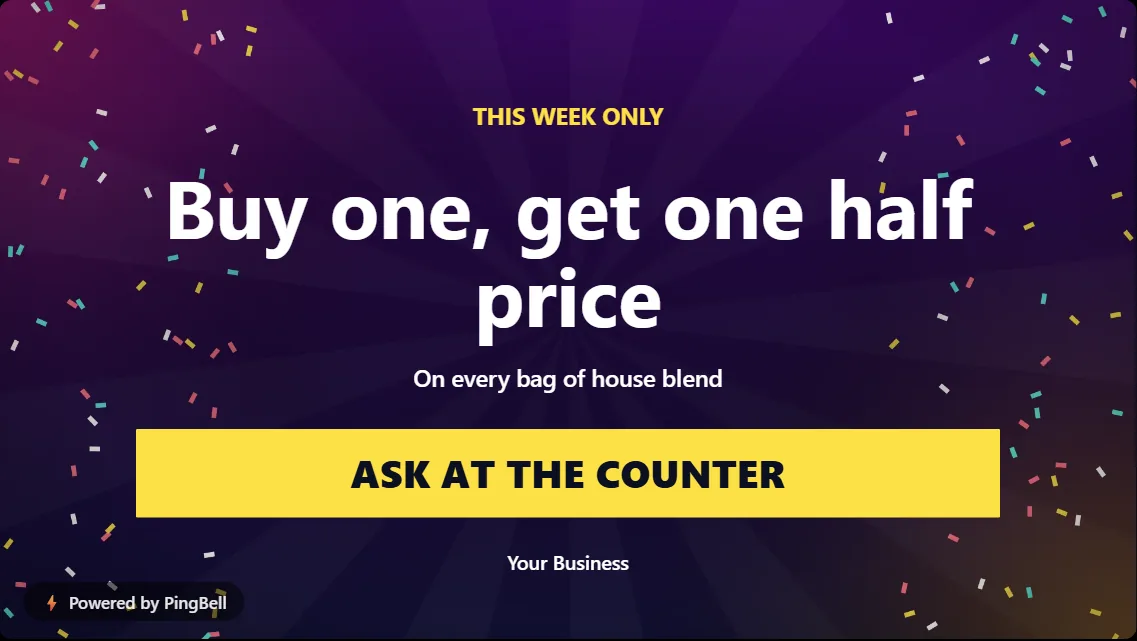
A single promotion near the register works as a gentle upsell: “Buy one, get one half price on every bag of house blend.” Change it every Monday.
5. A sale countdown
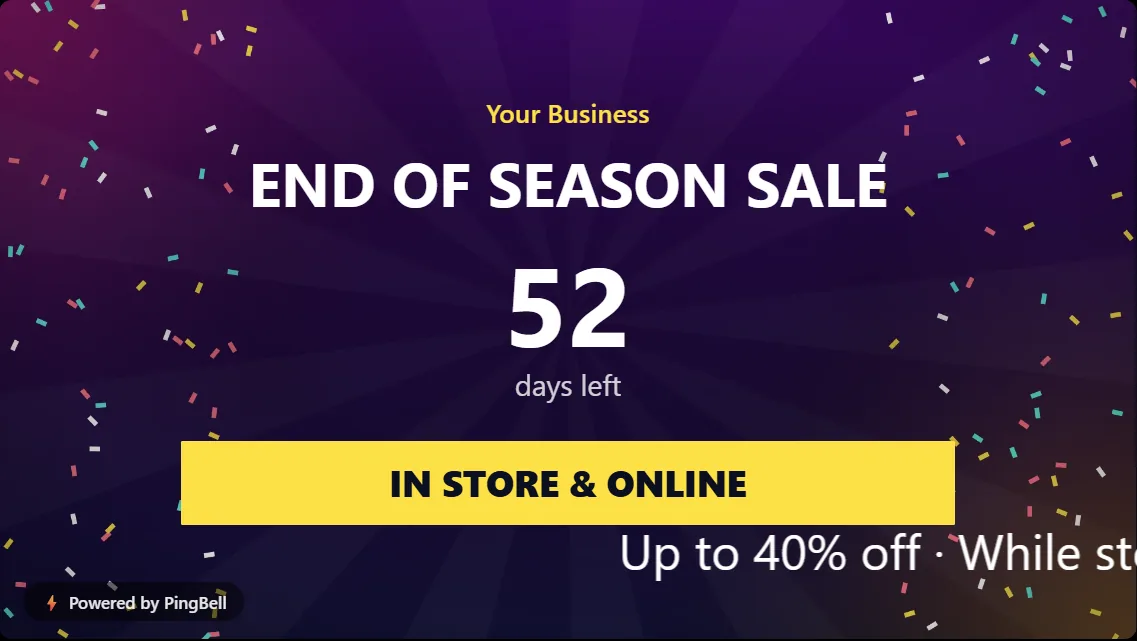
“End of season sale: 52 days left” adds urgency without a salesperson. The board counts down by itself every day.
6. Holiday hours
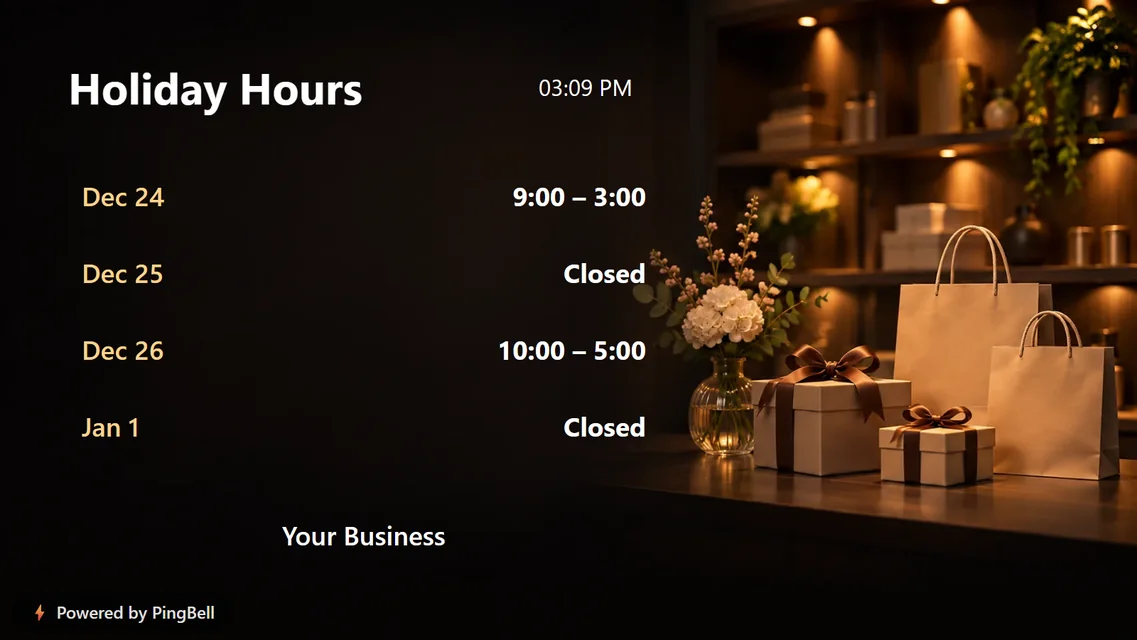
Post your holiday hours on the TV in December and you’ll answer the same question a hundred fewer times. Pair it with a Christmas countdown for the season.
7. A refer-a-friend offer
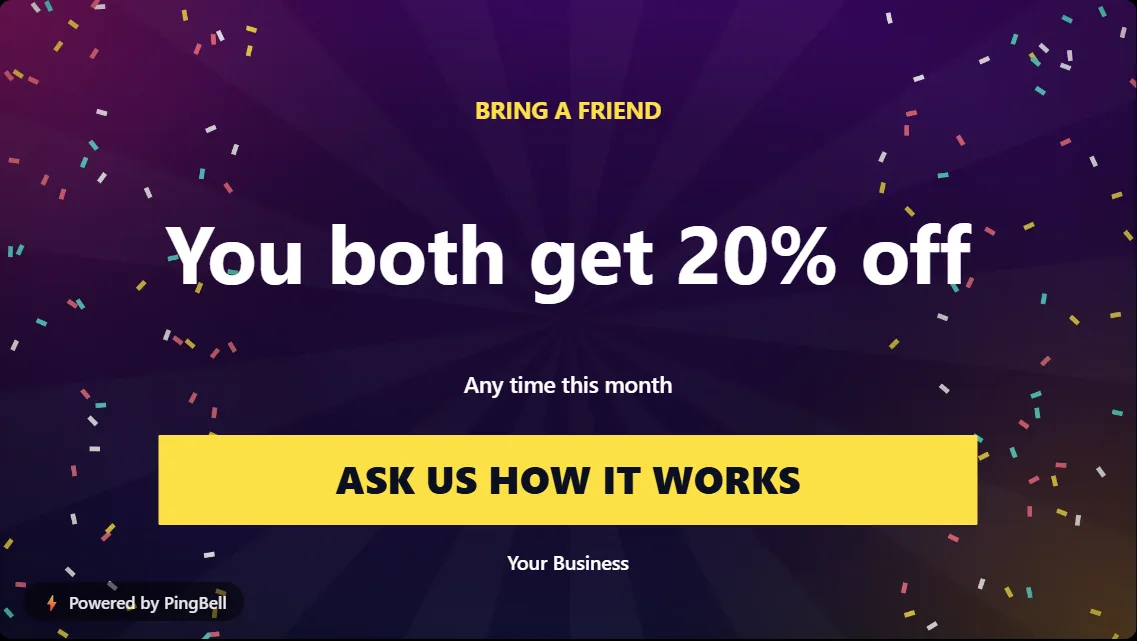
Your happiest customers are standing in your store. “You both get 20% off” turns them into your marketing team.
8. We’re hiring

The people who already love your shop are your best applicants. A hiring board reaches them for free.
Digital signage ideas for salons, barbershops and clinics
9. Services and prices
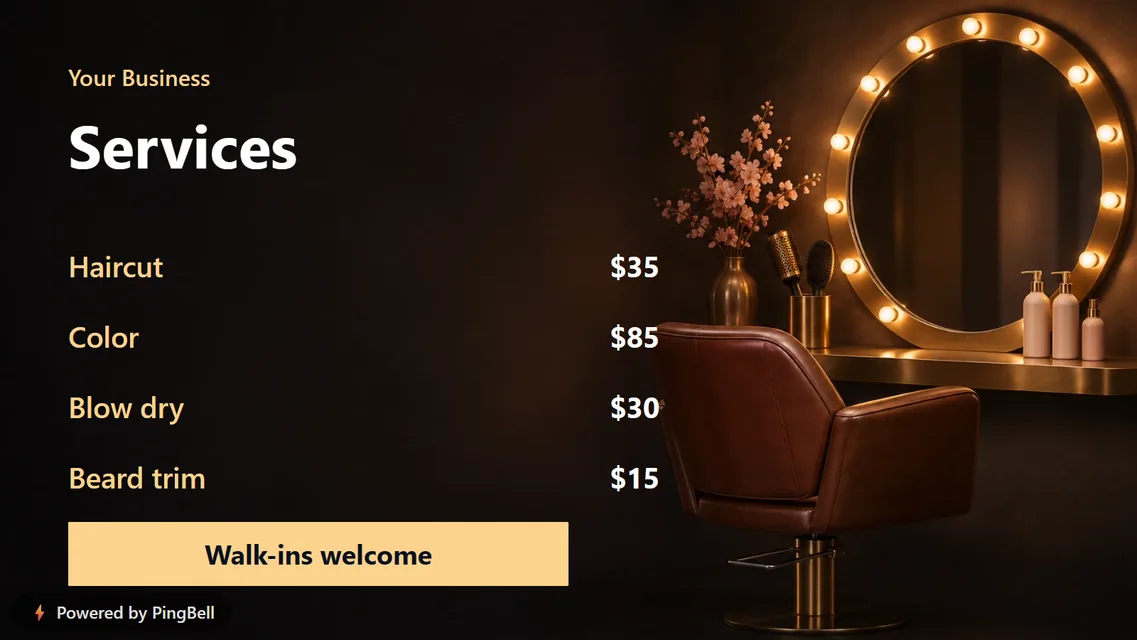
A clear price list on the wall saves the awkward “how much is…?” at the chair, and it quietly suggests the add-on: color, a beard trim, a treatment.
10. Waiting room notices
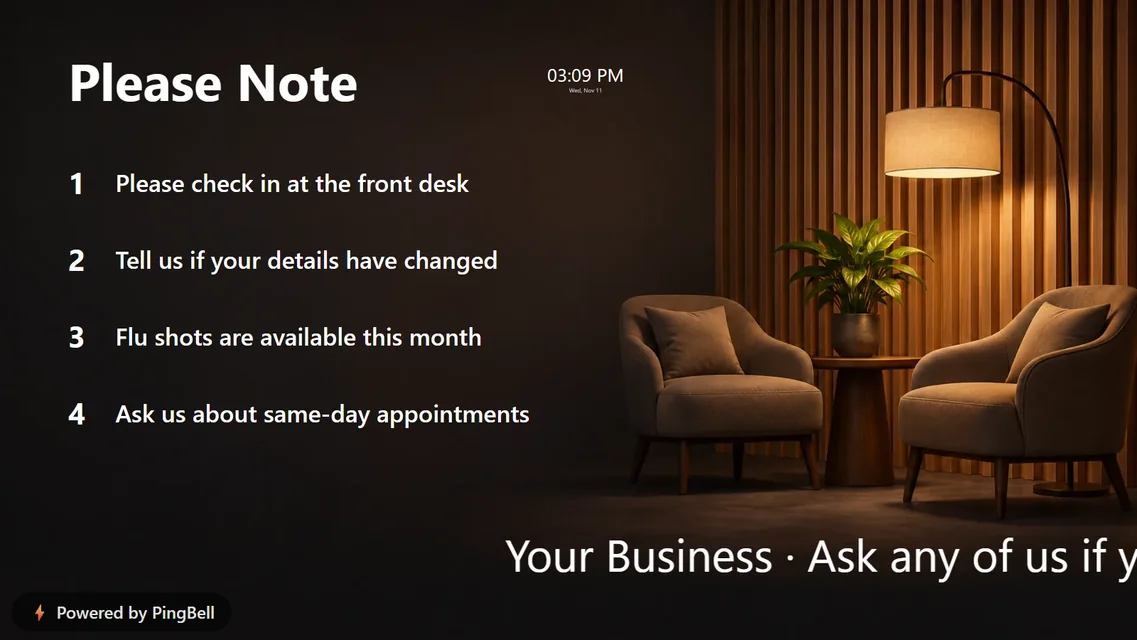
“Please check in at the front desk.” “Tell us if your details have changed.” “Flu shots are available this month.” Four short notices do the work of a clipboard of laminated signs.
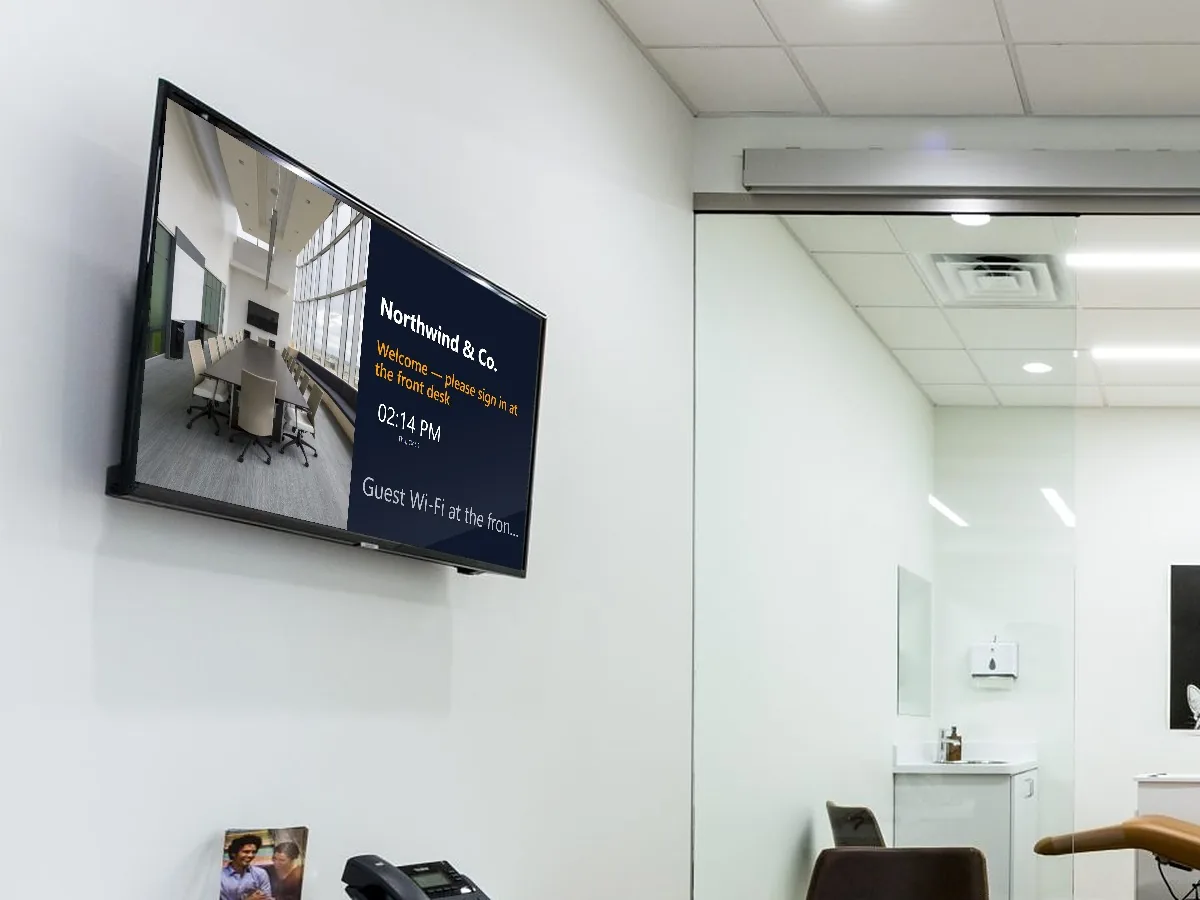
11. A storefront welcome with the time and weather
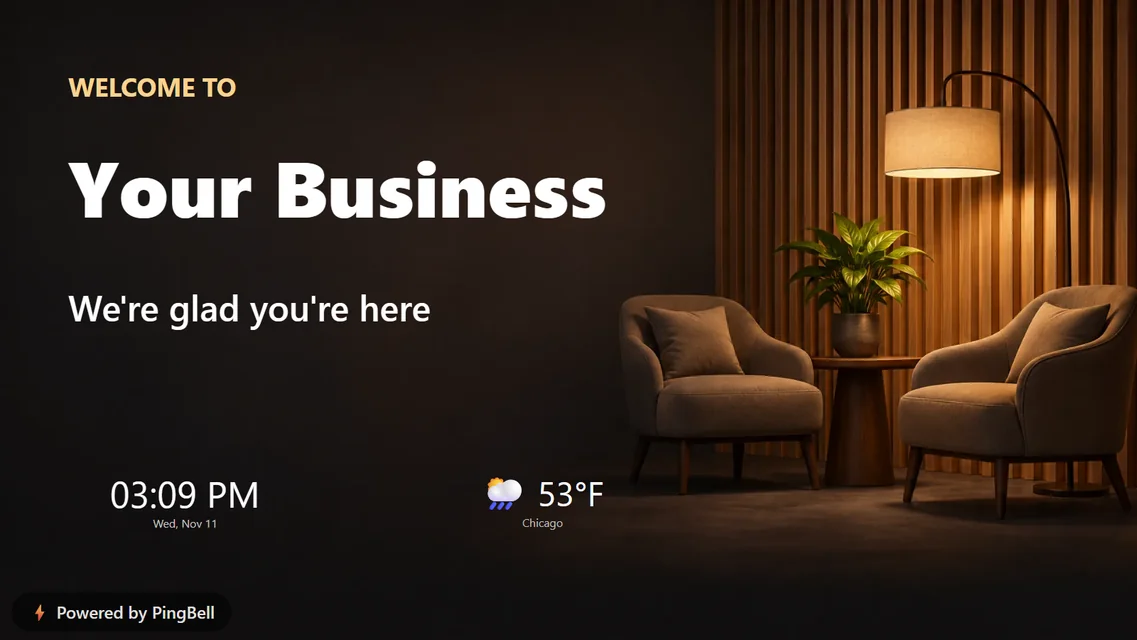
Your name, a warm line, the time and the local weather. A welcome screen makes a lobby feel looked after, and the live clock and weather give people a reason to glance at it.
12. Guest Wi-Fi and info
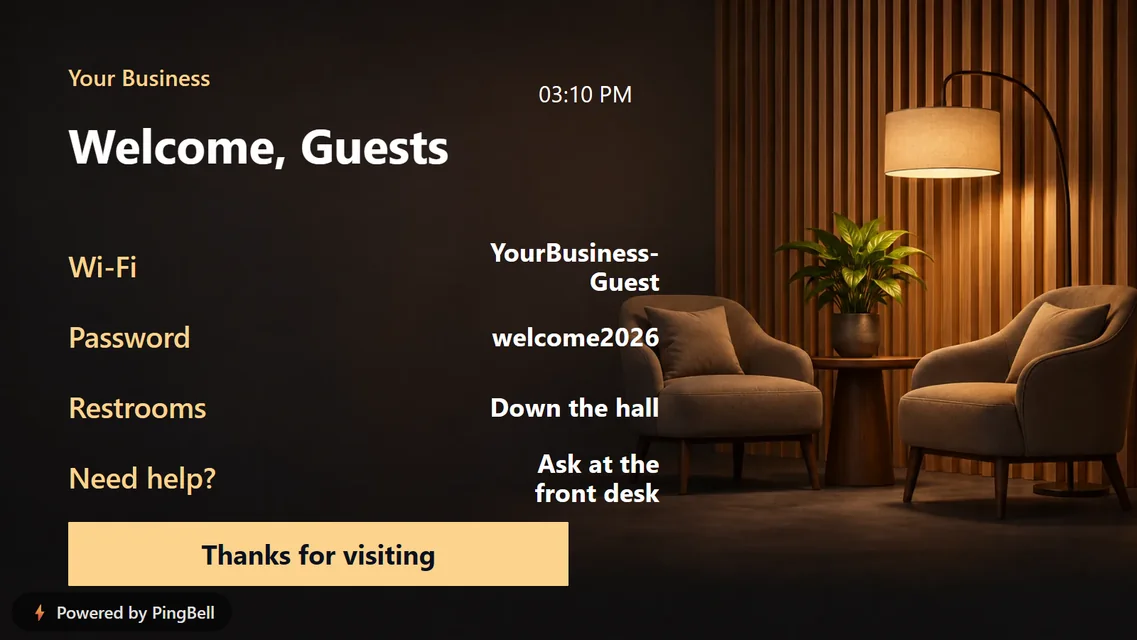
The Wi-Fi name and password, where the restrooms are, who to ask for help. Great for waiting rooms, rentals, coworking spaces and hotel lobbies.
Digital signage ideas for gyms and studios
13. Today’s class schedule
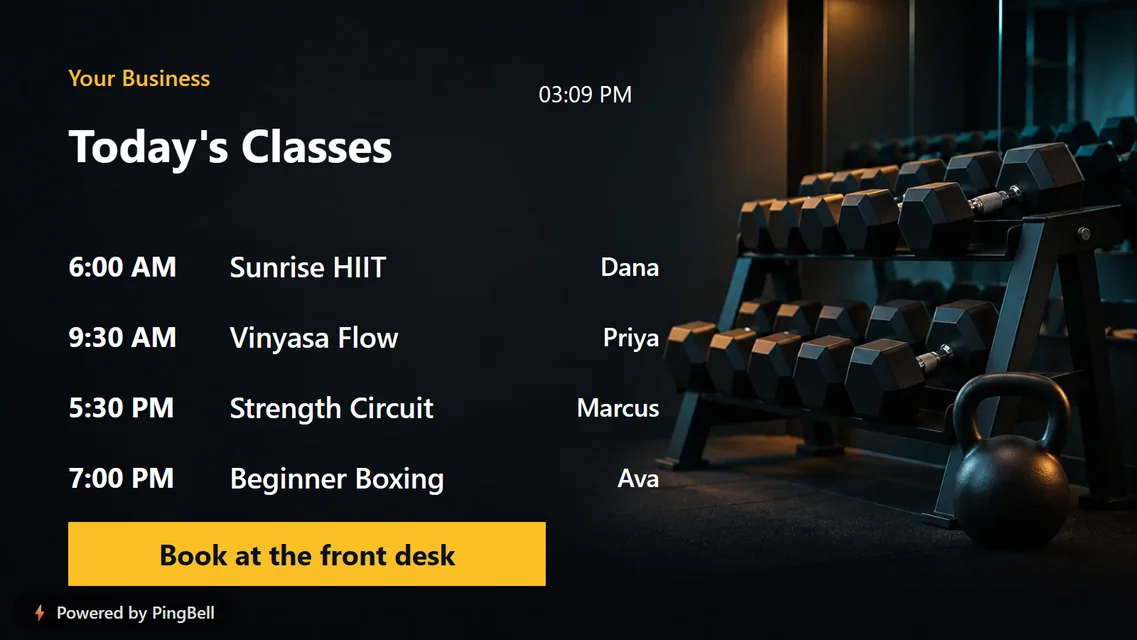
Times, class names and instructors, with “Book at the front desk” underneath. Members check it on the way in, and drop-ins see what they could come back for.
Digital signage ideas for offices
14. Employee of the month
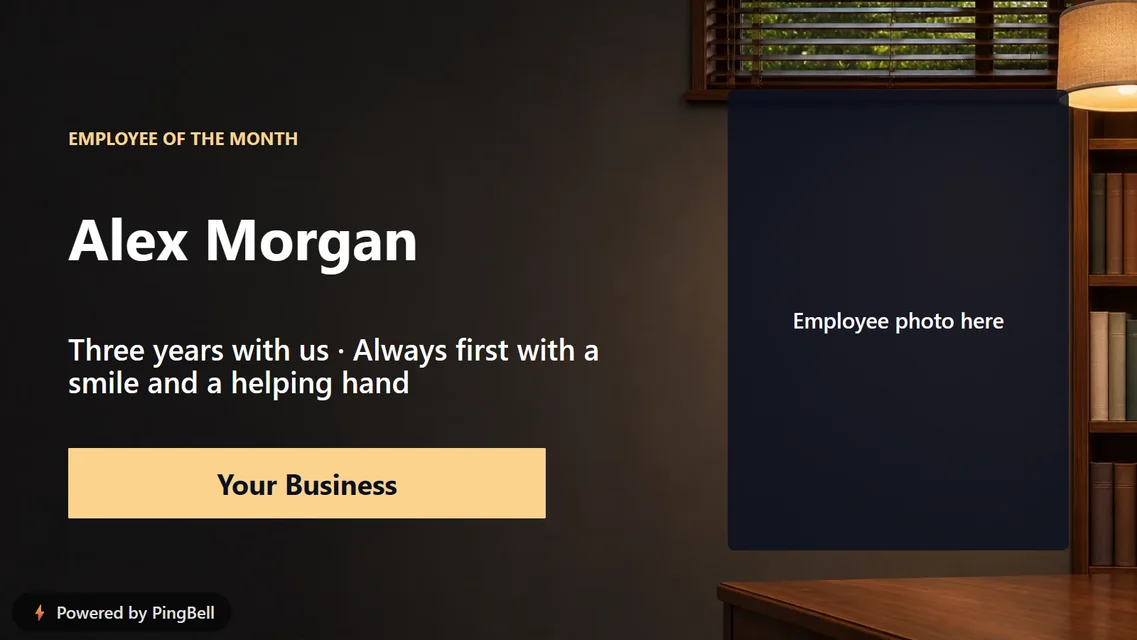
Recognition costs nothing and lands hardest when it’s public. Put a name and one line about why on the office TV. Add their photo with a free account.
15. Meeting room schedule
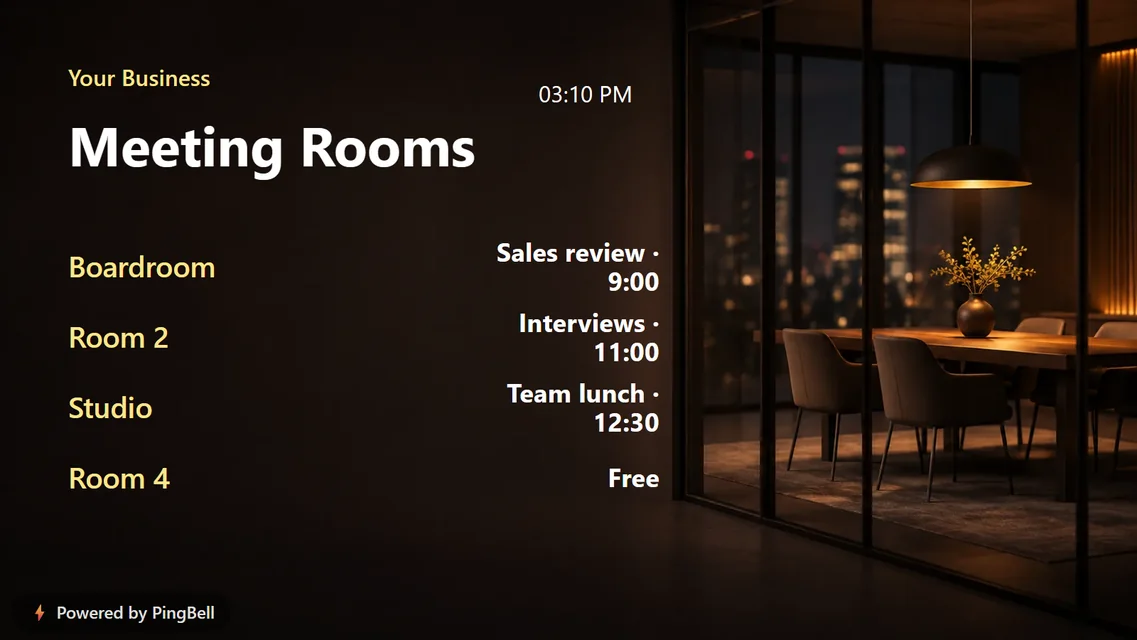
Who has which room, and when. It ends the knock-and-peek and the double booking.
16. A company announcement
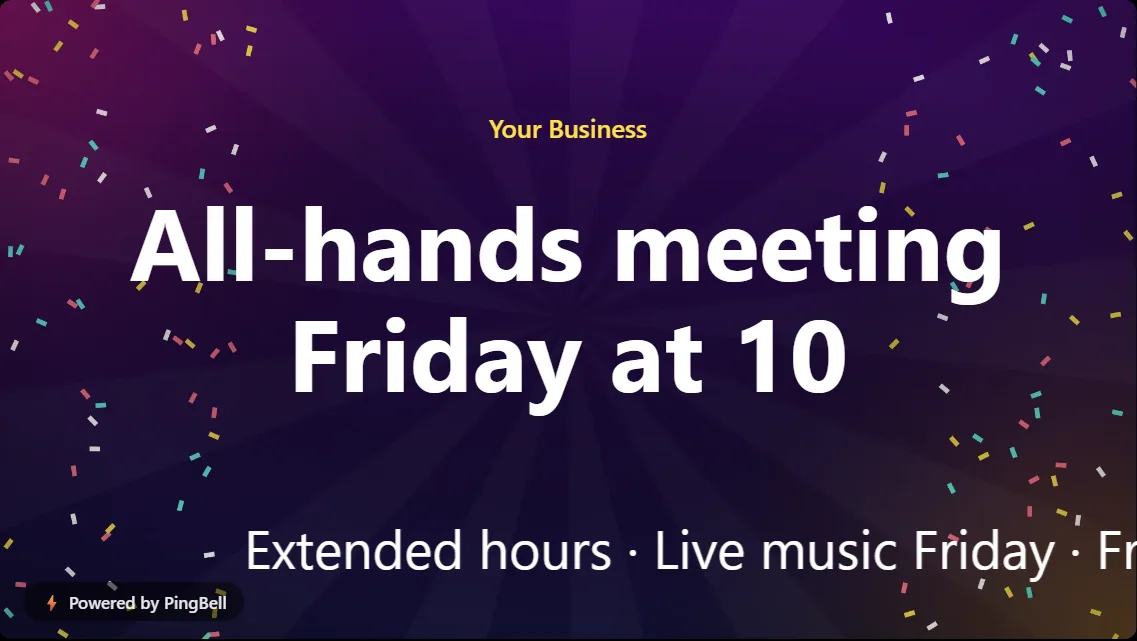
“All-hands meeting, Friday at 10.” The one message everyone needs to see goes where everyone walks past.
Digital signage ideas for schools and churches
17. Service times
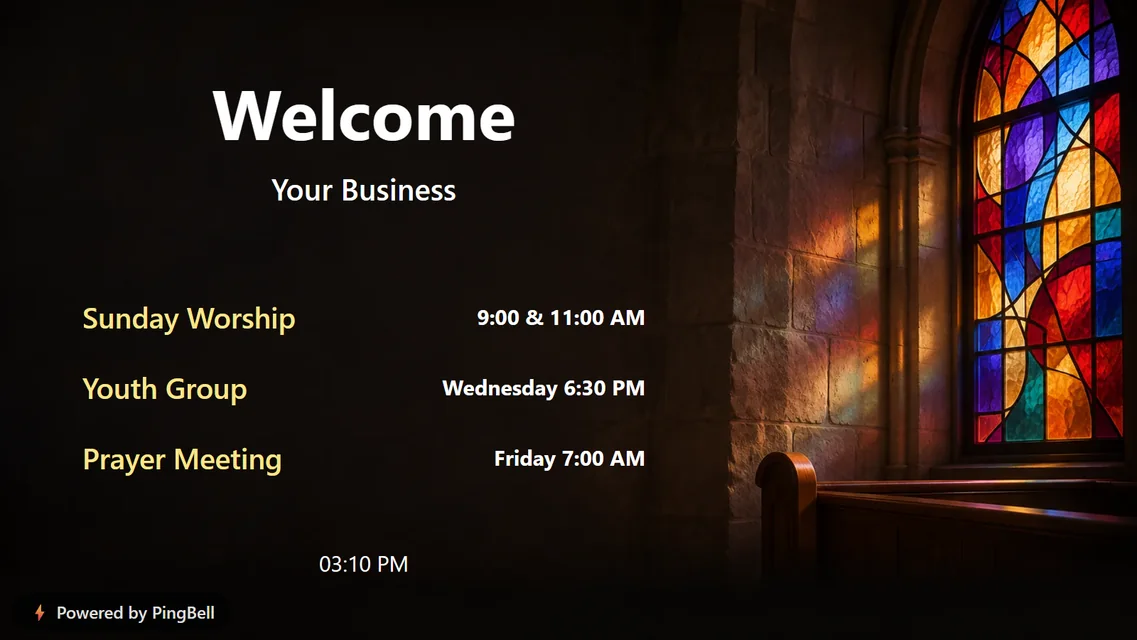
Sunday worship, youth group and prayer meeting times in the foyer, so visitors know when to come back.
18. The school lunch menu
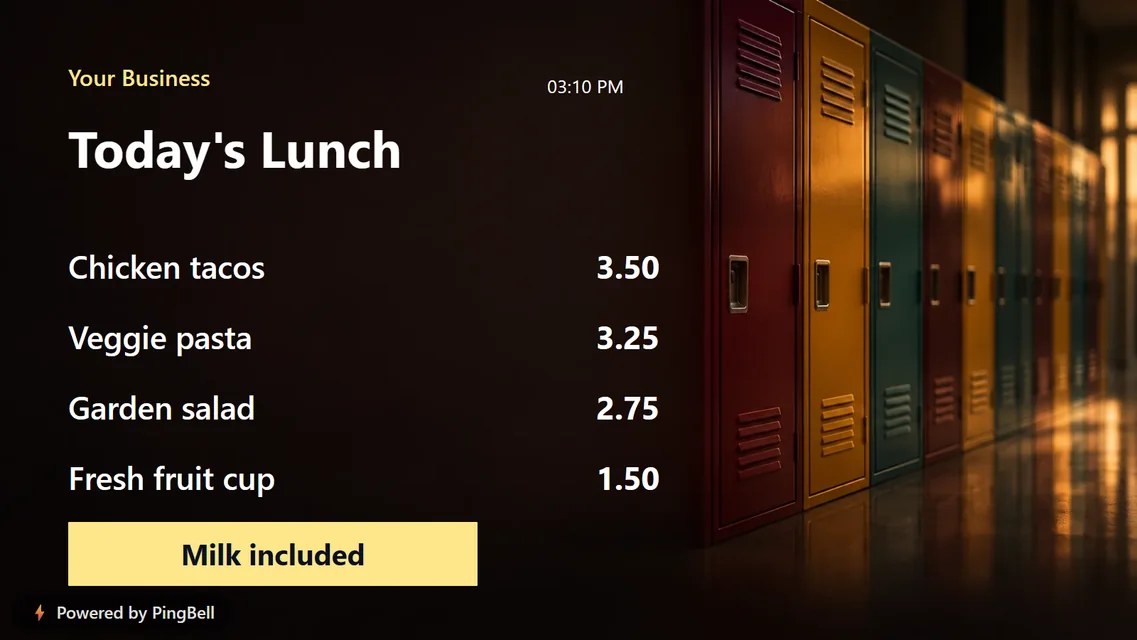
Today’s lunch in the cafeteria line, with prices. Schools also use “This week at school”, “Student of the month” and “Teacher of the month” boards for hallway TVs.
How to put any of these on your TV
- Open the free board builder and pick what you want to make: a menu, a call to action, a welcome, an employee highlight, a weekly schedule or a countdown.
- Choose the board, type your own words over the sample ones, and pick a style.
- Click Put it on my TV. On the TV, open the free PingBell app (Roku, Apple TV, Fire TV, Android TV), the Chrome extension, or my.pingbell.io/pair in any browser, and type the code it shows into the builder.
Prefer to ask instead of click? PingBell for ChatGPT makes every board on this list from a single sentence.
Want your board to show live numbers too?
Every idea above uses words you write once. A free PingBell account adds the boards that update themselves: today’s sales from Shopify, Square or Stripe, new members, donations toward a goal, a sales team leaderboard. Connect the app you already use, and every sale or sign-up counts up on the TV the moment it happens.
Frequently asked questions
What’s the cheapest way to do digital signage for a small business?
Use the TV you have and a free board. A PingBell board runs from the free TV app or any web browser on the TV, so there’s no player box and no monthly fee to get started.
Do I need a smart TV?
No. Any TV with a Roku, Fire TV, Apple TV or Android TV device works, and so does any monitor connected to a computer with a web browser.
How many TVs can I use?
Without an account, you can pair up to three TVs per board. With an account, you can pair as many screens as you like.
Can I change the board later?
Yes. Edit it in the builder and every paired TV updates by itself.