
You know what your menu says. You shouldn’t need design software, a template marketplace or a signage company to get it onto the TV behind the counter.
With PingBell for ChatGPT, you type what you want, like “Make a menu for my café and put it on our TV”, and ChatGPT builds the board and sends it to your screen. It’s free, it needs no account, and it takes about as long as writing a text message.
What PingBell for ChatGPT does
PingBell is an app inside ChatGPT. When you ask for something for your TV, ChatGPT:
- Picks the right board for the job: a menu, a price list, a schedule, a welcome screen, a countdown.
- Writes your words onto it. Your items and prices, your business name, your hours.
- Gives you a preview link, so you can see the board before it goes on the wall.
- Sends it to your TV when you read it the code on your screen.
Then you keep talking: “Change the latte to $5.25”, “Add a line that says we close at 3 on Sunday”, “Make the font bolder”. The TV updates by itself.
Step by step: a menu on your TV in two minutes
- Add PingBell to ChatGPT. Open the PingBell app in ChatGPT and add it. There is nothing to sign in to.
- Ask for your board. Give ChatGPT every item you want on it. For example:
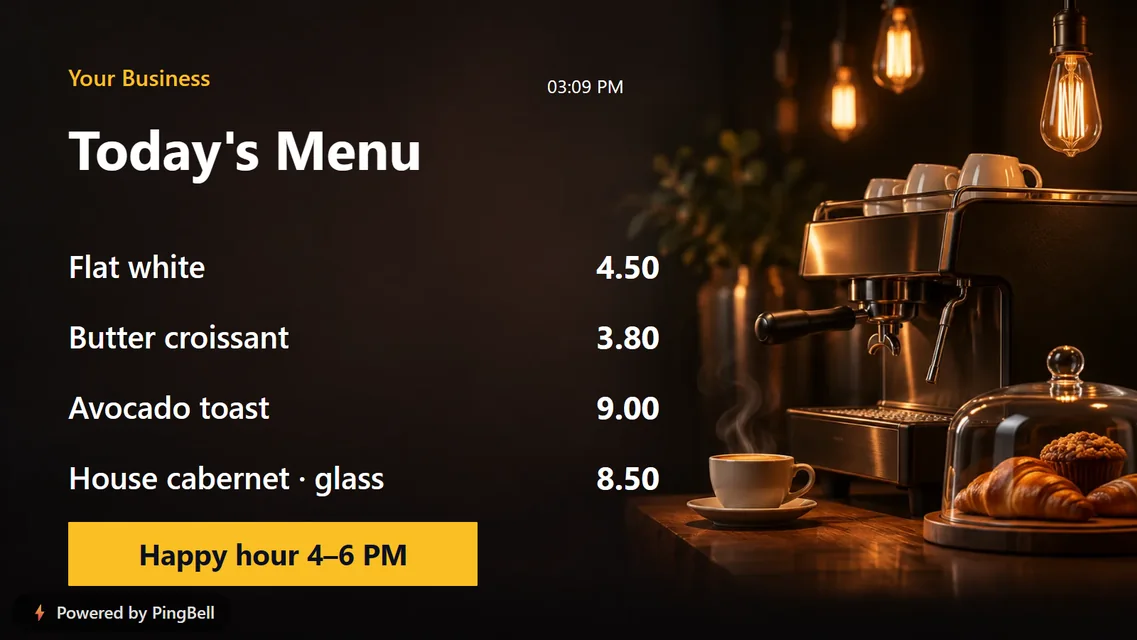
Make a menu for Harbor Café: flat white 4.50, butter croissant 3.80, avocado toast 9.00, cold brew 5.00. Put “Happy hour 4–6 PM” at the bottom.
- Open the screen on your TV. Open the free PingBell app (Roku, Apple TV, Fire TV, Android TV) or go to my.pingbell.io/pair in any browser on the TV, full screen. It shows a six-character code.
- Read the code to ChatGPT. Your menu appears on the TV right away.
Any line you don’t need can be left off. Just tell ChatGPT (“no bottom banner”, “only three items”).
What else you can ask ChatGPT to put on your TV
Menus are where most people start, but the same sentence-to-screen approach works for anything a small business keeps on a TV for weeks at a time:
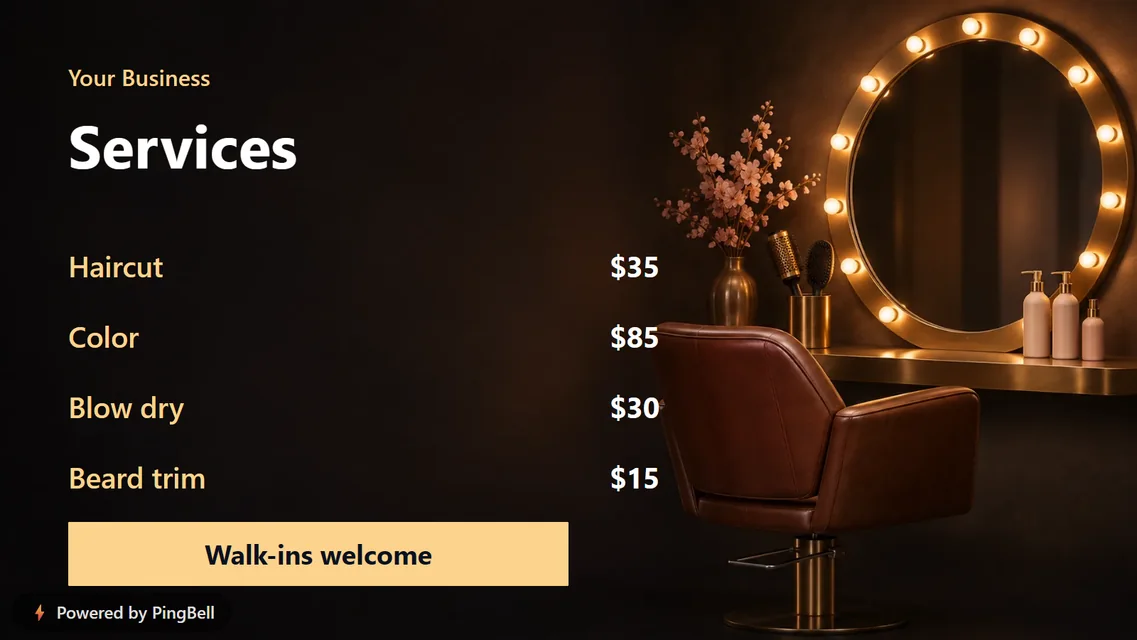
- Services and prices: “Show our barbershop’s services, prices and hours of operation on the TV.”
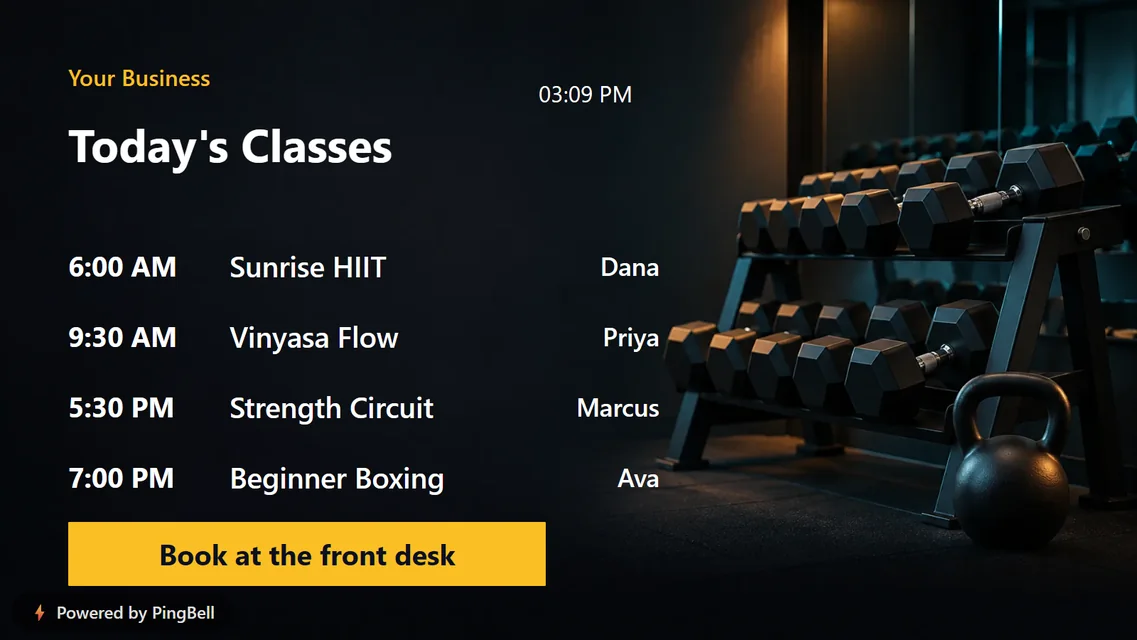
- Class schedules: “Put today’s class schedule on our fitness studio’s TV.”
- Today’s specials and happy hour
- Holiday hours and waiting room notices
- Wi-Fi and guest info for a lobby or rental
- Employee of the month, student of the month, teacher of the month
- Meeting room schedules and company announcements
- Holiday countdowns: Christmas, New Year, Thanksgiving, or any date you name
Styling: ask for a look in plain words
ChatGPT chooses from PingBell’s ready-made designs, so every board looks finished. You can steer it:
- Styles: “Make it the dark navy one”, “Use the clean style”.
- Fonts: four typefaces are free: Standard, Classic (a serif), Bold and Narrow. “Use the classic font” works.
- Backgrounds: themed artwork for holidays, cafés, lobbies and more. The Christmas countdown alone has five.
Your own colors, logo, photos and other fonts need a free PingBell account. There you can build one fully custom board, or bring your design in from Canva.
Why a menu board made by ChatGPT stays readable on a TV
The hard part of signage isn’t the words; it’s making them readable from across a room. That’s why ChatGPT doesn’t draw your board from scratch. It fills in boards we designed for TVs:
- Sized for distance. Text is set large enough to read from the door, with room for the lines a business actually needs and no more.
- Made for 16:9. Every board fills a landscape TV with nothing cut off.
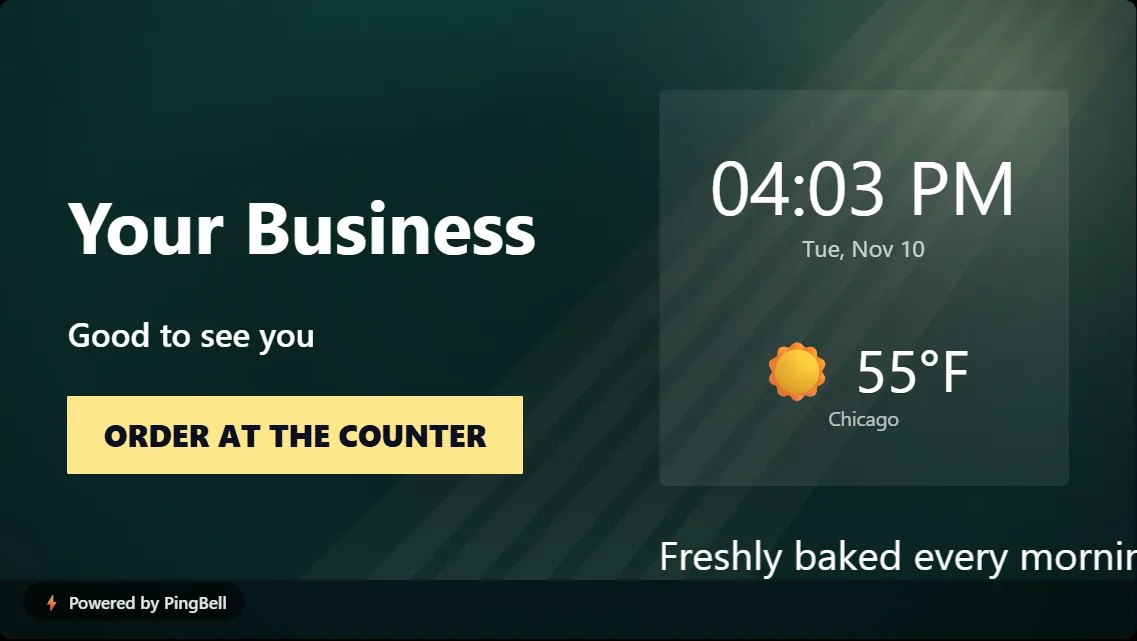
- Live where it needs to be. Welcome boards show the real time and the local weather.
Frequently asked questions
Does PingBell for ChatGPT cost anything?
No. Boards you make in ChatGPT are free and carry a small “Powered by PingBell” mark.
How many TVs can show my board?
Up to three for each board. Pair each one with its own code.
Can I change the menu later?
Yes. Go back to the same chat and ask. That chat holds the key to your board, so a brand-new chat may not be able to edit it.
Can ChatGPT take over my TV?
No. A screen only pairs with the short code it shows, and only someone standing in front of that screen can read it.
Can I put the same menu on my website?
Yes. Ask ChatGPT for the embed code and paste it into your site.
Add PingBell to ChatGPT → · Learn more about PingBell for ChatGPT