
After installing the PingBell Shopify app, 2 counters will be automatically generated and updated.
By default your counters will show the last 30 days. If you would like to update them to include the data from all time follow the following steps:
1. Select the Counter you need
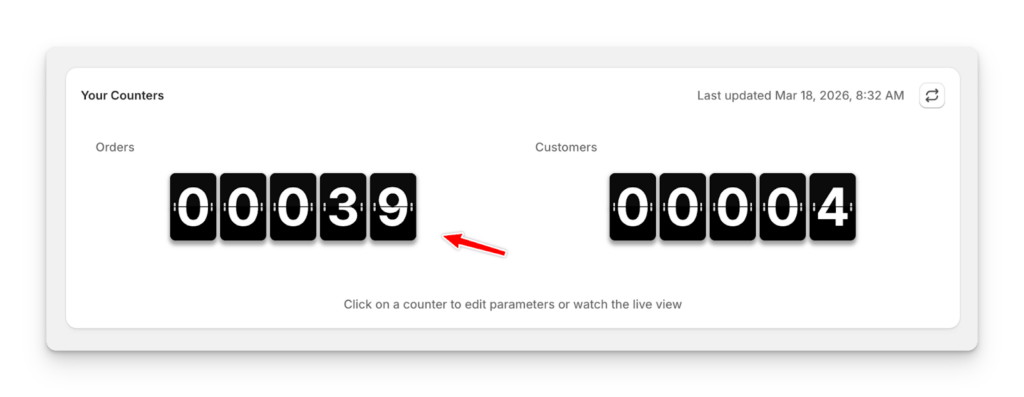
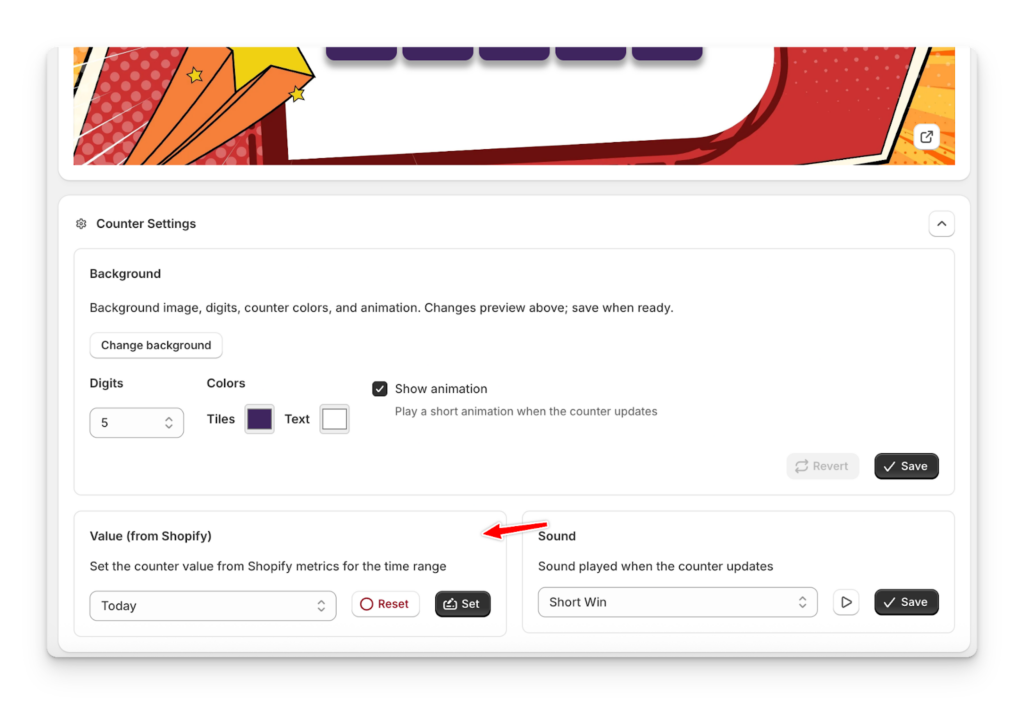
2. On the bottom section you will find settings with the Value sync
3. Select the time range you want to sync with and click “Set”
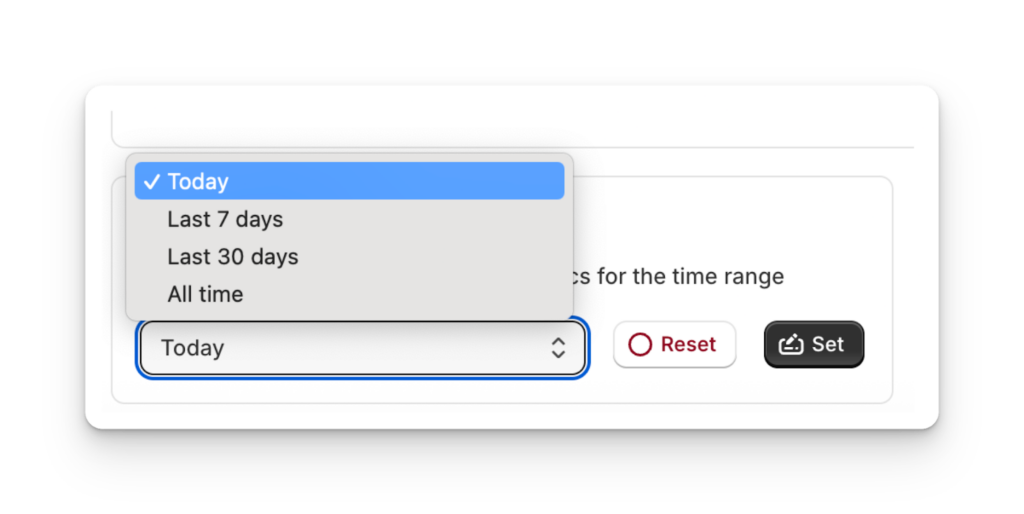
4. Shopify will provide necessary data and your counter will be up to date