
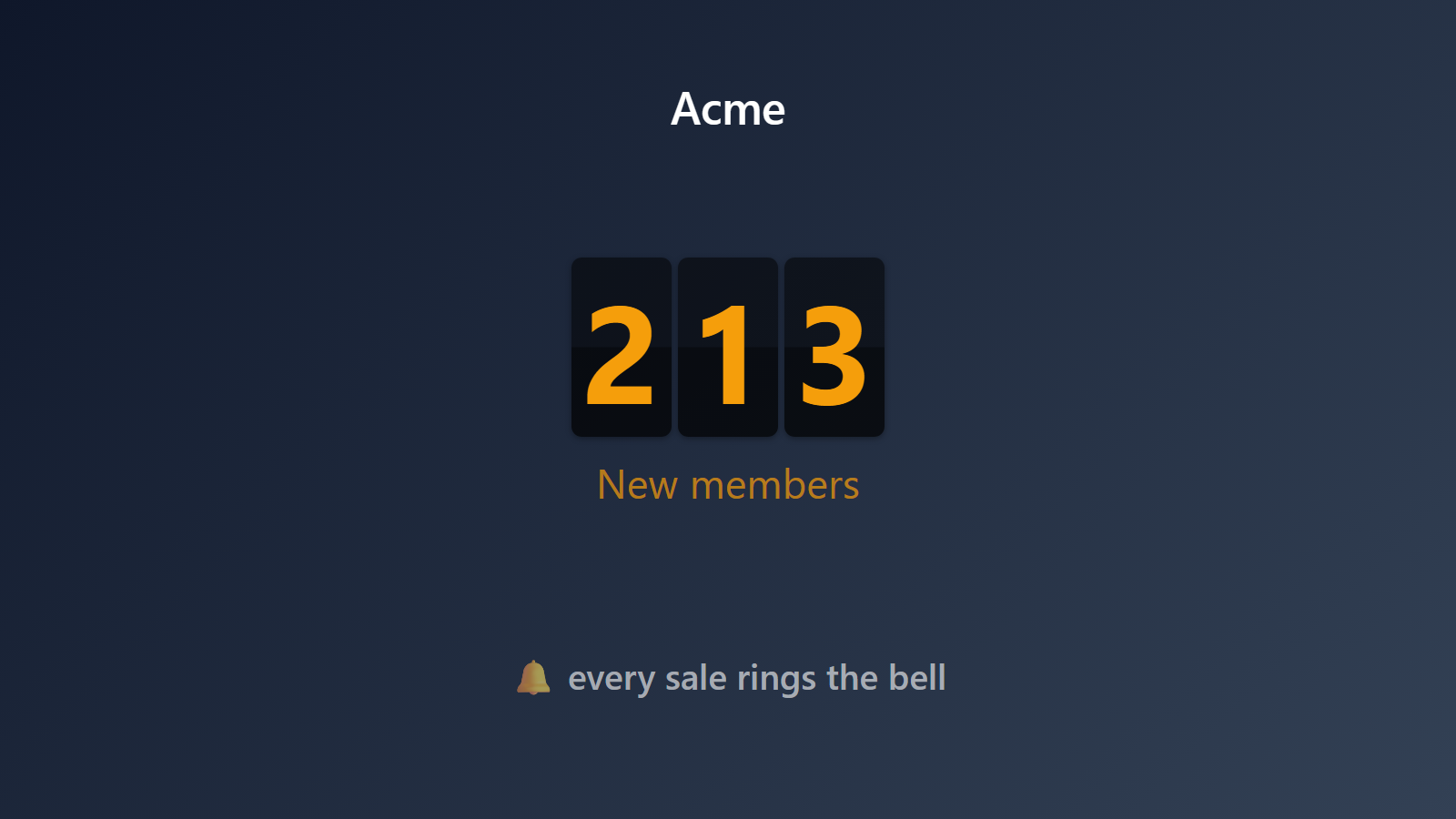
A bell for every new Skool member. A live counter for the community you’re building.
Skool communities grow in waves. A good podcast appearance triggers a surge of new members. A well-timed email fills a cohort. A viral post in another community brings a whole batch. You want to feel those moments, not find out about them three days later.
PingBell turns every Skool event — new member, new paid membership, new course enrollment, new top-level post — into a push notification with a custom sound, plus a live counter on the office TV, plus a real-time graph. Great for solo creators building in public and for teams running multiple communities at once.
Who this is for
- Skool community founders who want to feel membership growth in real time.
- Paid-community operators running Skool as their subscription business who want MRR-style tracking.
- Course creators selling cohort-based courses inside Skool who want a launch-week dashboard.
- Coaching programs using Skool for cohort management who want a bell for every new application.
How PingBell solves it
Zapier integration (or webhook). Skool has a growing integrations list; the most reliable path today is Zapier’s Skool triggers, which include new members, new paid members, and new course enrollments. You can also use a direct webhook from Skool’s admin if available in your plan.
Counter per community. If you run multiple Skool communities, each one gets its own counter. Show them all on one TV rotating on a timer.
Push notifications with member details. Template like New member: {first_name} from {location} joined {community_name} and the notification tells you exactly who just showed up.
Live graph for launches. Set a daily or weekly goal (e.g. “1,000 members by Friday”) and the counter visually tracks progress. Post the screenshot in your Skool community to show the momentum.
Setup in 5 minutes
- Create a PingBell counter. Name it after your community. Choose “Event” as the trigger, “Count” as the value (or sum dollars if you’re tracking paid members).
- Connect Zapier. Create a Zap: Trigger = “New Skool member” (or “New paid member”), Action = “Webhook by Zapier → POST” to your PingBell source’s webhook URL (copy it from the Sources page).
- Map the fields. Zapier’s payload includes member name, email, joined-at, community. Pass these through to PingBell’s template variables.
- Pick a sound and template. Inside PingBell, customize.
- Install the apps. PingBell TV app on any TV for a community-growth wall; PingBell mobile for push to your phone.
Pricing for this use case
Solo creators fit on the Core plan at $20/mo (billed annually; $30 month-to-month) (single seat). Creators who want to design their own boards, rotate a channel, or run screens that stay on should take Plus at $50/mo (billed annually; $75 month-to-month). Agencies or education companies running different content on different screens for client communities: Team at $200/mo (billed annually; $300 month-to-month) with unlimited channels and a team of five.
See pricing.
FAQ
Does Skool have a native PingBell integration?
Not yet — we’re in conversation with the Skool team. For now, the Zapier path is reliable and immediate.
How fast is the notification after a new member joins?
Zapier typically polls every 1-15 minutes depending on your Zapier plan. For real-time, use a direct webhook (available on some Skool plans) — that goes through in seconds.
Can I track paid vs. free members separately?
Yes. Create two counters: one for new free members, one for new paid. They can have different sounds and different notification templates.
Does it work for course enrollments inside Skool?
Yes. Zapier’s “New course enrollment” trigger for Skool fires when someone enrolls, and PingBell can either count enrollments or sum course revenue.
Can I include custom member fields in the notification?
Yes, if Skool captures them. Custom profile fields, UTMs from the signup referrer, and cohort tags all come through as Zapier variables.
What happens if I have multiple Skool communities?
Create one counter per community, or feed them all into a single “All communities” counter. Either pattern works.
Can I track MRR from a paid Skool community?
Yes, indirectly. Skool’s billing happens through Stripe, so you can connect PingBell to your Stripe account (see Stripe push notifications) for accurate MRR math.
Get started
Start a free 7-day trial. Wire up a Zap. Watch the next new member ring your bell.