
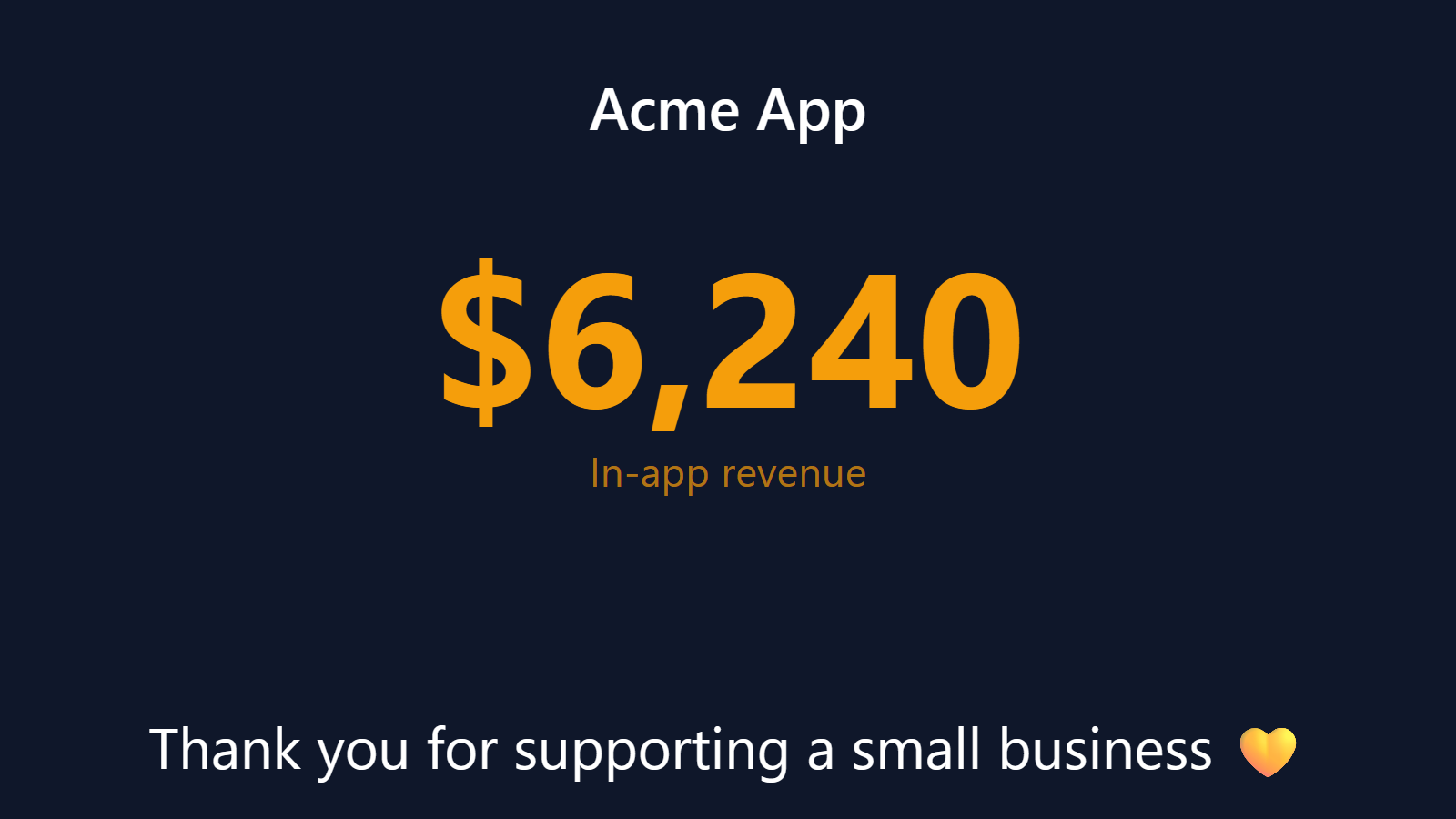
Watch your in-app revenue climb in real time.
Mobile app teams ship features all day. The thing they actually care about — whether the new paywall converts, whether the subscription tier upgrade is moving, whether the launch is real — lives behind a 4-hour data delay in App Store Connect or a polling Slack bot nobody checks.
PingBell makes IAP revenue ambient. Every purchase your app processes lands on the office TV in seconds. The number climbs while engineering is mid-deploy. Marketing watches the campaign land. Product sees the paywall A/B win in real time.
Who this is for
- Indie mobile app founders wanting their IAP revenue on the wall behind their desk.
- Growth and monetization teams at app studios watching launches and experiments.
- Game studios tracking in-app purchases on a featured item or launch event.
- Subscription app teams (mediation, fitness, language learning, productivity) tracking new subscribers and renewals.
- Cross-platform teams combining iOS and Android revenue into one unified counter.
How PingBell solves it
Connect via RevenueCat (the easy path). RevenueCat’s webhooks fire on every purchase, renewal, refund, and cancellation. Point them at PingBell and every event becomes a counter update, a sound, and a graph point. Setup takes 3 minutes if you already have RevenueCat in place.
Or App Store Connect / Google Play directly. Both Apple and Google support server-to-server notifications. If you’ve got the engineering capacity, plumb them through your backend to PingBell’s webhook. Otherwise RevenueCat is the path.
Cross-platform unified counter. Most app teams ship on both iOS and Android. PingBell handles both: feed iOS purchases and Android purchases into the same counter, and the TV shows total IAP revenue across platforms. Or run them separately if you want platform-specific visibility.
MRR math for subscription apps. New subscriptions add to MRR. Upgrades add the delta. Cancellations subtract at end-of-period (not at cancel-notice). The counter reflects true subscription MRR, not just gross charges.
Setup in 5 minutes
- Set up a counter. Name it (“IAP today” or “Subscription MRR”), pick the metric (count, sum, or MRR delta), style the display.
- Connect it to a source. RevenueCat webhook is the fastest. Stripe (if you bill IAP through Stripe Connect on web). Or App Store Connect / Google Play server-to-server notifications via your backend.
- Install the PingBell TV app on the office TV — Apple TV, Fire TV, Android TV, or Roku. It shows a short pairing code.
- Pair the screen. Enter the code on the Screens page at my.pingbell.io (or scan the QR).
- Cast the board. Watch the numbers grow.
Pricing for this use case
Indie founders: Core at $20/mo (billed annually; $30 month-to-month) covers every native TV and mobile app, all integrations, and up to 50 paired screens on Plus and 200 on Team — single seat. Teams that design their own boards or rotate several metrics (IAP, MRR, signups, retention) on one channel: Plus at $50/mo (billed annually; $75 month-to-month). Larger teams, or different content on different screens: Team at $200/mo (billed annually; $300 month-to-month).
See full pricing.
FAQ
Why RevenueCat?
RevenueCat sits between your app and the platform stores, normalizes purchase events across iOS and Android, and exposes a clean webhook API. Most modern app teams use it precisely because it solves the “iOS and Android subscription events are different shapes” problem. PingBell consumes its webhooks directly.
Can I track Apple Search Ads or paid-acquisition ROAS in the same counter?
Not directly — that’s an analytics question (cohort tracking, attribution windows). Pair PingBell with your analytics tool: PingBell broadcasts the live revenue, the analytics tool tells you which channel drove it.
Does it handle refunds and chargebacks?
Yes. Subscribe to refund events from RevenueCat (or directly from Apple/Google) and refunds decrement the counter in real time.
What about consumable IAPs vs. subscriptions?
Both work. Consumables count once per purchase. Subscriptions count once initially and (depending on configuration) again on each renewal.
Can I run a per-product counter?
Yes. Filter by product ID in the counter’s source config. Useful when launching a new tier or running a featured-bundle promotion.
What’s the latency from purchase to TV?
Under 3 seconds via RevenueCat webhooks. Slightly longer if you’re polling App Store Connect directly (which we don’t recommend — use server notifications).
Get started
Start a free 7-day trial. Connect RevenueCat (or your direct notification flow). Pair the office TV. Watch the next purchase land on the wall.