
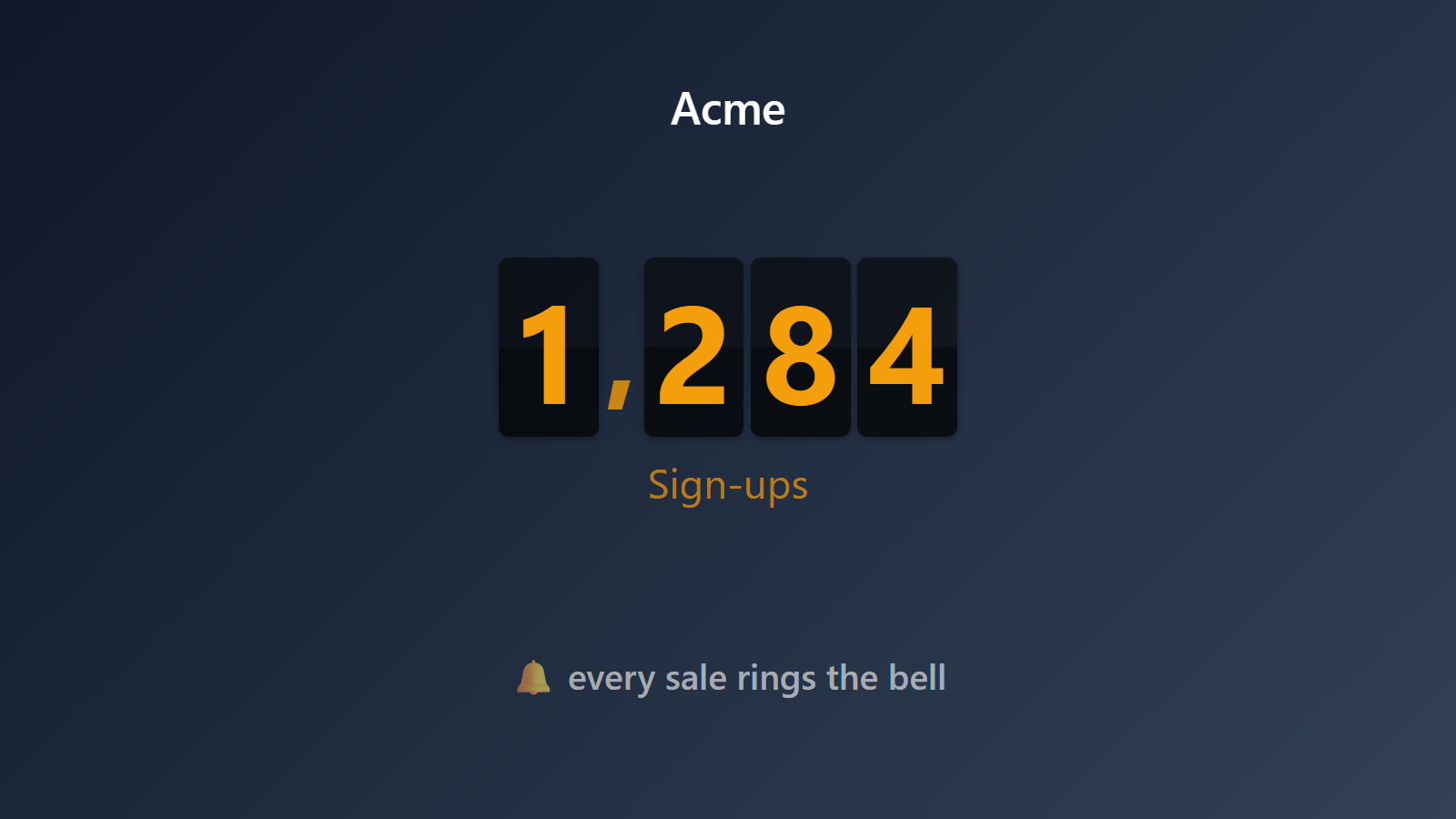
A live signup counter on your landing page. Actually live. Actually real.
Social proof on landing pages has gotten gross. “Samantha from Boston just bought this!” popup notifications are almost all lies — random fake activity from a tool designed to simulate urgency. Real visitors can smell it immediately and the trust damage often outweighs the conversion lift.
PingBell is the opposite. A real counter, updating in real time, showing the actual current number of signups / customers / trial-starts / whatever you pass it. When a new person signs up, the number on your landing page ticks up. Honest social proof. Measurable. Embeddable in any site with a single <iframe> tag.
Who this is for
- SaaS landing pages running trial signups or waitlist signups.
- Indie makers running a product hunt launch or beta waitlist.
- Newsletter operators who want to show subscriber count honestly on the signup page.
- Crowdfunding campaigns wanting to show backer count on their external landing page.
- Event organizers showing tickets sold on the event page.
- Nonprofits showing donor count on a campaign landing page.
How PingBell solves it
Truly live embed. The counter holds a persistent realtime connection, so when a signup fires anywhere in your system, every embed on every page of your site updates within a second. No polling. No stale number.
No popups, no fake activity. Just a number. Honest.
Connect any signup source. Stripe for paid conversions; Zapier for most other tools (Typeform, Mailchimp, ConvertKit, Substack, Beehiiv); direct webhook for custom apps.
One line embed. <iframe src="https://my.pingbell.io/embed/source/[source-id]?label=Signups" width="200" height="60"></iframe> drops a compact live total (with a 14-day sparkline) into any page. Want the full brand treatment instead? Design a board and copy its embed code from the Sharing panel — one click.
Styled to match your brand. The board route gives you full control — background, fonts, colors, a goal bar — designed once in the board editor and rendered identically in the embed.
Pairs with the office TV. Same counter can drive both the website embed and the office TV display. Your landing page shows “1,247 founders signed up”; your office TV shows “1,247” in 200pt type.
Setup in 5 minutes
- Create the counter. Name it whatever matches your page (“Founders who’ve signed up”, “Beta testers”, “Paid customers”).
- Connect the source. Stripe OAuth for paid; Zapier for form tools; direct webhook for custom.
- Customize the embed display. Font, color, animation, prefix/suffix (“Over [counter] happy customers”). Preview live.
- Copy the iframe snippet. One line of HTML.
- Paste into your landing page. Inside WordPress, Webflow, Squarespace, Wix, or raw HTML. Works anywhere you can put an
<iframe>.
Pricing for this use case
A solo maker with a landing page: Core at $20/mo (billed annually; $30 month-to-month) — browser embeds are included on every plan. Teams running counters across multiple pages and brands: Plus at $50/mo (billed annually; $75 month-to-month) for the full board designer and up to 50 paired screens. Agencies embedding counters on client sites and running different content per client screen: Team at $200/mo (billed annually; $300 month-to-month).
See pricing.
FAQ
Will the embed slow down my landing page?
No. The iframe itself is under 30KB. It connects to PingBell’s CDN once, then receives updates over a long-lived websocket. Zero impact on Core Web Vitals / LCP.
Does it work with static site generators (Next.js, Astro, Hugo, etc.)?
Yes. The iframe is plain HTML and works with any site that can embed an iframe. Most SSGs have it inserted during build.
Can I style the number to match my brand?
Yes. Design a board — background, fonts, colors, a goal bar — and embed its live view. The compact source embed also takes a custom label and can show count or revenue.
What happens if my site’s CSP blocks iframes?
Add my.pingbell.io to your frame-src CSP allowlist. The embed uses only that domain.
Can I use the counter as a Shopify product-page “recently bought” replacement?
Yes. Create a dedicated source for that product’s purchases (a Zap filtered to the product does it) and embed its counter on the product page — a real purchase count, not simulated activity.
Does the counter help my SEO?
Put the claim in your page copy — “1,247 founders signed up” — where search engines read it, and let the live counter be the proof for the humans. The embed itself is an iframe, so treat it as a visual element.
Can the counter decrement?
Yes, if your source fires cancel/refund events. Some sites don’t want to show decrements publicly — you can configure “append-only” mode for the embed while still tracking real totals internally.
Will it show the wrong number if someone games my signup form?
The counter shows whatever events you pipe into it. If bot signups are a concern, filter them out upstream (captcha, email validation) before PingBell ever sees them.
Get started
Start a free 7-day trial. Create a counter, paste the iframe on your landing page, and show the world the real number.