
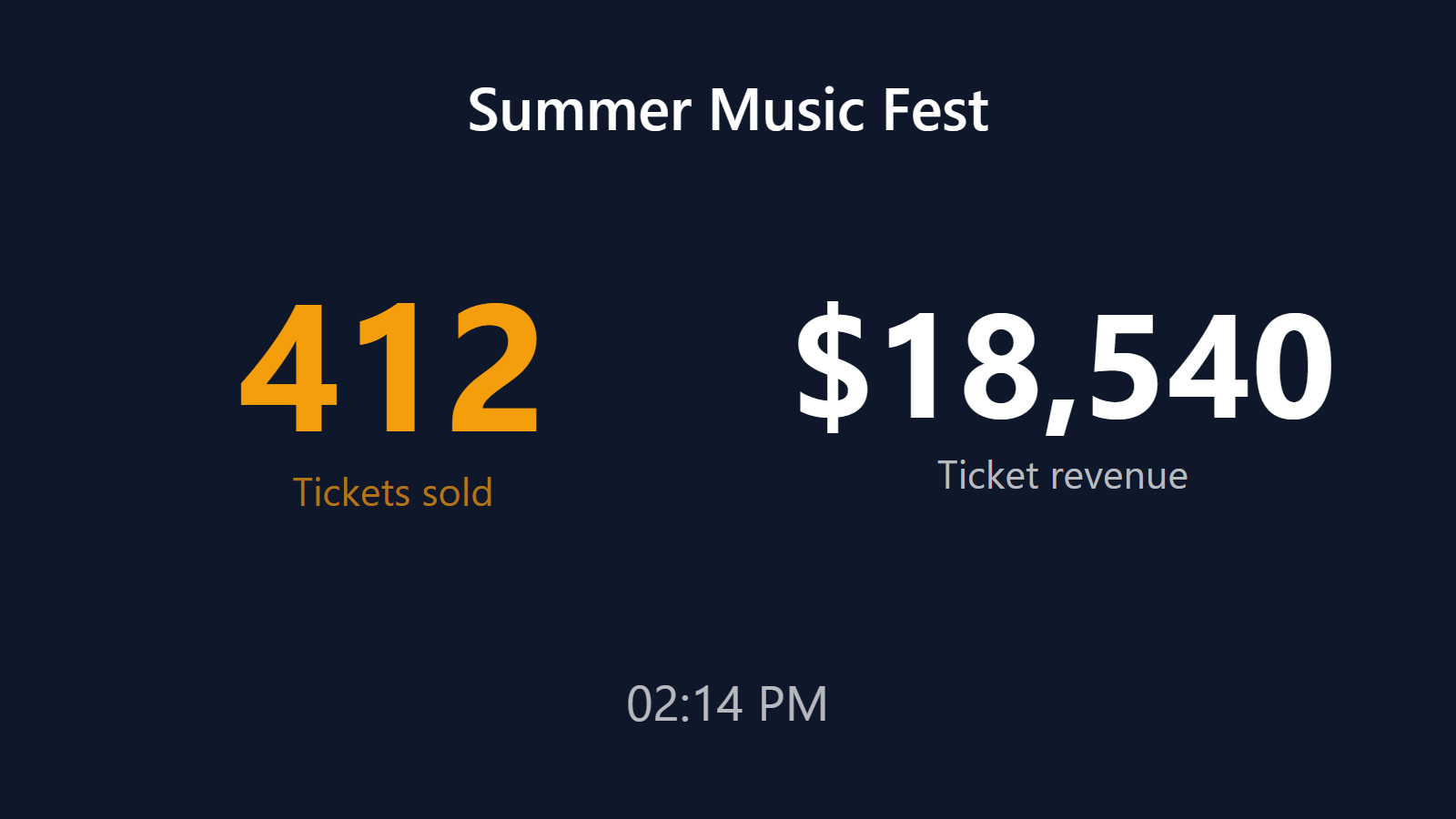
A live ticket sales counter for your event.
Event producers live inside a specific anxiety: the ticket sales curve. Early bird sells slow, then a push, then a slump, then the final-week surge. Every producer has a browser tab open to their ticket platform’s dashboard running refresh-roulette. The team that’s building the event (programming, sponsors, ops) is blind to the numbers.
PingBell turns every ticket sold into a war-room moment. A live sales counter on the planning-team TV. A push notification with a sound on every team phone. A real-time graph showing the sales curve shape. Works with Eventbrite, Tito, Luma, Hopin, Shopify tickets, or any custom flow.
Who this is for
- Conference producers running 100-5,000 person tech, creator, or industry conferences.
- Ticket promoters running concerts, comedy shows, and live events.
- Workshop and training organizers running paid education events.
- Community event leaders running meetups, summits, and gatherings.
- Nonprofit gala / benefit producers tracking both ticket sales and sponsor commitments.
How PingBell solves it
Every ticket platform. Eventbrite (Zapier trigger), Tito (native webhook), Luma (Zapier), Hopin (webhook), Cvent (Zapier). Shopify-based ticket flows connect via the Shopify integration. Custom flows POST to the webhook endpoint.
Counter, graph, push at once. Every ticket sold updates the counter, plots on the graph, and fires a push to the team phones with a sound. Some teams like a literal “cash register” sound for tickets; others prefer a gentle chime.
Ticket-tier-aware counters. Running an early bird / standard / VIP / sponsor tier stack? Create a counter per tier, or one grand total, or both. The TV can rotate through them.
Goal thermometer. Set the target ticket count (or revenue) and the counter fills as a thermometer. Crossing milestones (sold-out, 50%, 90%) triggers celebration sounds.
Sales-curve graph. The time-series graph shows the classic event-sales curve shape in real time. Useful for knowing when to send the next marketing push.
Setup in 5 minutes
- Create the counter. Name it after your event. Set goal (e.g. 500 tickets). Choose thermometer or counter display.
- Connect your ticket platform. Eventbrite/Luma via Zapier “New attendee” trigger; Tito via native webhook from Tito settings; Shopify via Shopify app install.
- Add ticket-tier counters (optional). Duplicate the main counter with per-tier filters.
- Pick a sound and template.
New ticket: {attendee_name} — {tier} (${amount}). - Pair the war-room TV. Install the PingBell TV app on the TV — it shows a short pairing code. Enter it on the Screens page at my.pingbell.io (or scan the QR) and cast the board.
Pricing for this use case
A single event run solo: Core at $20/mo (billed annually; $30 month-to-month) works with a board you design. Teams designing their own layouts, or rotating tier counters on one channel: Plus at $50/mo (billed annually; $75 month-to-month). Event producers running multiple clients or shows in parallel, with different content on different screens: Team at $200/mo (billed annually; $300 month-to-month).
Note: many event producers run PingBell for the 60-90 days leading up to an event and cancel after. That’s explicitly fine — no multi-month minimums.
See pricing.
FAQ
Does Eventbrite have a native webhook?
Eventbrite’s native webhooks require a developer app approval process. Most producers use Zapier’s Eventbrite trigger, which works in minutes without the approval dance.
How fast is the notification after a ticket sale?
Direct-webhook platforms (Tito, Shopify): under 3 seconds. Zapier-polling platforms (Eventbrite, Luma): 1-15 minutes depending on your Zapier plan. For real-time on Eventbrite, upgrade to a Zapier plan with shorter polling intervals.
Can I count ticket tiers separately?
Yes. One counter per tier, filtered on the tier name/ID. Show them side-by-side on the TV or rotate.
Can I show “tickets remaining” instead of “tickets sold”?
The most common pattern is to set the counter’s goal to your capacity and show progress toward it — the team sees both the sold count and how close you are to capacity. A true countdown counter (capacity minus sold) isn’t a built-in feature today.
Does it handle comp tickets / promo codes?
Yes, and you can filter them separately. Most event teams want to see paid vs. comp totals in parallel, not combined.
What about wait-list signups?
If your ticket platform exposes waitlist events (Tito does, Eventbrite partially), PingBell can count those too. Many producers run a “Waiting list size” counter during sold-out-but-scaling events.
Can I embed the ticket counter on the event website?
Yes. Same iframe embed pattern as live-signup-counter-for-website. Shows “1,247 tickets sold” on the event page.
Does it support recurring event series?
Yes. Each event gets its own counter; you can also create a “season total” counter that aggregates across events.
Get started
Start a free 7-day trial. Connect your ticket platform. Pair the war-room TV. Your next ticket sale will land on every screen the team is looking at.