
Make every volunteer step forward visible.
Nonprofits run on people who say yes. The volunteer who signs up for Saturday’s shift, the new committee member who joins the mailing list, the parent who pledges three hours at the school festival — every one of those moments is fuel. And every one of those moments lands quietly in a spreadsheet nobody looks at until the staff meeting.
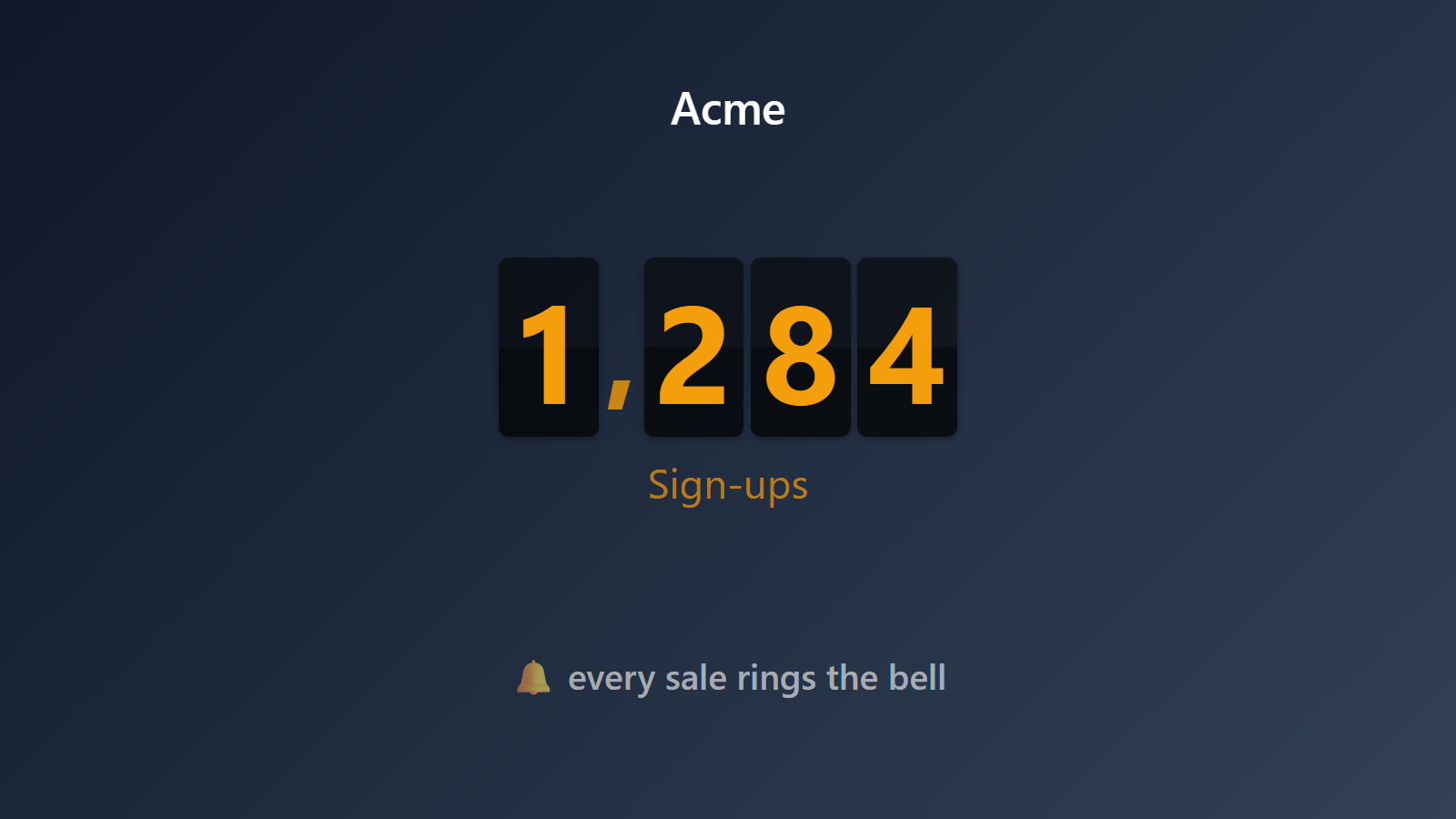
PingBell brings the wins forward. A live counter on the office TV, the front-desk monitor, or the volunteer-coordinator’s wall ticks up every time a new person says yes. The team feels the momentum. Donors feel it too. Community starts to look like a number that’s growing in real time.
Who this is for
- Nonprofit volunteer coordinators running ongoing recruitment and shift signups.
- Schools and PTAs organizing event volunteers across the year.
- Religious organizations tracking ministry signups, small-group joins, or service-team commitments.
- Civic and political campaigns counting volunteer pledges and shift signups.
- Festival and event organizers running large-scale volunteer pools.
How PingBell solves it
Works with the signup tools you already use. SignUpGenius, VolunteerHub, Bloomerang Volunteer, Galaxy Digital, Track It Forward, or a humble Google Form / Typeform — they all support either Zapier or webhooks. PingBell counts each new signup as it lands.
Counter for the right unit. Volunteer headcount, shifts confirmed, total hours pledged, dollar-value of donated time — pick whichever number tells the story your team needs to see.
Goals and milestones. Set a goal for a specific drive (200 volunteers for the festival, 50 mentors for the program, 1,000 hours for the year) and the counter shows progress toward it. Hitting milestones triggers celebrations on the screen.
Multi-program tracking. Run separate counters per program — youth mentoring, food pantry, fundraising team — all rotating on the same office TV. Or aggregate them all into one organization-wide counter.
Setup in 5 minutes
- Create a counter. Name it (“Volunteers this month” or “Saturday shift signups”), set a goal.
- Connect it to a source. Zapier trigger from your volunteer-management tool, Typeform, Google Form, or signup page. Or POST to the source’s webhook URL from a custom flow.
- Install the PingBell mobile and TV apps. iOS, Android, Apple TV, Fire TV, Android TV, or Roku.
- Pair the office screen. Open the TV app — it shows a short pairing code. Enter it on the Screens page at my.pingbell.io (or scan the QR).
- Cast the board. Watch your community show up.
Pricing for this use case
A single nonprofit fits on the Plus plan at $50/mo (billed annually; $75 month-to-month) (up to 50 paired screens, one rotating channel). Larger orgs showing different programs or chapters on different screens: Team at $200/mo (billed annually; $300 month-to-month) with unlimited channels and a team of five. Registered nonprofits get 10% off annual plans — email [email protected].
See full pricing.
FAQ
Which volunteer-management platforms can I connect?
Anything with Zapier or webhooks. Specifically supported: SignUpGenius, VolunteerHub, Bloomerang Volunteer, Galaxy Digital, Track It Forward, Volgistics, Better Impact, plus any Typeform / Google Form / Jotform / custom signup form.
Can I count hours instead of headcount?
Yes. If your tool tracks pledged or logged hours per signup, set the counter to sum hours. Useful for “total hours donated this year” goals.
Can we set program-specific counters?
Yes. Filter signups by program tag in the counter source config. Run unlimited counters per program, all rotating on the same TV.
Do volunteers see the counter?
Up to you. Office-internal use is most common (staff motivation). Some orgs put the counter on a public lobby TV as community visibility — “join our 312 volunteers”. Both work.
Reset cycles?
Daily, weekly, monthly, per-event, or never. Set the rhythm that matches the program. Most ongoing programs use monthly; specific drives use a one-shot counter that runs for the duration.
Can the counter trigger emails or texts at milestones?
Yes, indirectly. PingBell sends webhooks on milestone events; pipe them into Mailchimp / Twilio / Slack via Zapier. “When we hit 50 volunteers, send a thank-you to all current volunteers.”
Get started
Start a free 7-day trial. Connect your volunteer source. Pair the office TV. The next person who says yes will land on the wall.