
Make reliability visible to the whole engineering team.
Reliability is the work that’s invisible until it breaks. The team that keeps the platform up never gets to feel the win — the dashboard nobody opens shows green, the on-call rotation rolls over quietly, and the work disappears into the background. Then one bad night happens and everyone pays attention.
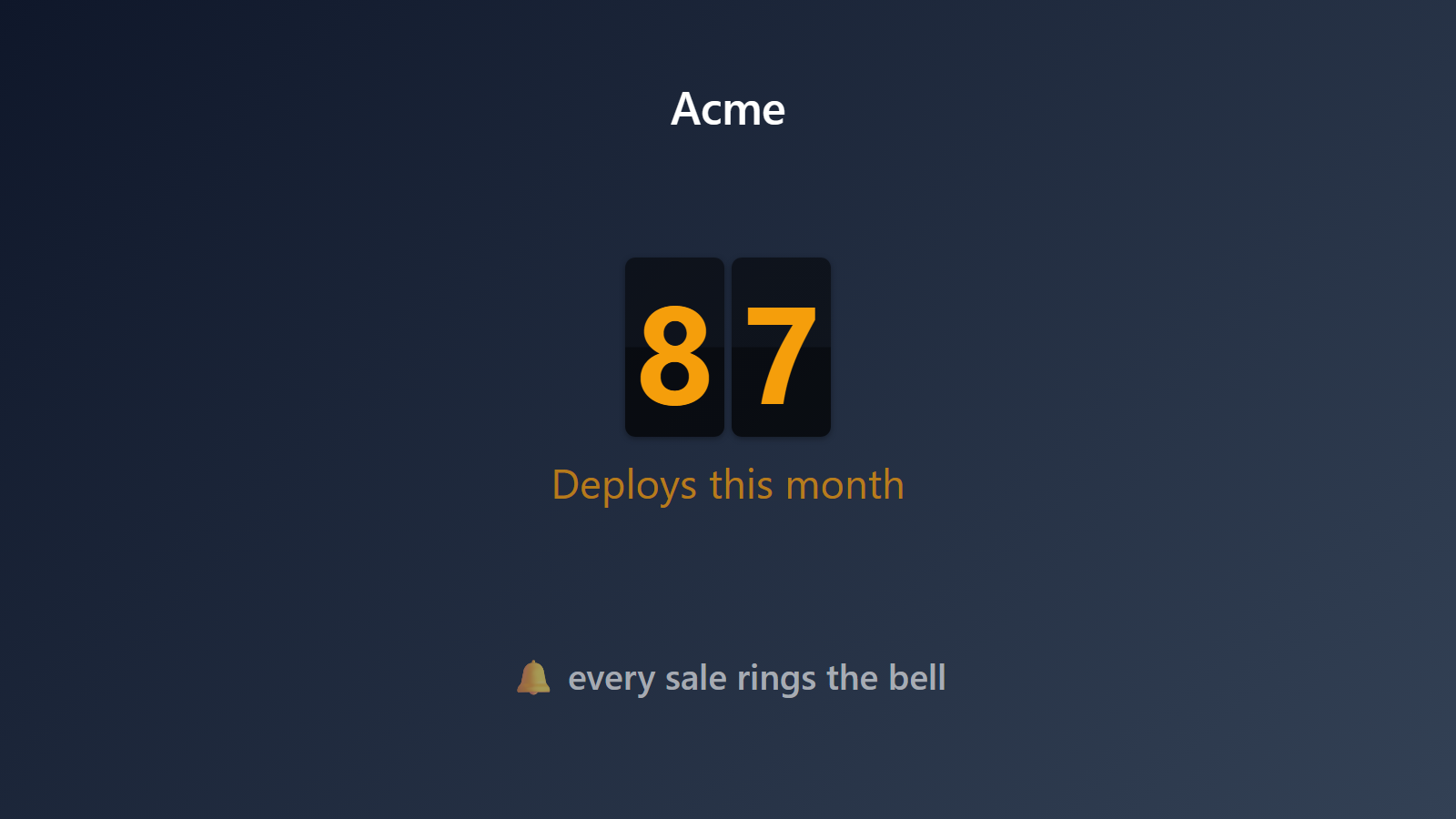
PingBell flips that. A live counter on the engineering team TV shows days since the last incident, current uptime percentage, or open vs. resolved incidents — whatever number the team chose to chase. The work becomes visible while it’s working. The team starts to feel the streak instead of just the breaks.
Who this is for
- SRE and platform teams running production infrastructure on AWS, GCP, or Azure.
- Engineering managers wanting their team to feel the wins of a quiet quarter.
- DevOps teams running multi-service architectures with PagerDuty, Opsgenie, or Incident.io.
- Hardware and IoT teams tracking device fleet uptime.
- B2B SaaS engineering orgs publishing customer-facing status pages.
How PingBell solves it
Connect your incident-management tool. PagerDuty, Opsgenie, Incident.io, FireHydrant, Statuspage — each one fires events when an incident opens, escalates, or resolves. Webhook them into PingBell and the counter reflects current state in real time.
Days since last incident. A streak counter that resets when a new incident opens. The team watches it climb. Hitting 30 days for the first time is a moment everyone can see.
Open incidents counter. A live count of currently-open incidents. Drops as the team resolves things. A satisfying decrement every time on-call closes one out.
Uptime percentage. Pull from Statuspage, Better Stack, or your own monitoring. Display the rolling 30-day or 90-day uptime as a single big number on the wall.
Per-service or per-region counters. Multi-service teams can run separate counters per service. Multi-region teams can roll up regions or split them.
Setup in 5 minutes
- Set up a counter. Name it (“Days since last incident” or “Current uptime”), pick the metric, set a goal (e.g., “30 days”).
- Connect it to a source. Webhook from your incident-management tool (PagerDuty, Opsgenie, Incident.io). Or pipe Statuspage / Better Stack uptime data via Zapier.
- Install the PingBell TV app on the engineering team’s TV — Apple TV, Fire TV, Android TV, or Roku. It shows a short pairing code.
- Pair the screen. Enter the code on the Screens page at my.pingbell.io (or scan the QR).
- Cast the board. Watch the streak grow.
Pricing for this use case
A single team fits on the Plus plan at $50/mo (billed annually; $75 month-to-month) — full board designer, one rotating channel for the team TV, and screens that run on their own. Larger orgs showing different content on different screens (per-service, per-region): Team at $200/mo (billed annually; $300 month-to-month) for unlimited channels and a team of five.
See full pricing.
FAQ
Which incident-management tools are supported?
PagerDuty, Opsgenie, Incident.io, FireHydrant, Atlassian Statuspage, Better Stack (Better Uptime), Squadcast, and any tool with a Zapier integration or webhook output. For custom in-house incident systems, POST directly to PingBell’s webhook.
Can I show severity-filtered counters?
Yes. Filter the counter to count only Sev1/Sev2 events, or run separate counters per severity. Most teams run one big “any-severity” counter and a second “Sev1-only” counter.
Does it auto-reset on new incident?
Yes. The “days since last incident” counter resets to zero on the next incident-opened webhook. The “current open incidents” counter increments and decrements with each open/close event.
Can I show uptime as a percentage?
Yes. Pipe rolling uptime data from your monitoring tool (Statuspage, Better Stack, Pingdom, Uptime Robot) and PingBell renders it as a percentage with whatever decimal precision you pick.
Per-service breakdowns?
Yes. Run one counter per service and build a channel so their boards rotate on the same TV. Or aggregate them all into a “platform-wide” counter.
Will showing this make on-call feel pressured?
That’s a culture question. Many teams find the opposite — making the streak visible turns reliability into shared pride rather than a quiet thankless job. Some teams pair the streak counter with a “lessons learned” board to keep the focus on improvement, not blame.
Get started
Start a free 7-day trial. Connect your incident tool. Pair the team TV. Start counting up.